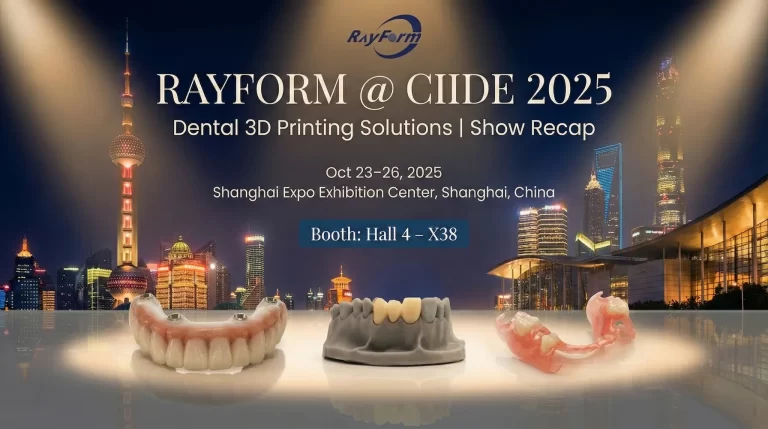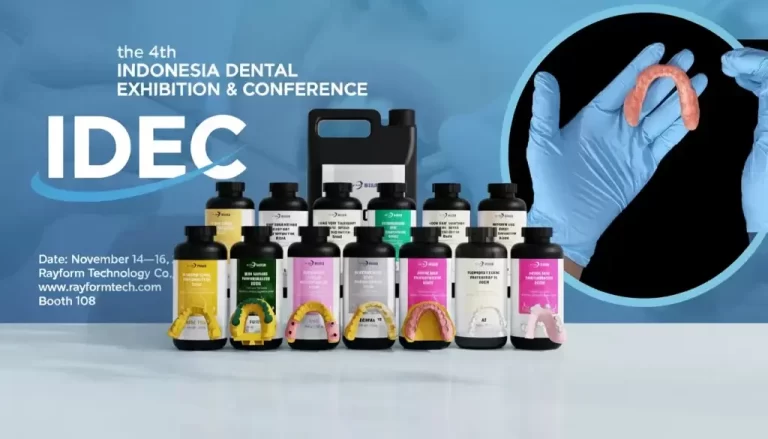
Dental South China 2026 Recap | Three Key Focuses for Dental 3D Printing from On-site Conversations
Dental South China 2026 brought the dental industry back to Guangzhou for four days of dense on-site conversations—where “digital dentistry” stops being a buzzword and becomes a practical question: what can you run every day, with predictable accuracy, stable outcomes, and controllable cost?
This recap is written by RayForm (锐沣) as an analytical post-event takeaway. Instead of listing everything we displayed, we summarize the three recurring focus areas we heard across booth conversations with labs, clinics, distributors, and production teams building dental 3D printing workflows.
Quick Navigation
In this article you’ll find: a show snapshot, three focus areas with actionable checklists, and a direct mapping to RayForm solutions for dental model resins, desktop dental 3D printers, and industrial DLP mass-production systems.
The show in context: why Dental South China matters for digital dentistry
Dental South China is often treated as a practical sourcing and workflow-building expo—not only a product showcase. In the organizer’s own framing, the industry is shifting toward value creation and long-term health management, with technologies like AI-assisted diagnosis, 3D printing, and fully digital implant workflows becoming increasingly routine.
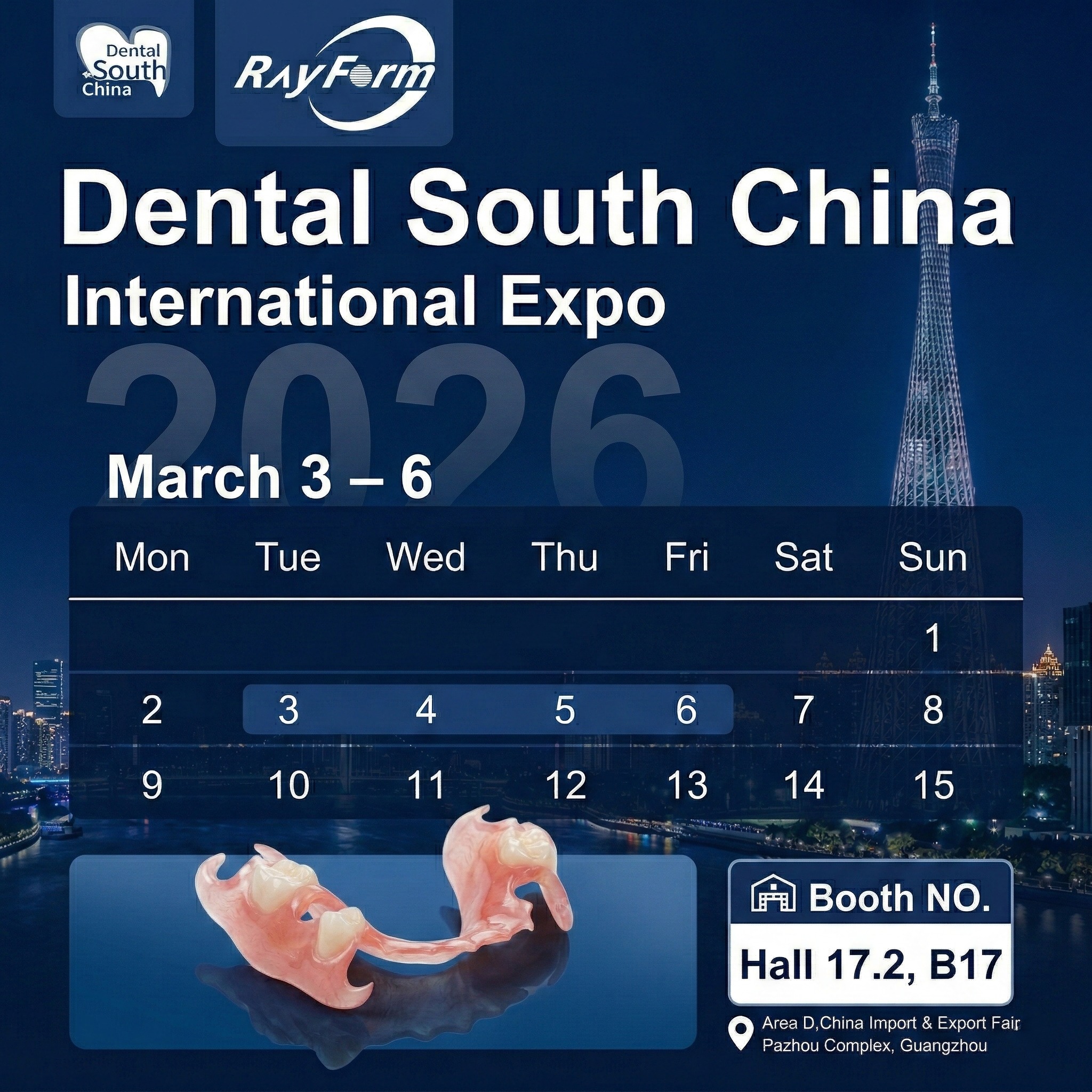
Show snapshot (for reference): The 2026 edition was held in Guangzhou at the China Import and Export Fair Complex (Area D). If you want official show information, start with the organizer’s website and its exhibitor list: Dental South China official site and Exhibitor list (English).
Note: As of publication, the organizer’s English homepage highlights the 2025 edition’s headline metrics; RayForm will update this post once finalized 2026 post-show statistics are published as an official release.
Focus: predictable accuracy and fit, not just “printability”
Nearly every serious buyer conversation returns to one question: Can I get the same fit and surface quality tomorrow, next week, and next month—across shifts and operators? In dental 3D printing, “accuracy” is not a single number. It’s the combined result of resin behavior, printer performance, parameter tuning, and post-processing discipline.
What changed in 2026 conversations: fewer teams are satisfied with “it prints.” More teams want predictable workflow output—especially for implant models, orthodontic models, guides, splints, and crown & bridge workflows where downstream steps expose small variations.
What “accuracy” means on the lab floor
In real production, accuracy is commonly judged by outcomes like: stable die geometry, consistent seating/fit, minimal adjustment, and repeatable results after storage and transport. That is why many buyers now ask for validation samples, parameter cards, and clear post-processing SOP—not just resin marketing claims.
A practical validation checklist buyers asked for
If you are validating a dental 3D printing workflow (or switching resin/printers), this is the simplest checklist we recommend taking back to your team:
- Define the application: model, implant model, guide, temp crowns, denture base, splint, etc.
- Lock the printer(s): model name, light engine type, and current consumables state.
- Ask for validated settings: layer thickness, exposure, lift, and cleaning/cure guidance.
- Run a small batch: measure variation across multiple builds, not one “golden print.”
- Document post-processing: wash time, solvent type, dry time, cure time/temperature.
Minimum documentation to request before scaling
Before you scale to daily production, ask your supplier for a minimum document set: TDS/SDS where applicable, validated parameters, and a change-notification habit (so you are not surprised by formula or process changes later).
Focus: open systems need verified parameters and traceable documentation
Another repeated theme: open systems are becoming the default expectation—but buyers want them to be verified, not improvised. The fastest way to lose time is to treat compatibility as a logo list rather than a controlled process.
RayForm builds its dental resin portfolio around open-material compatibility and provides a printer parameter pathway to help teams find validated settings by printer brand and model.
Open-material expectations are rising
On the resin side, the market is moving toward specialized materials mapped to specific applications (models, surgical guides, casting, gingiva masks, temp crowns, splints, and more). The more specialized the resin, the more important validated parameters and post-processing become.
If your workflow is model-heavy, start from a dedicated dental model resin page and its application index: RayForm dental resin portfolio (model-first entry).
How to evaluate printer–resin compatibility in the real world
Instead of asking “Is it compatible?”, ask “Has it been validated for my printer model and application?” A useful sign is the existence of a searchable parameter database and a support channel that can troubleshoot failure modes from real cases.
RayForm provides a Printer Parameter Database and a Support Center with downloadable dental resin parameter files and TDS resources for common dental applications.
Where a parameter database saves the most time
In on-site conversations, parameter questions tend to cluster around: switching between printer brands, scaling from a single printer to a fleet, and reducing rework caused by inconsistent post-processing. A validated parameter path shortens trial cycles and improves repeatability.
Focus: scaling is about throughput, automation, and uptime
The third focus is the most operational: scaling success is not only about speed. Production teams care about throughput per shift, uptime, consumables stability, automation, and how fast a workflow recovers when something fails.
When desktop printers are the right answer
Desktop systems remain the most flexible option for many labs and clinics—especially when you need quick iteration, multi-application coverage, and a manageable footprint. In RayForm’s desktop lineup, the positioning is “open system” with high precision for lab and chairside usage.
If your workflow is primarily labs and clinics, see: RayForm desktop 3D printers.
When automated DLP lines become necessary
When you move into mass production (for example, aligner model production lines), the questions shift sharply: automated removal, auto-refilling, production management/control, and the ability to run long hours consistently.
RayForm’s industrial DLP positioning highlights automated production features and is designed for high-throughput workflows: RayForm industrial DLP solutions.
Questions that reveal true mass-production readiness
Ask these questions before you commit to scaling hardware:
- What is the expected throughput under your quality standard (not “max speed”)?
- What are the key consumables and replacement cycles?
- How do you manage resin consistency and refilling?
- Is there a production management/control approach for a fleet?
- What is the support SLA for downtime?
What RayForm shared at Dental South China: mapping the focuses to real solutions
RayForm’s conversations at DSC 2026 clustered around the same practical needs described above—repeatability, validated open systems, and scaling production. The simplest way to map those to RayForm’s offering is to follow the workflow chain below.
Materials
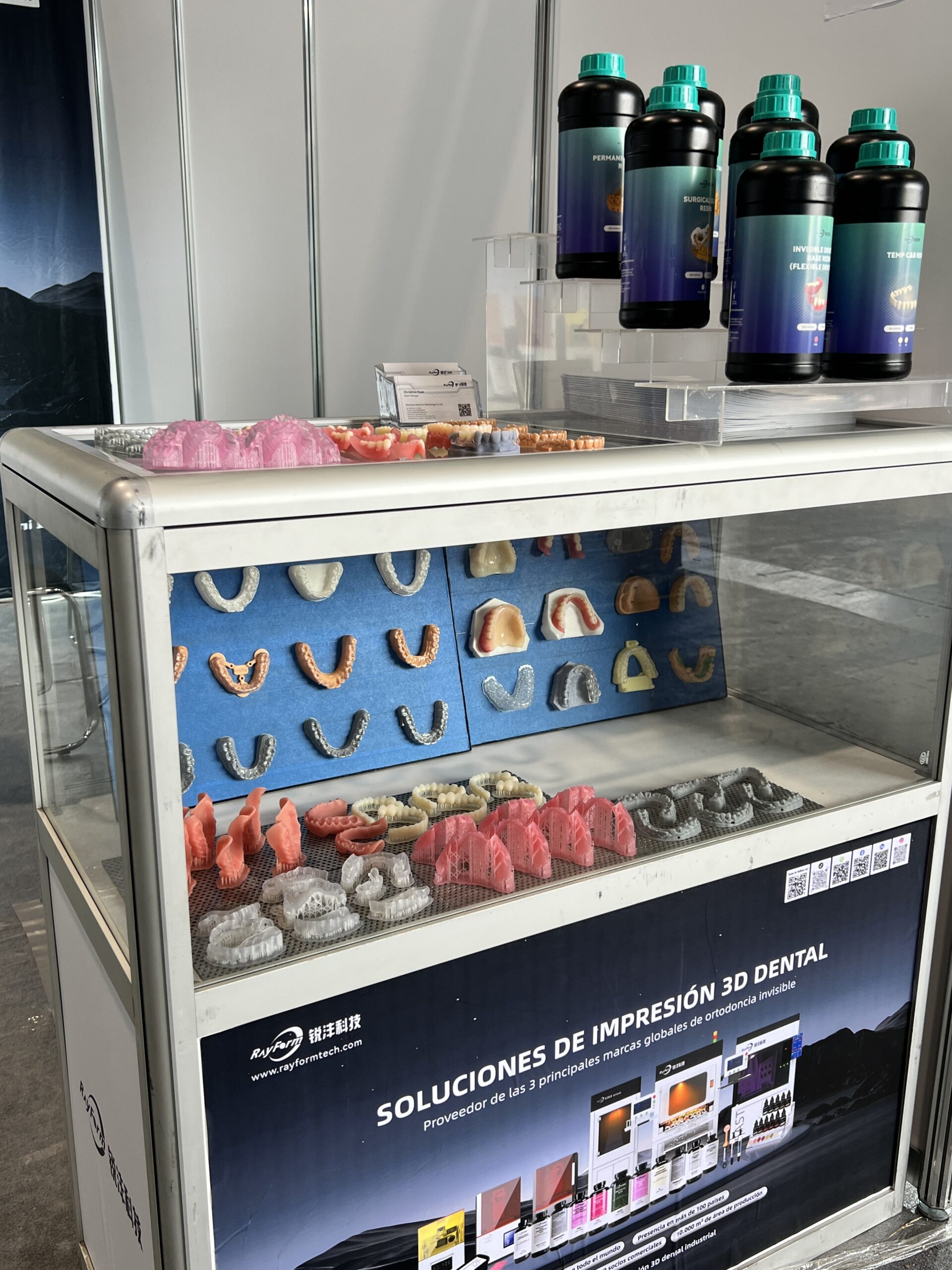
Start with application-matched dental resins—especially for model workflows that drive throughput.
Explore dental model resinsDesktop Production
For labs and clinics building flexible workflows, desktop printers act as the “workhorse layer”.
Explore desktop printersMass Production
For aligner model lines and high-throughput environments, industrial DLP is built around automation.
Explore industrial systemsEvent Gallery
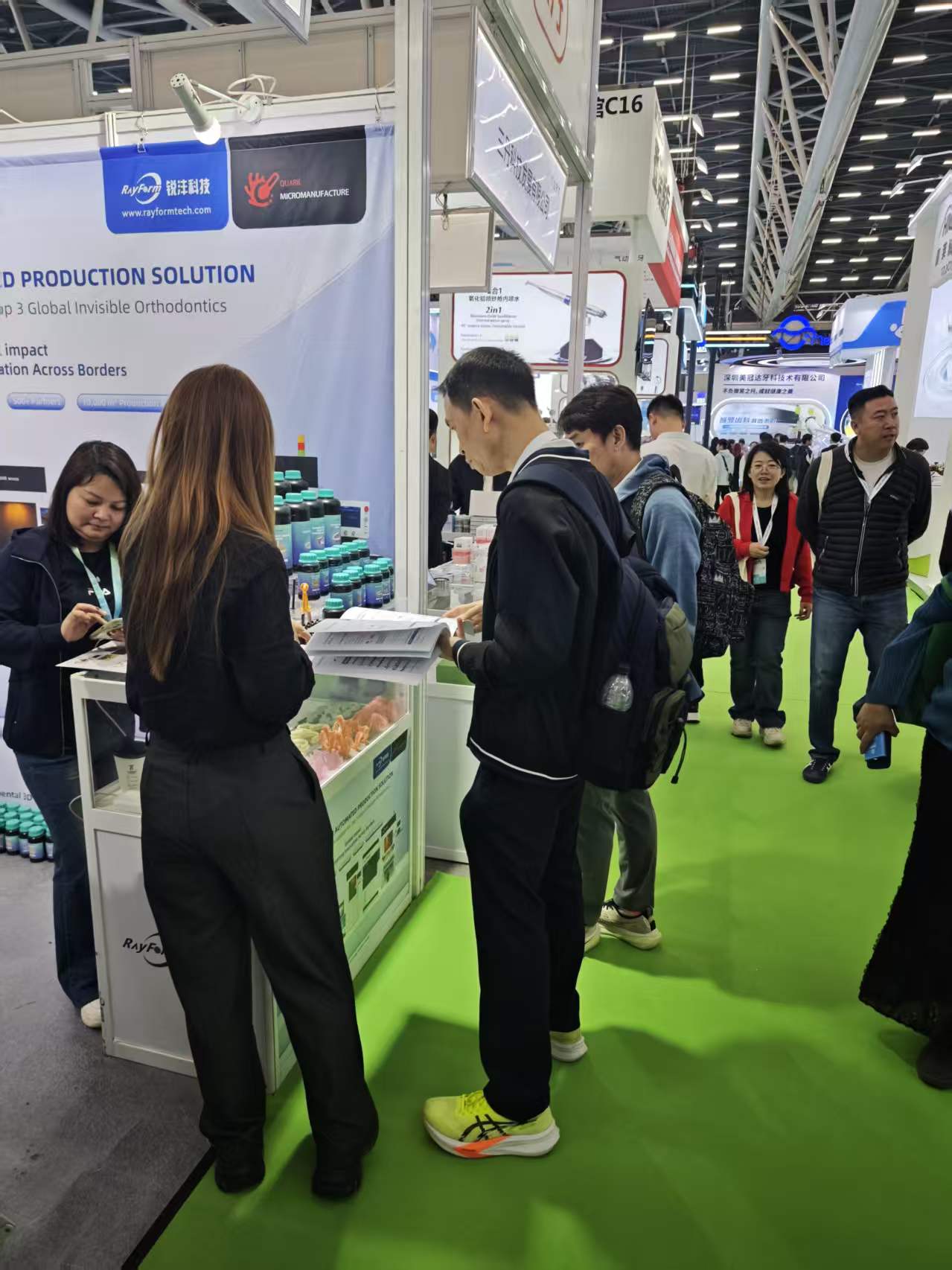
Booth Interactions
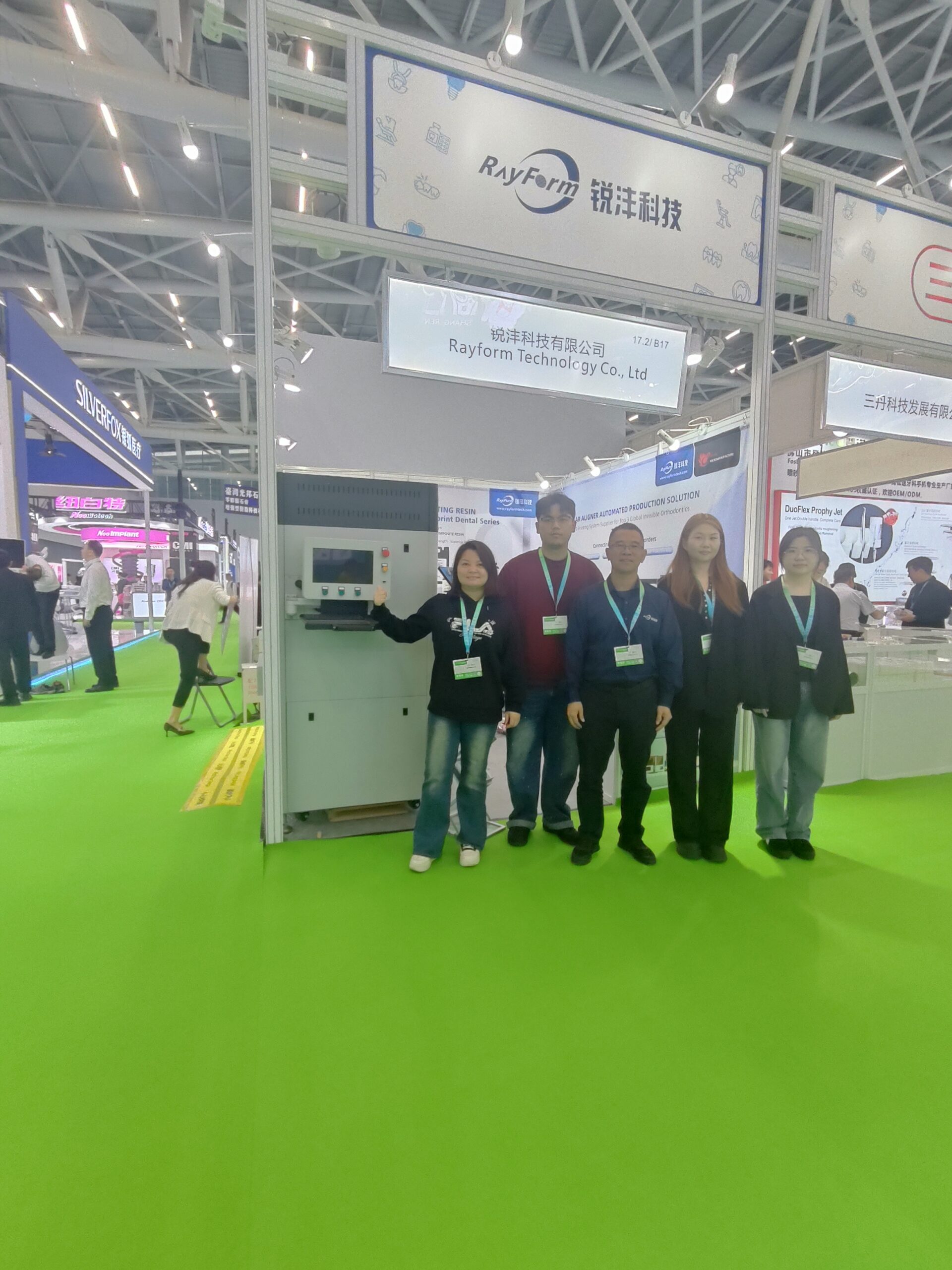
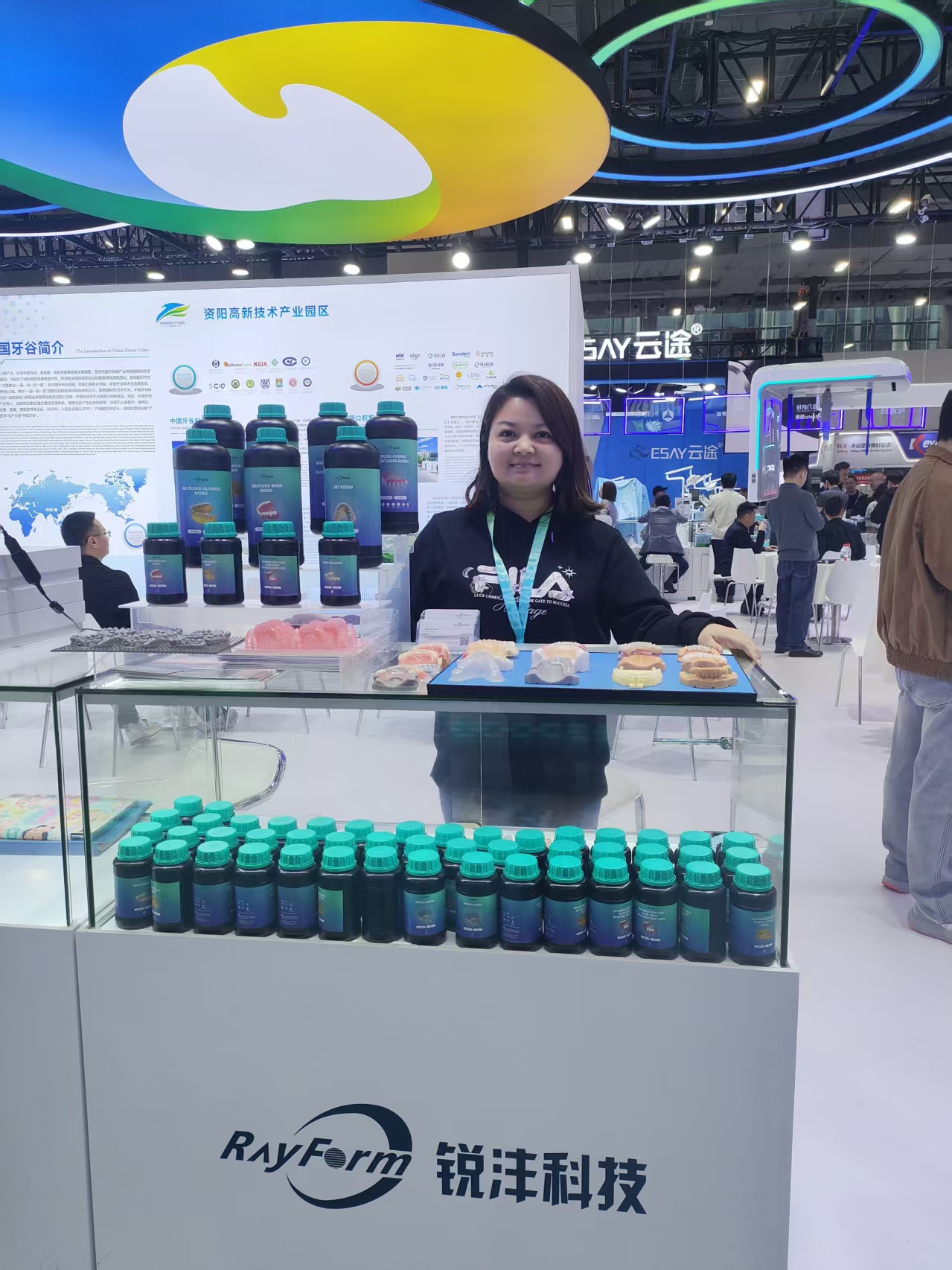
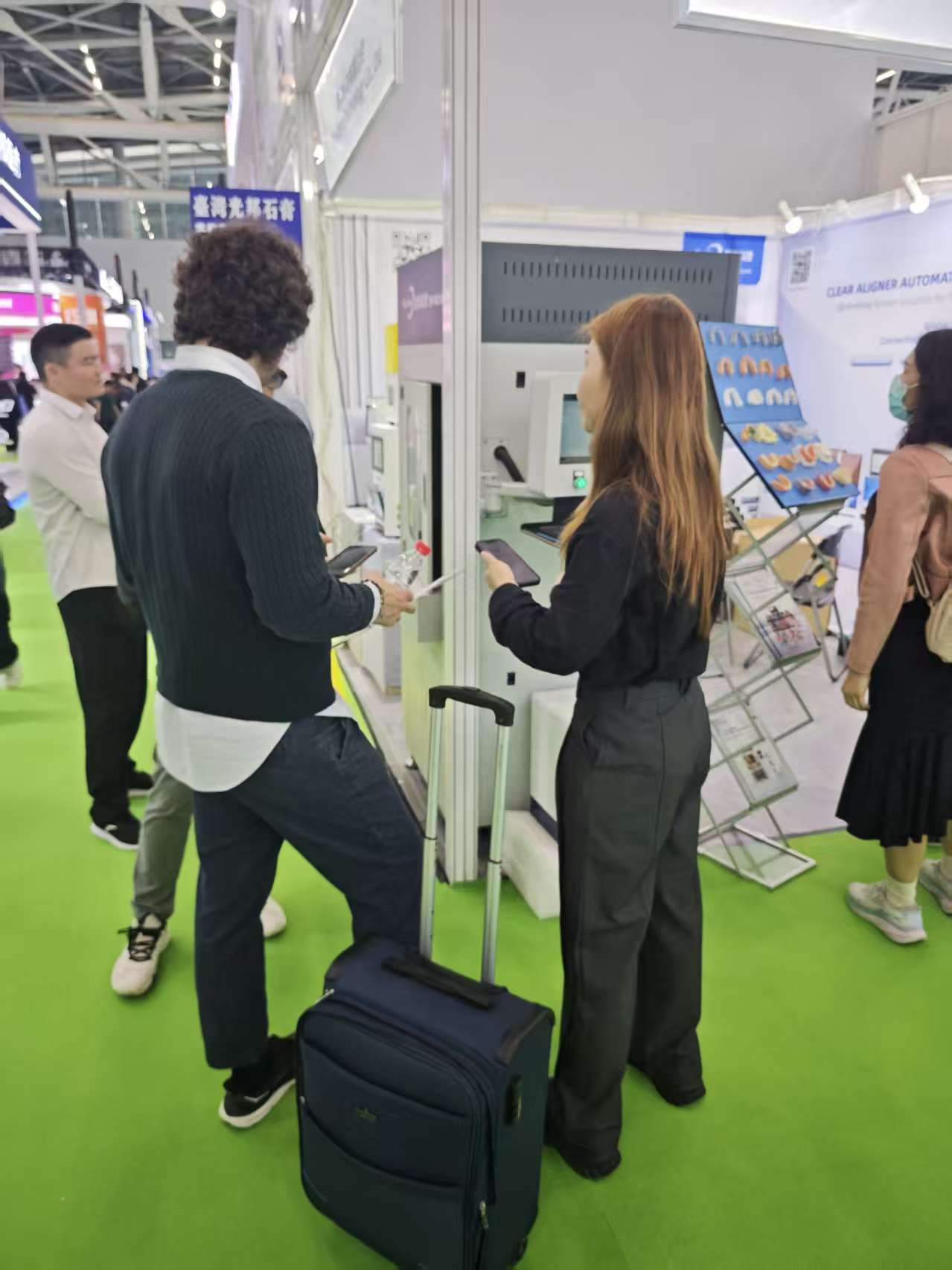
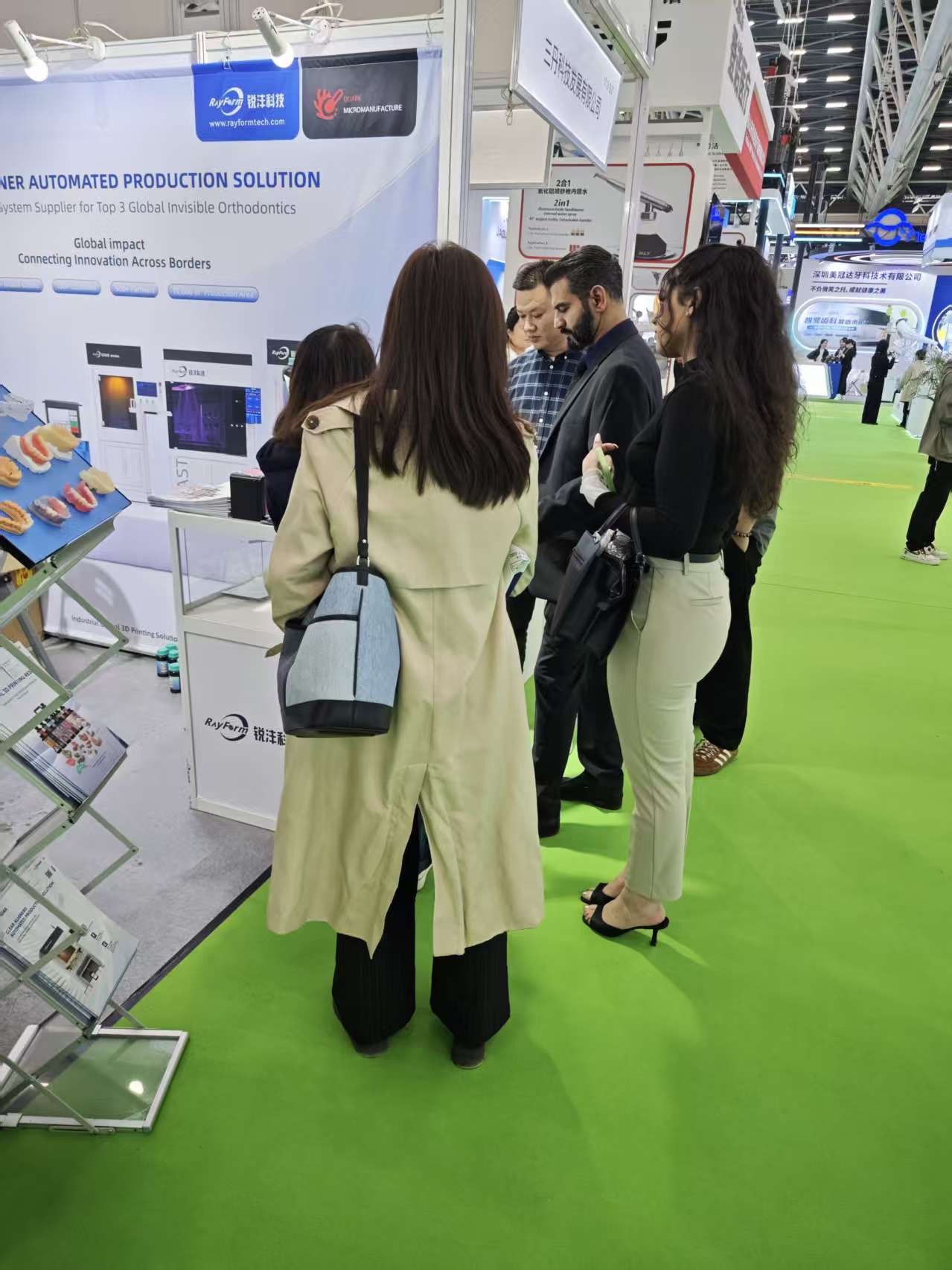
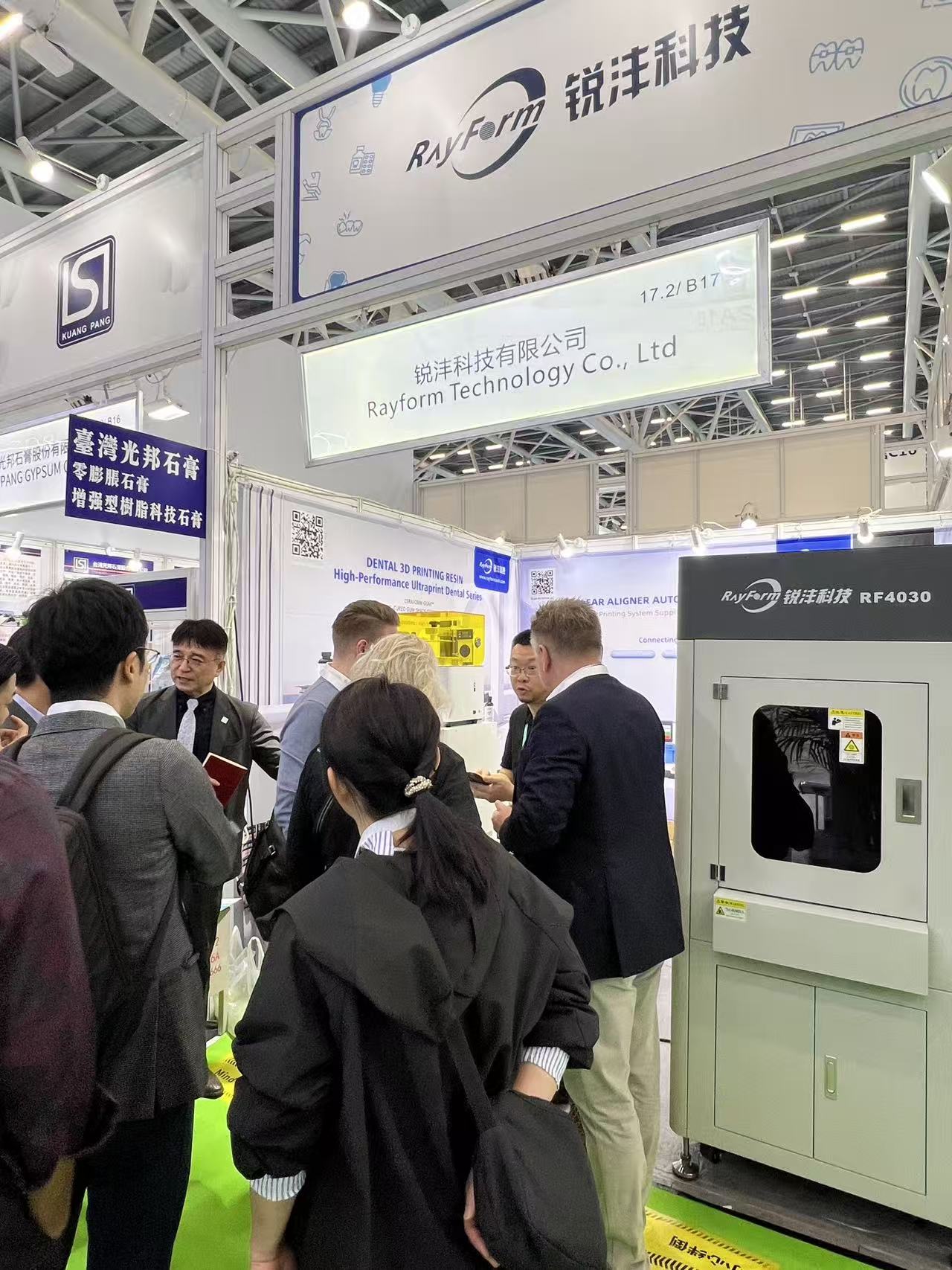
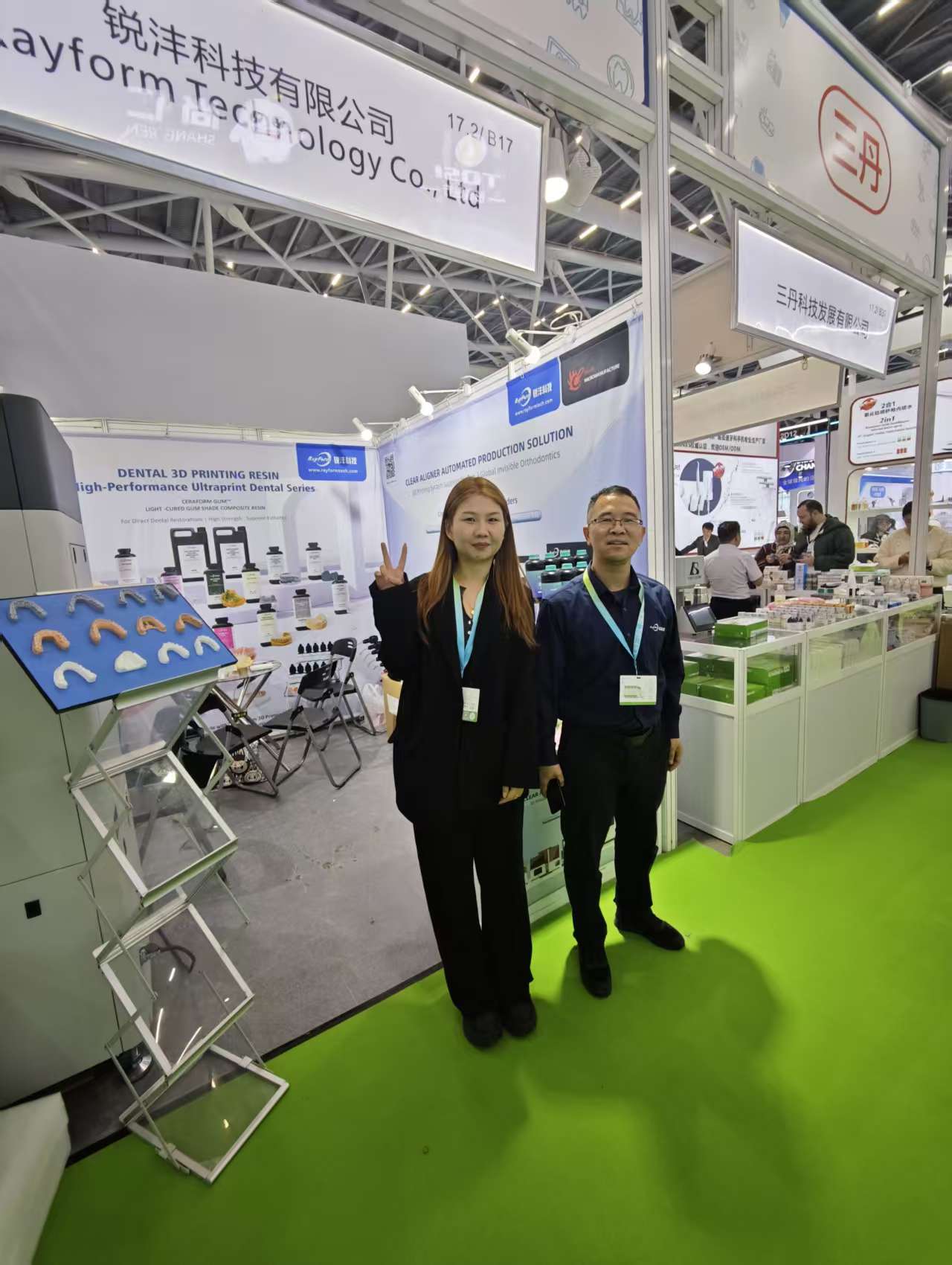
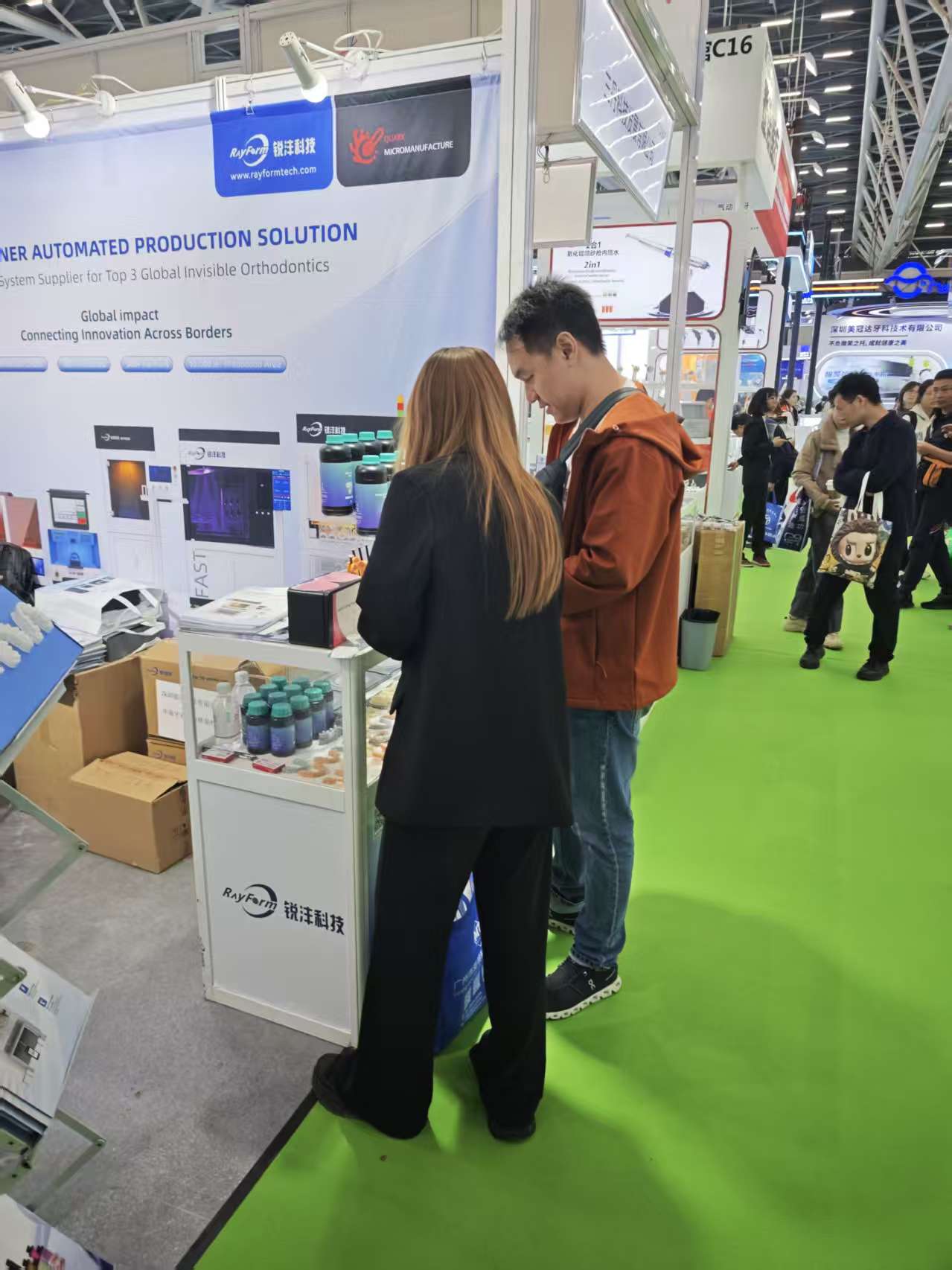
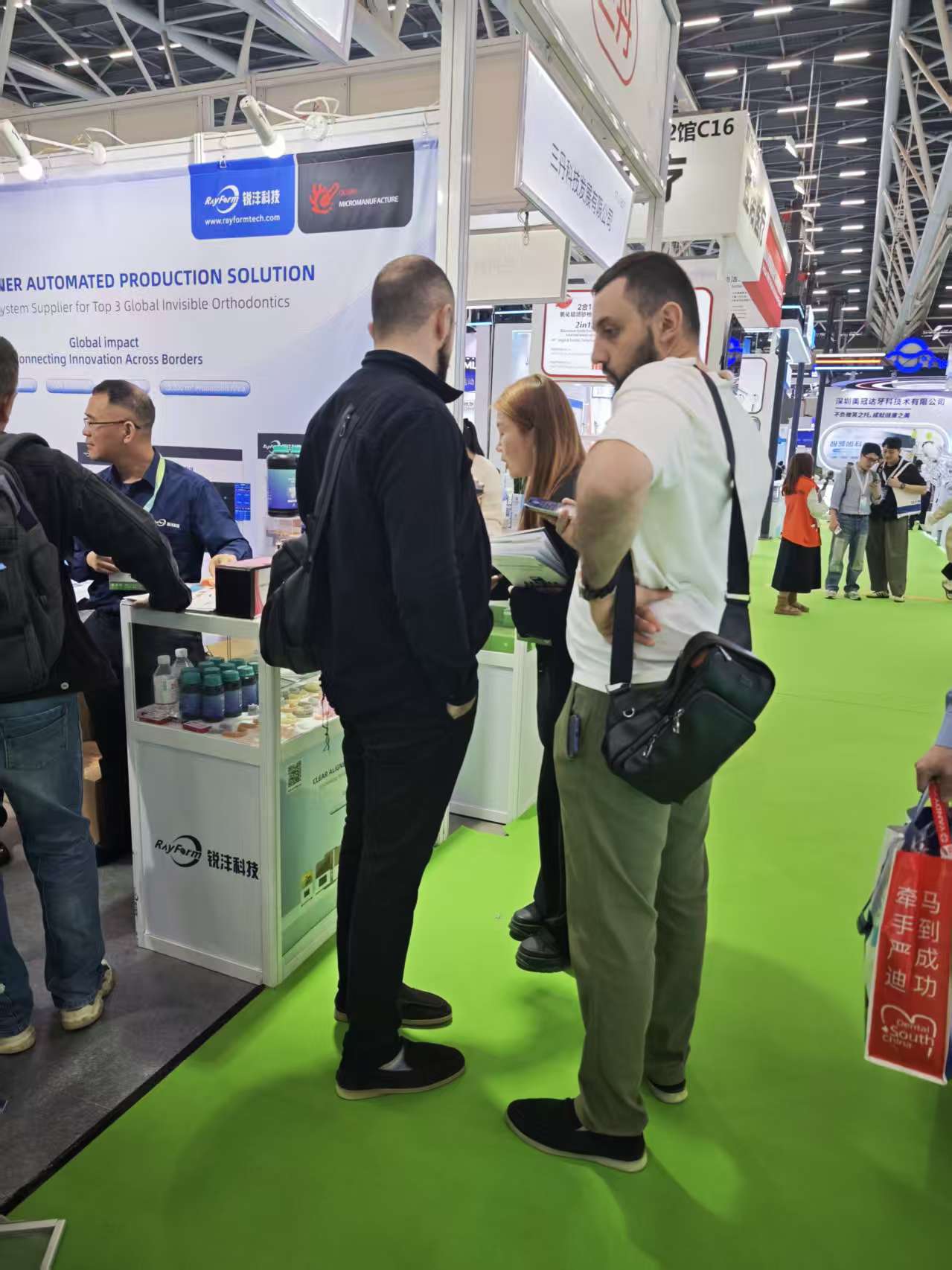
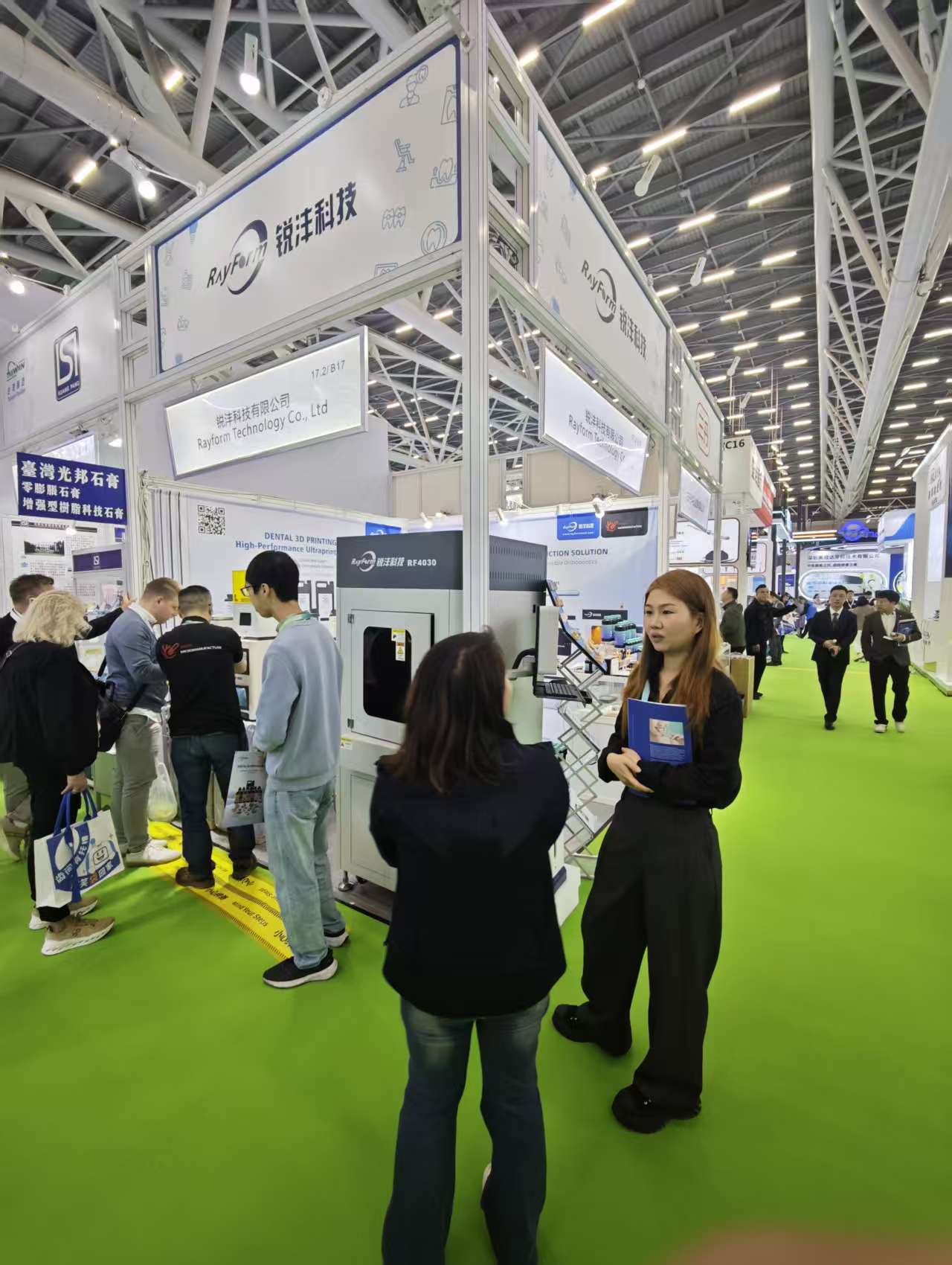
Thanks to all who visited RayForm. Click any image to enlarge.
Next steps: how to continue the conversation with RayForm
If you want a faster validation cycle, the best next step is to share your top application, printer model, and volume target. Our team can then recommend a starting material + parameter direction and help you define acceptance criteria for your workflow.
FAQ: Common questions we heard at the show
What dental applications are most commonly scaled with 3D printing today?
Is an “open system” automatically easier?
When should I move from desktop printers to industrial production systems?
Disclaimer: This article is for informational purposes and does not replace professional clinical judgment, regulatory requirements, or manufacturer instructions for use.