Dental resin systems · LCD / DLP
Dental 3D Printing Resins for Lab Production
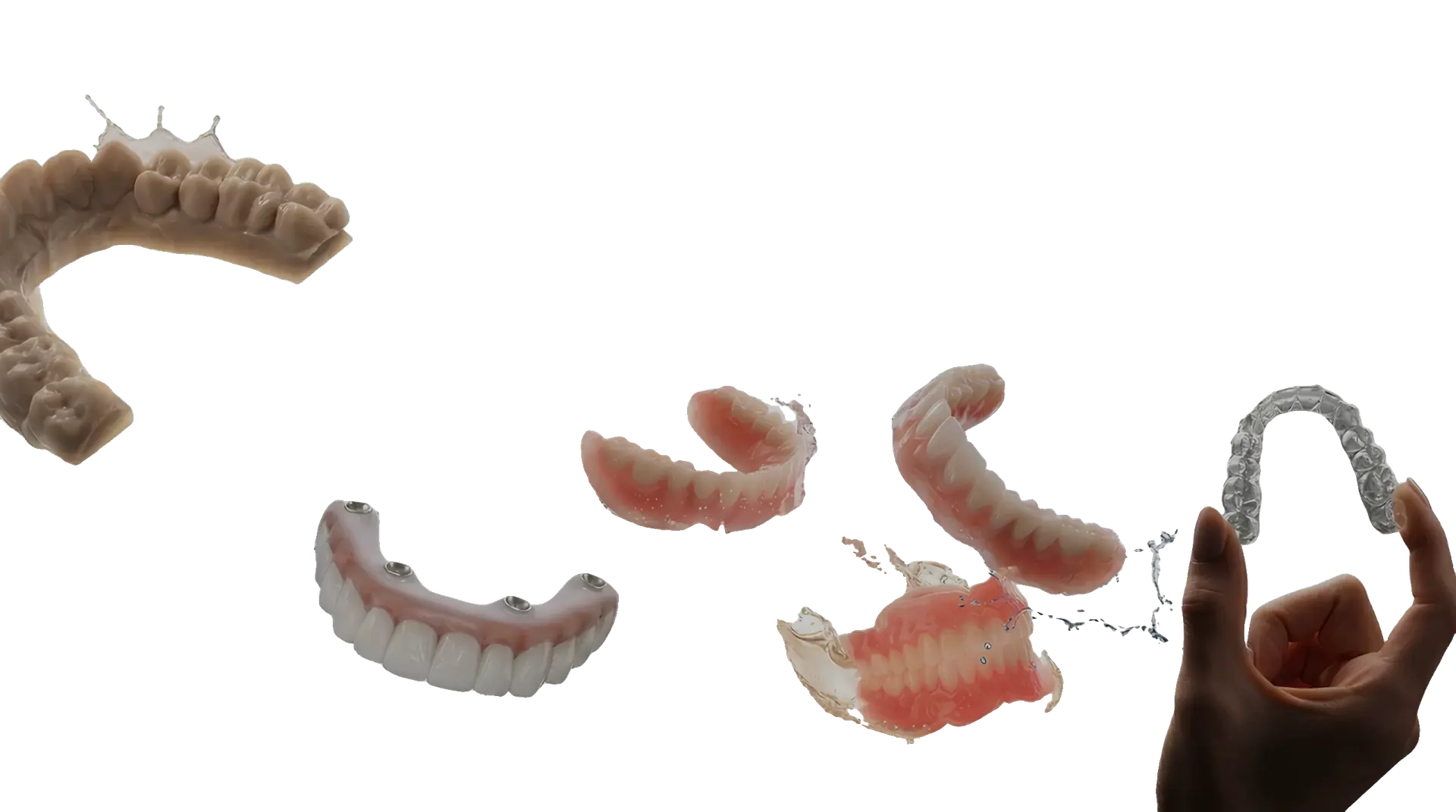
16 purpose-built resins for repeatable dental production. Covering models, surgical guides, casting, denture bases, crowns, splints, aligner and IBT workflows, formulated for open LCD and DLP systems.
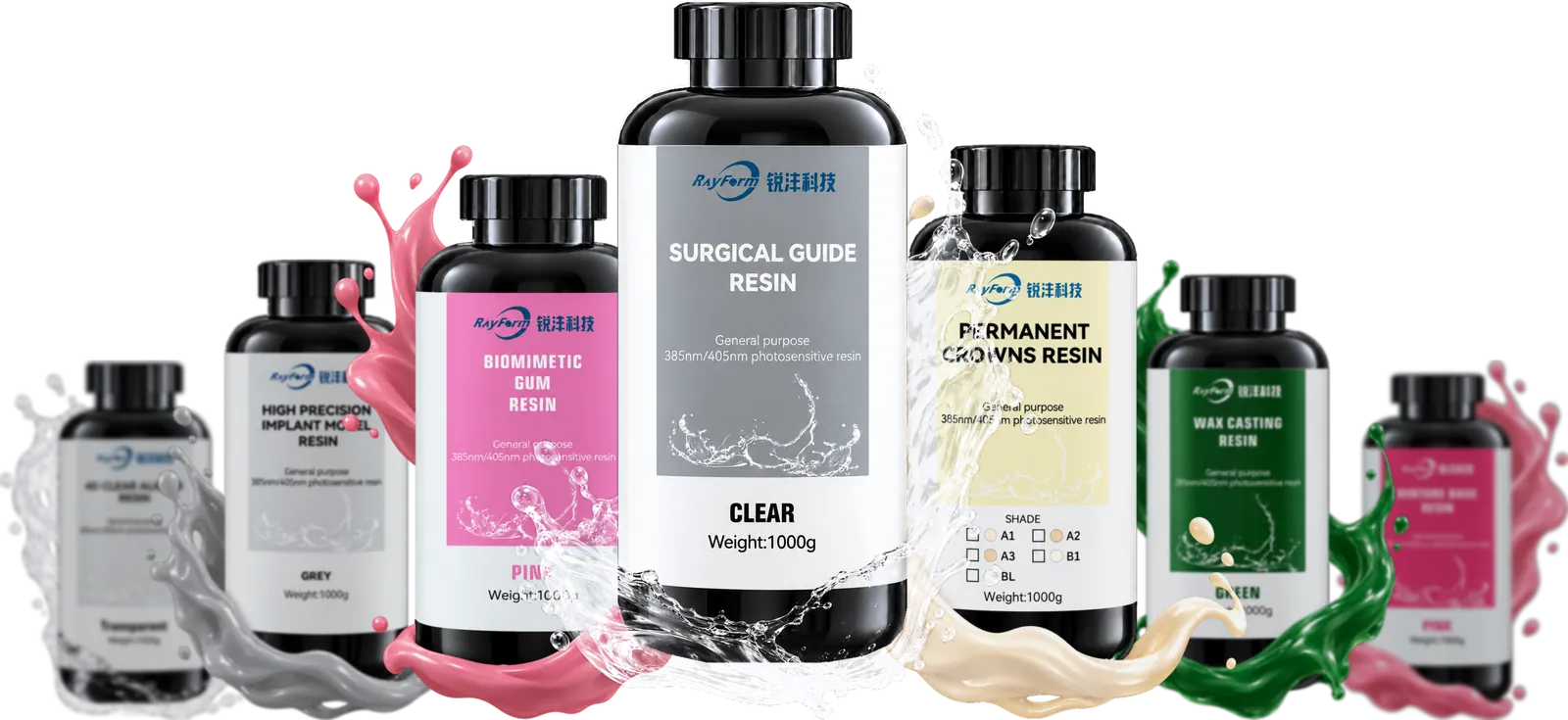 Product visualization
Materials & equipment catalog
The full RayForm portfolio in one PDF
Explore dental resins, aligner sheets, restorative materials, and equipment in one catalog.
View full catalogOpen system compatibility
Works with mainstream LCD & DLP printers
- Phrozen
- Anycubic
- Elegoo
- ASIGA
- Shining 3D
- Ackuretta
- Flashforge
- CREALITY
- RAYSHAPE
- PRODWAYS
- MiiCRAFT
- Photocentric
- Uniz
- + More
All trademarks are property of their respective owners.
Material portfolio
Find a dental resin by application
Filter by workflow, compare the TDS color and hardness, then open the product page for full properties and printer settings. Starting parameters for many printers are in the printer parameter database.
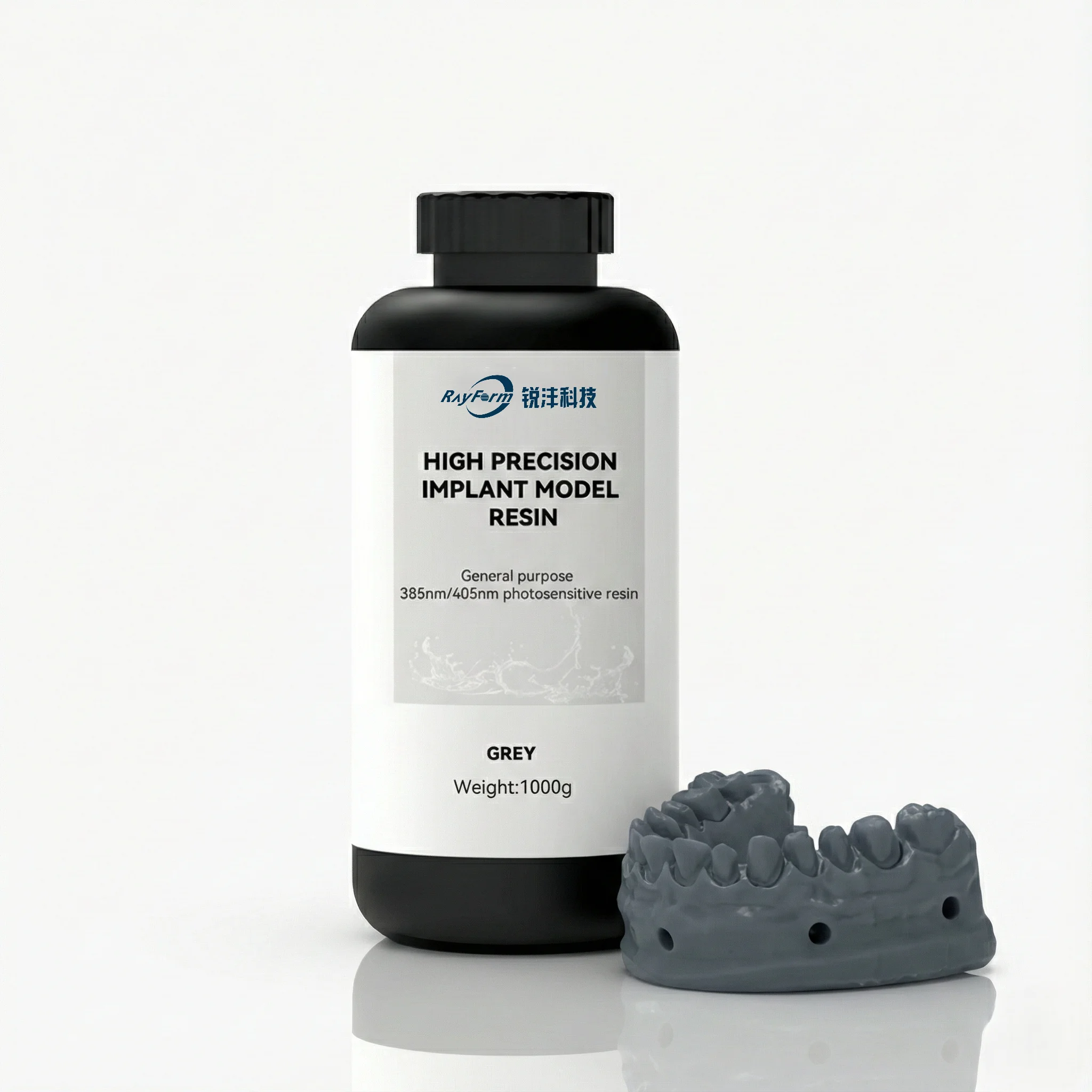
High Precision Implant Model Resin
Dental working models, including orthodontic appliance and pressure-forming models.
- TDS color
- Yellowish-brown
- Shore D
- 83
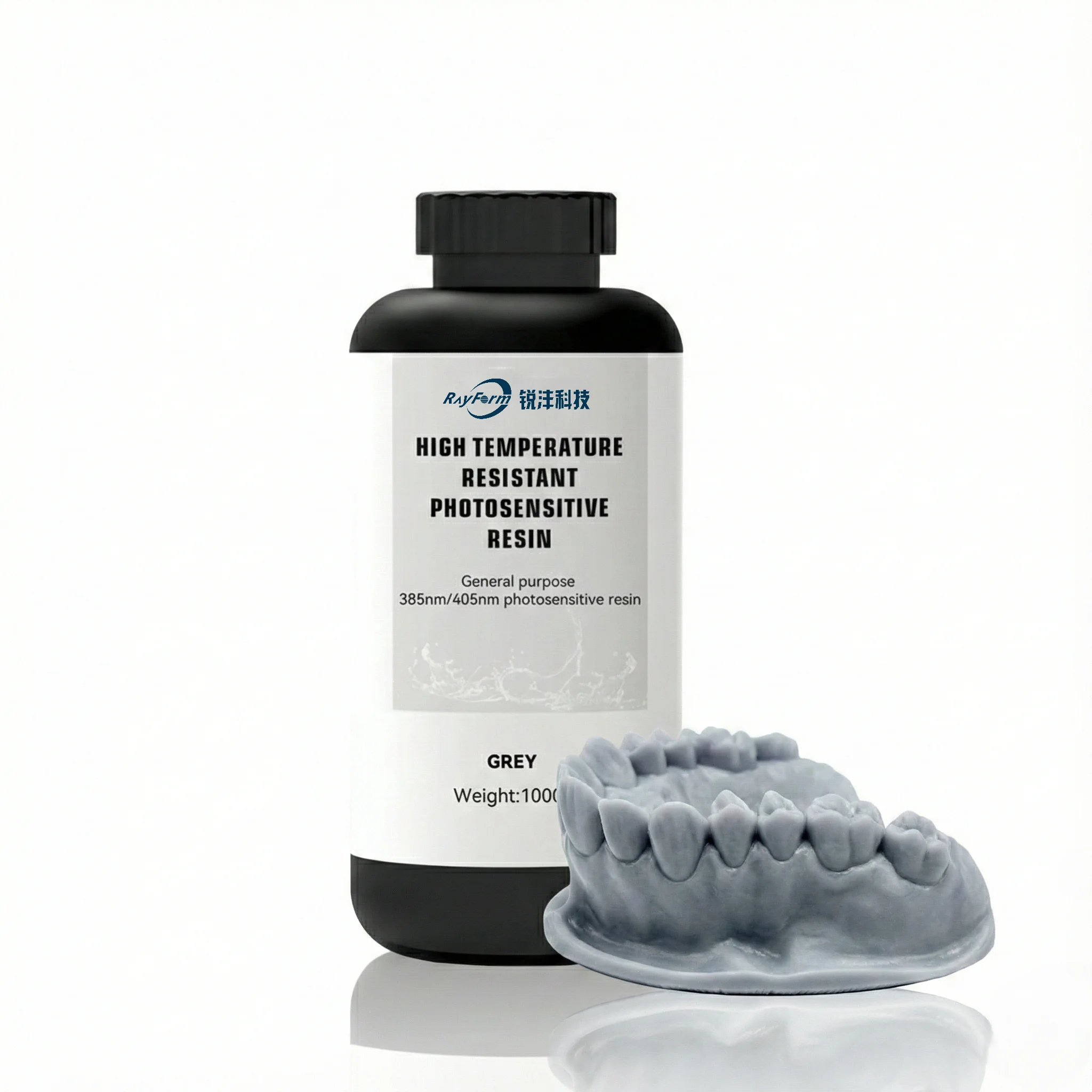
High-Temperature Dental Model Resin
High-temperature dental models for hot-pressing workflows.
- TDS color
- Milky white
- Shore D
- 83–87
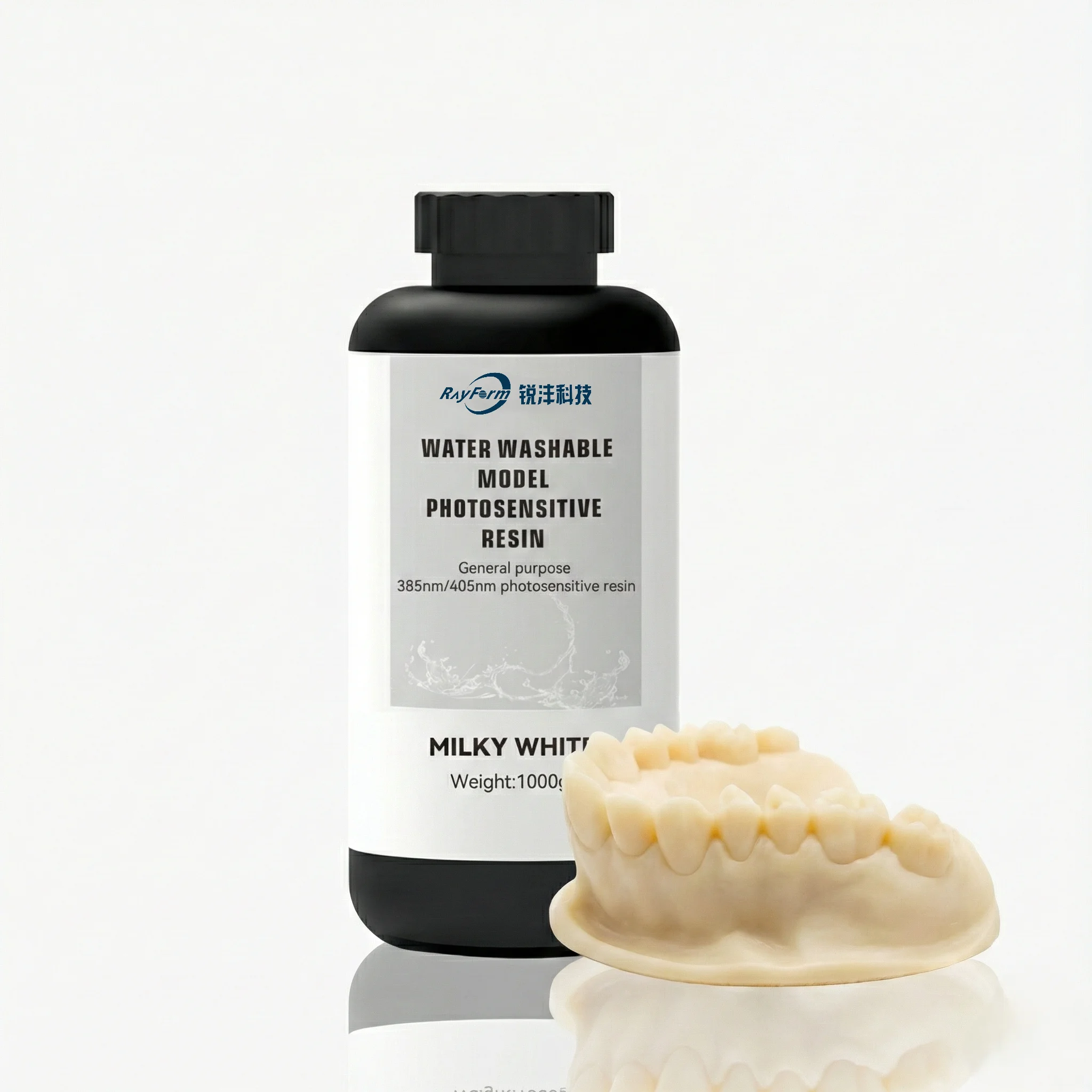
Water Washable Dental Model Resin
Dental models where tap-water cleaning is a priority.
- TDS color
- Gray
- Shore D
- 85
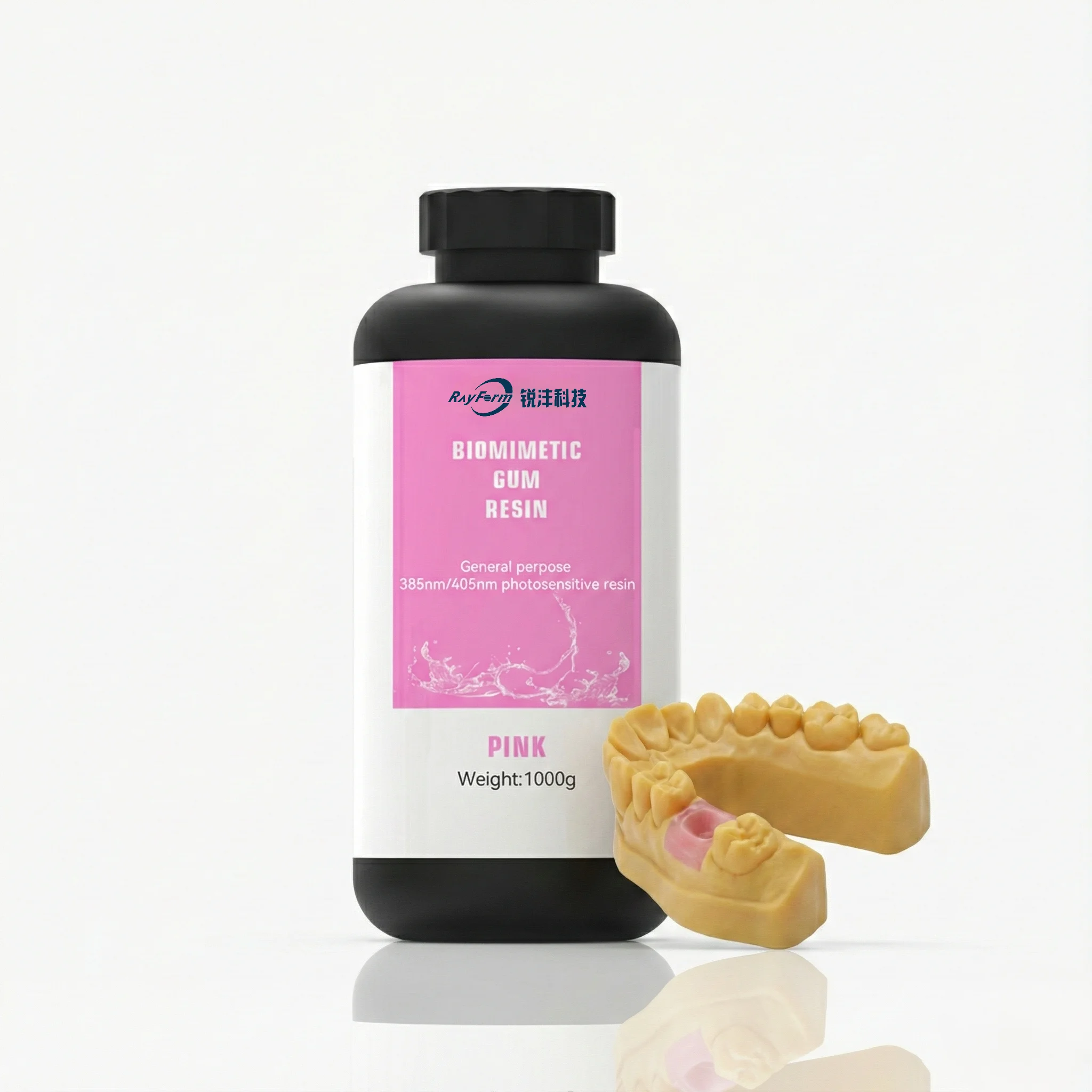
Gingiva Mask Resin
Red gingiva masks for dental models.
- TDS color
- Red
- Shore A
- 70
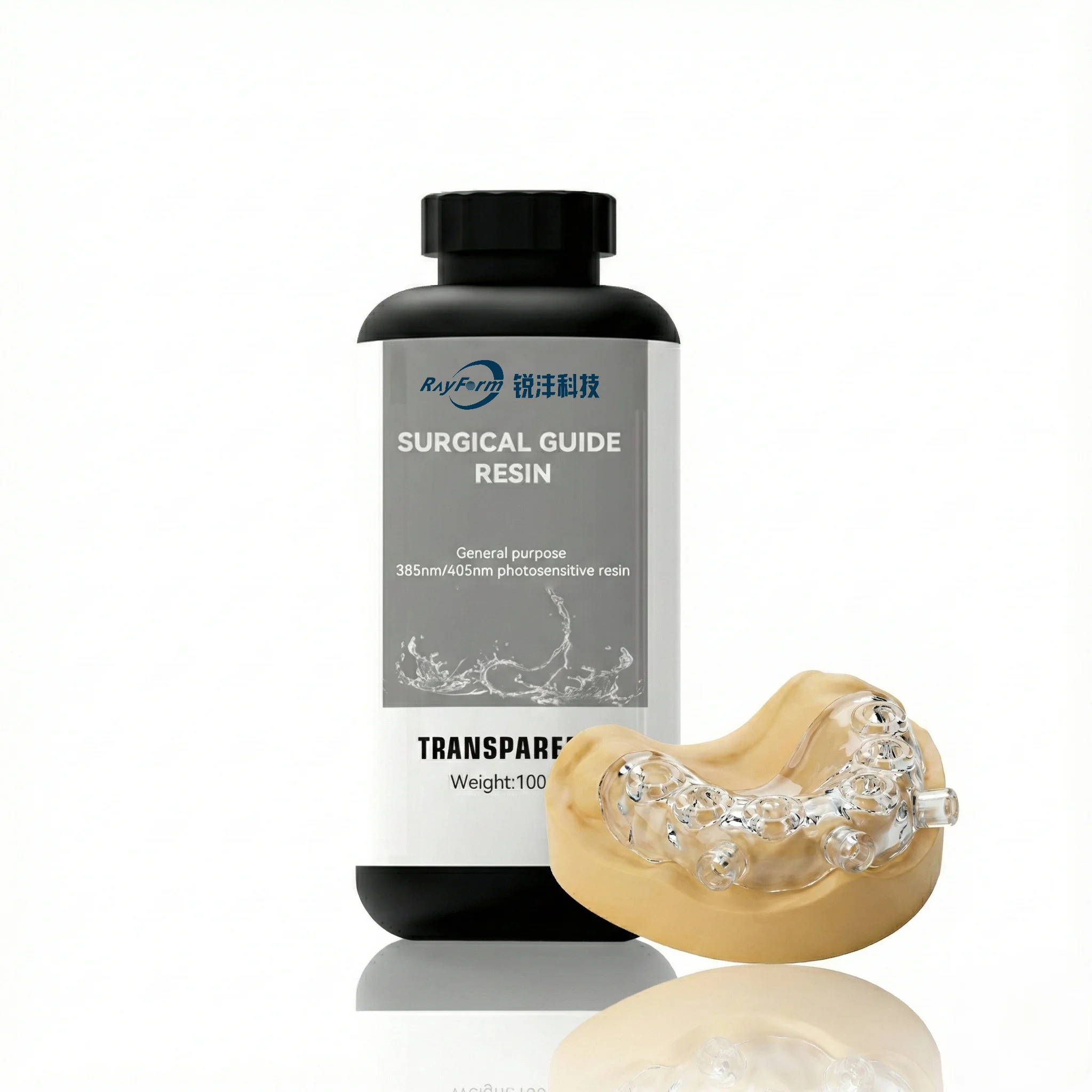
Surgical Guide Resin
Surgical guides; the TDS describes a colorless, transparent appearance after molding.
- TDS color
- Clear
- Shore D
- 83–87
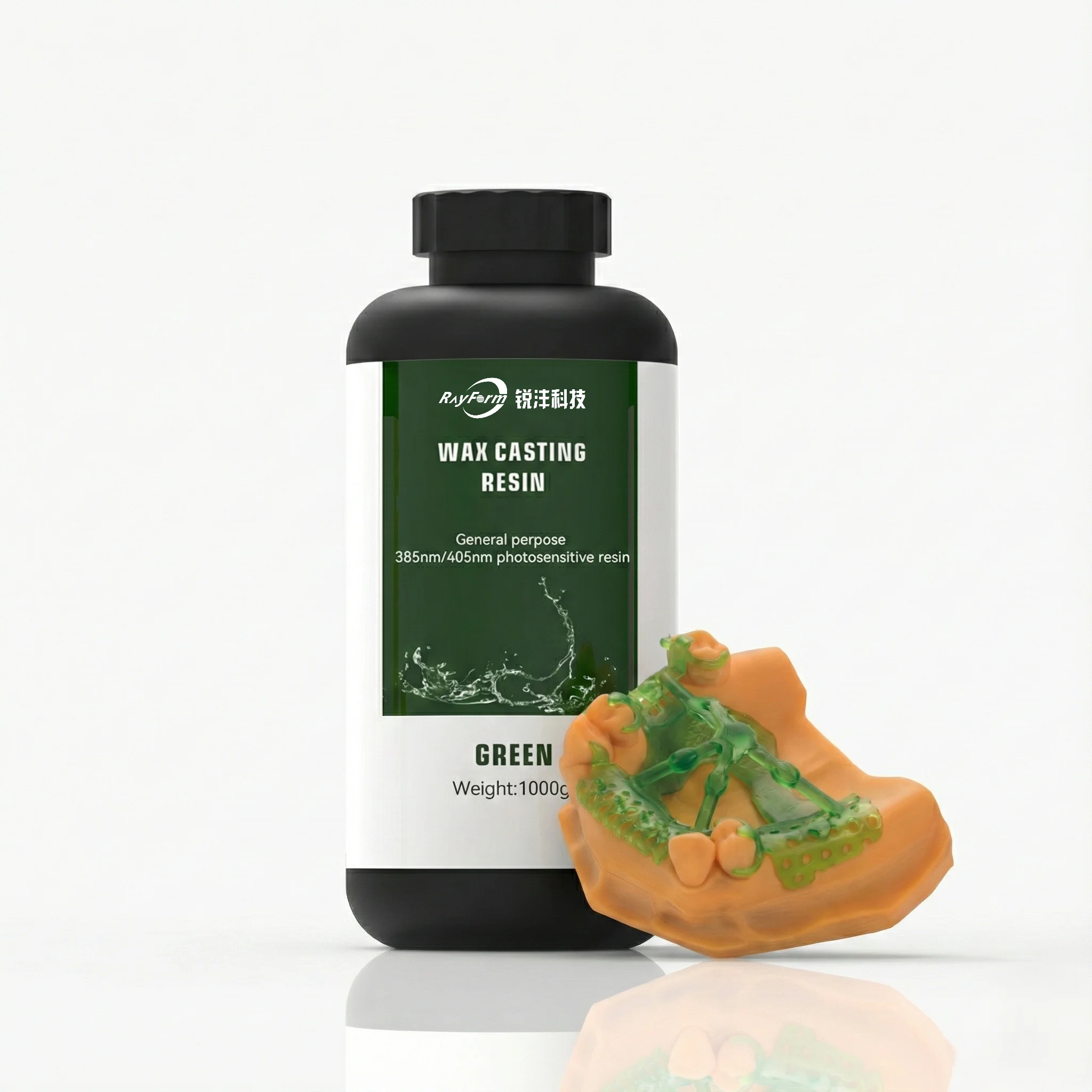
Castable Resin for Dental Casting
Printed patterns for dental casting workflows.
- TDS color
- Green
- Shore D
- 87–90
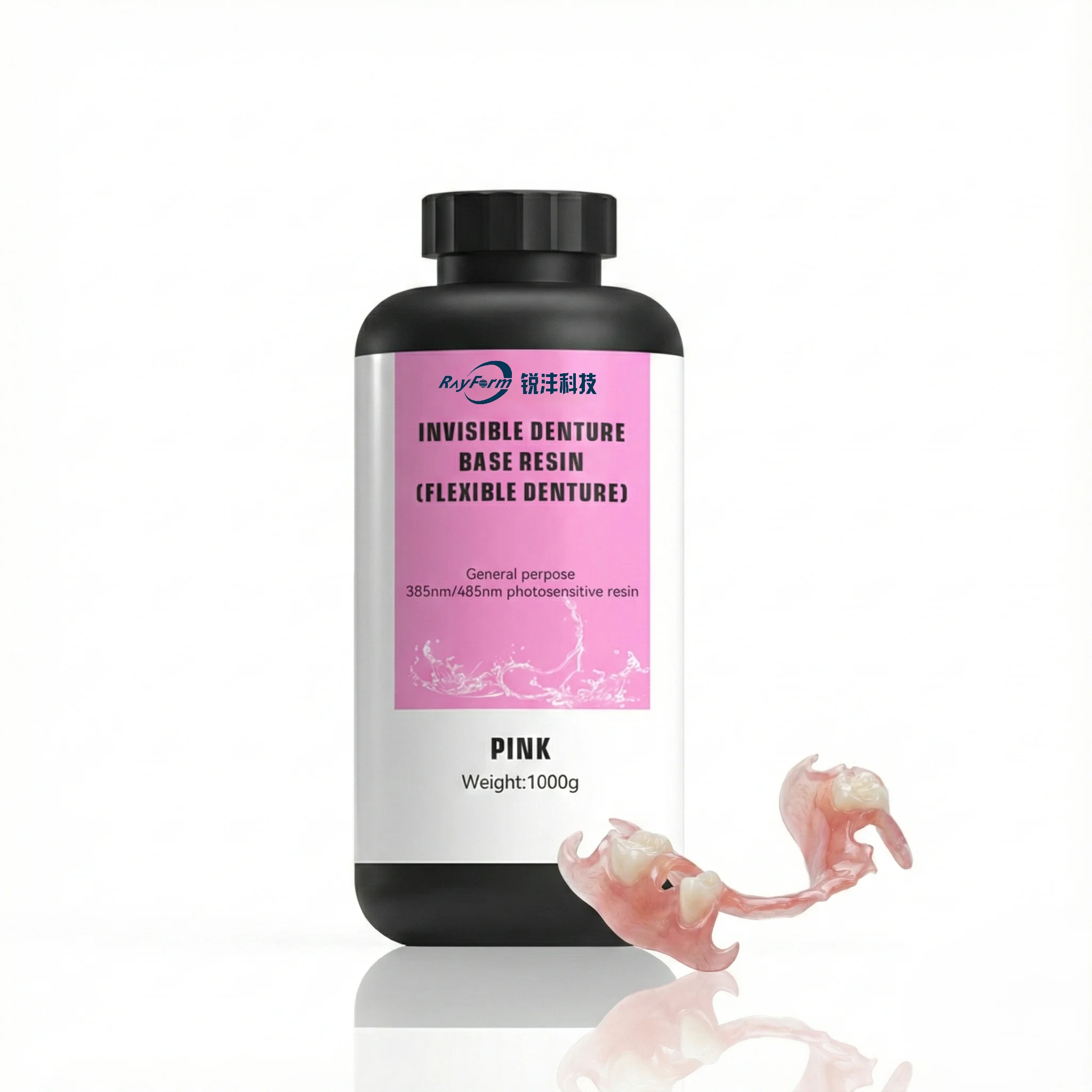
Flexible Denture Base Resin
Flexible denture bases.
- TDS color
- Red
- Shore D
- 71–75
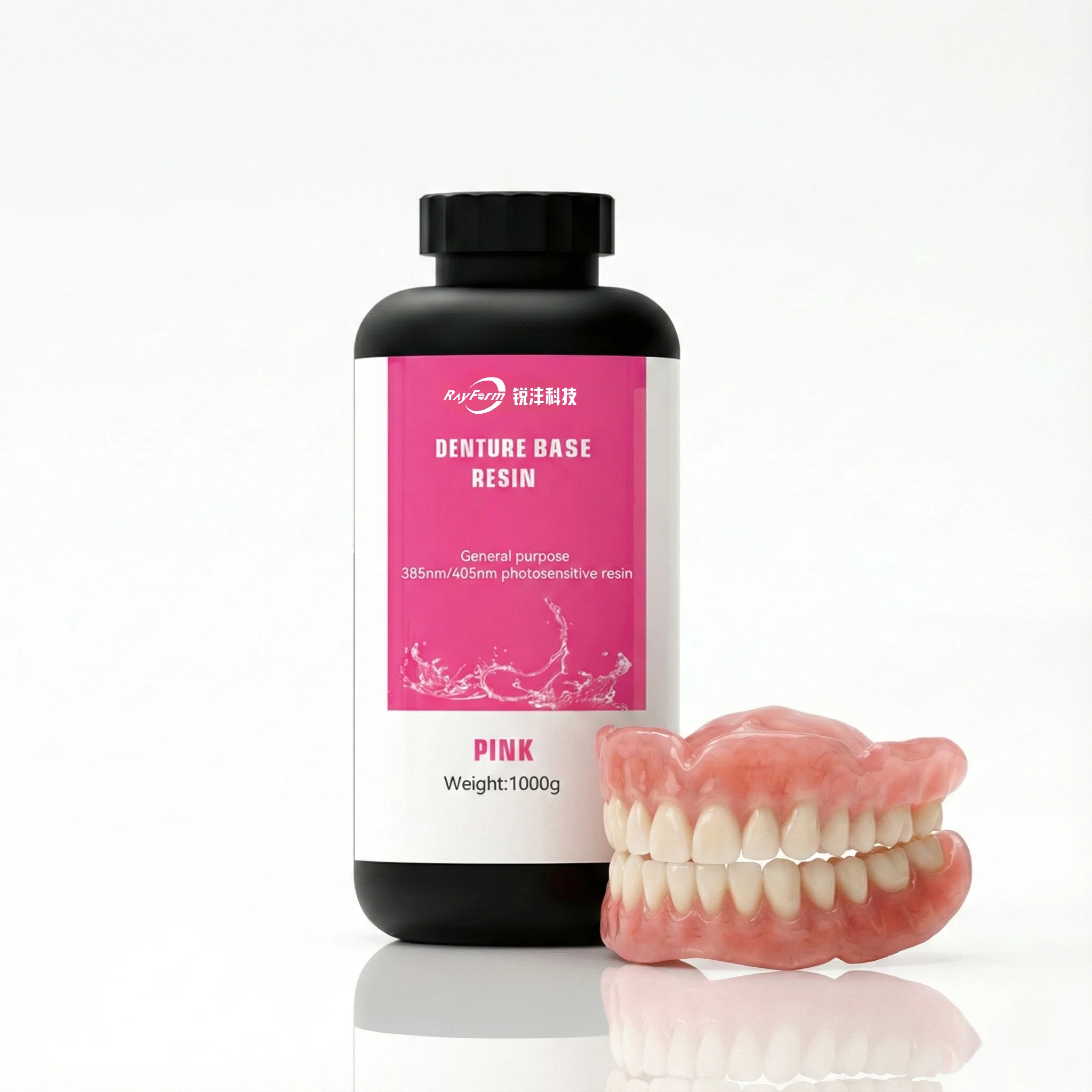
Rigid Denture Base Resin
Rigid denture bases.
- TDS color
- Flesh color
- Shore D
- 88
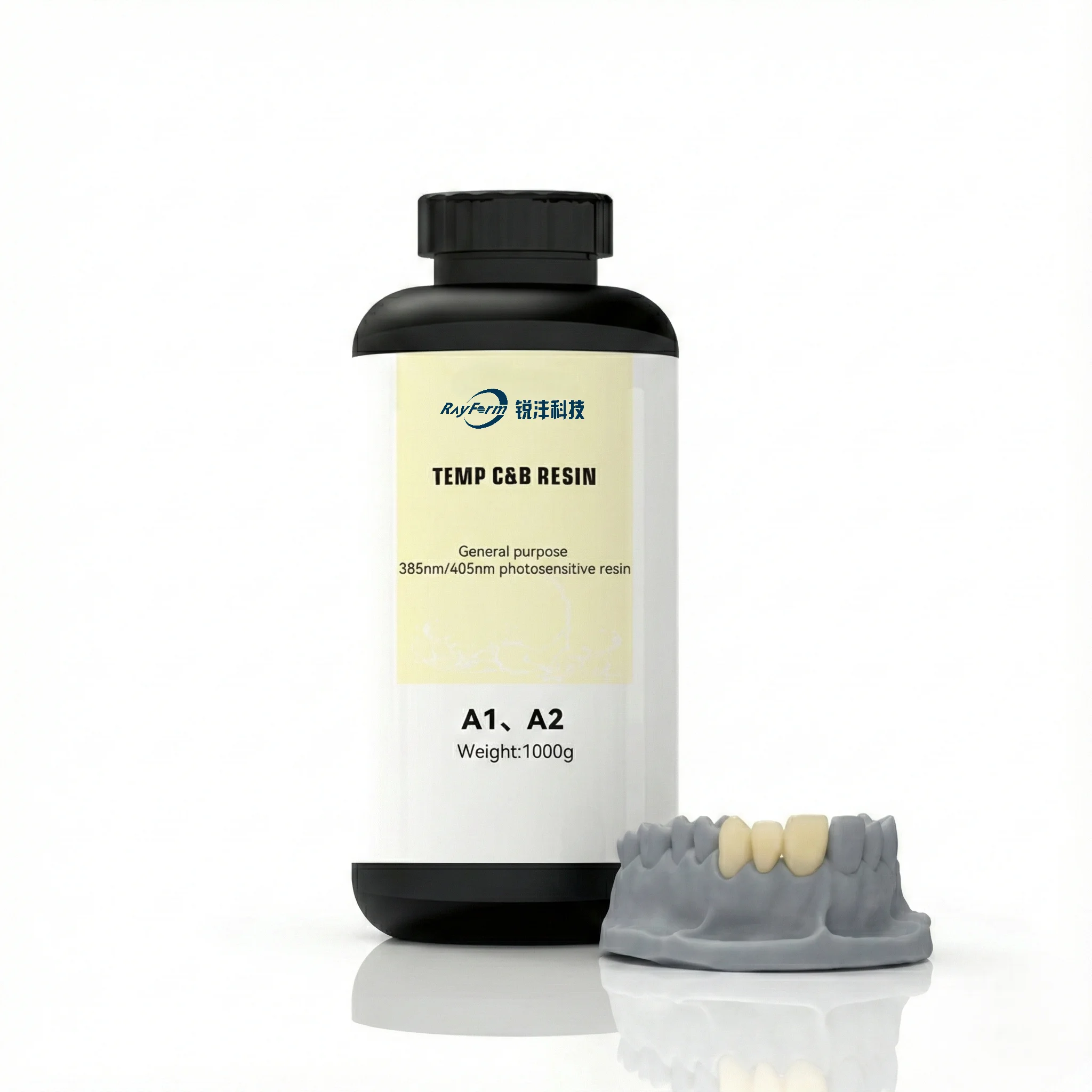
Temporary Crown & Bridge Resin
Temporary crowns and bridges.
- TDS color
- A1 / A2
- Shore D
- 90
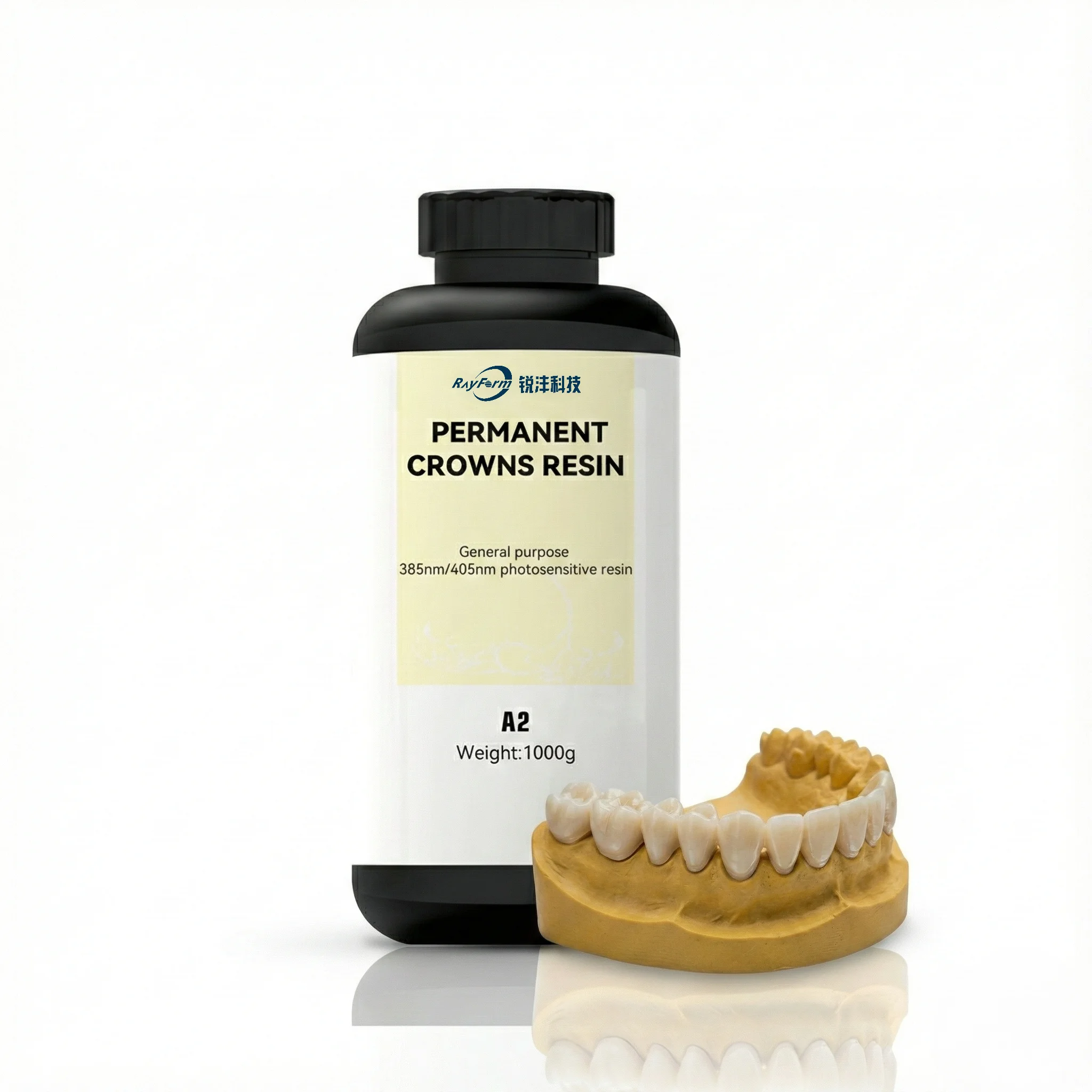
Permanent Crown Resin 25%
Crown resin, 25% formulation. Check the TDS for its intended use.
- TDS color
- A2
- Shore D
- 94
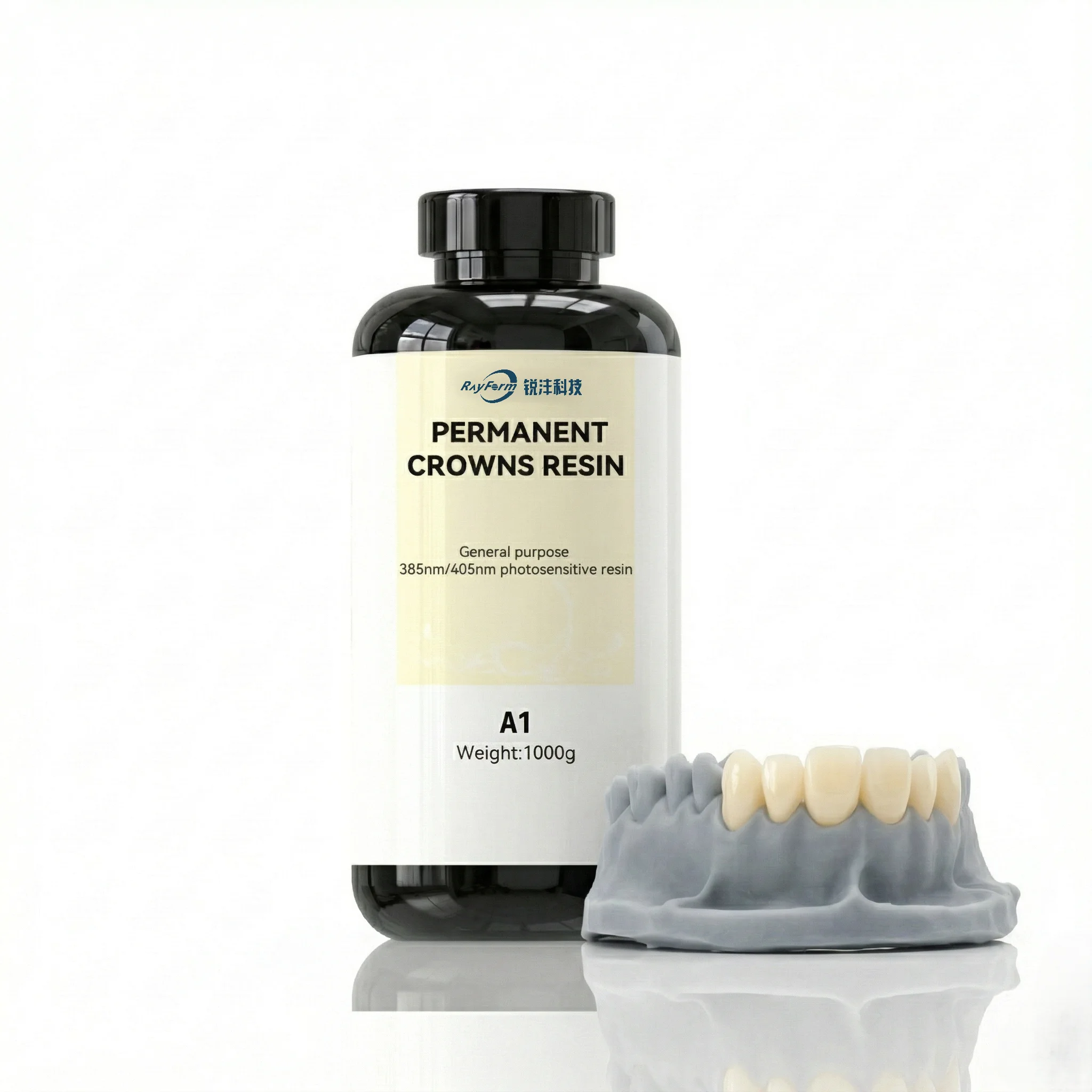
Permanent Crown Resin 55%
Crown resin, 55% formulation. Check the TDS for its intended use.
- TDS color
- A1
- Shore D
- 94
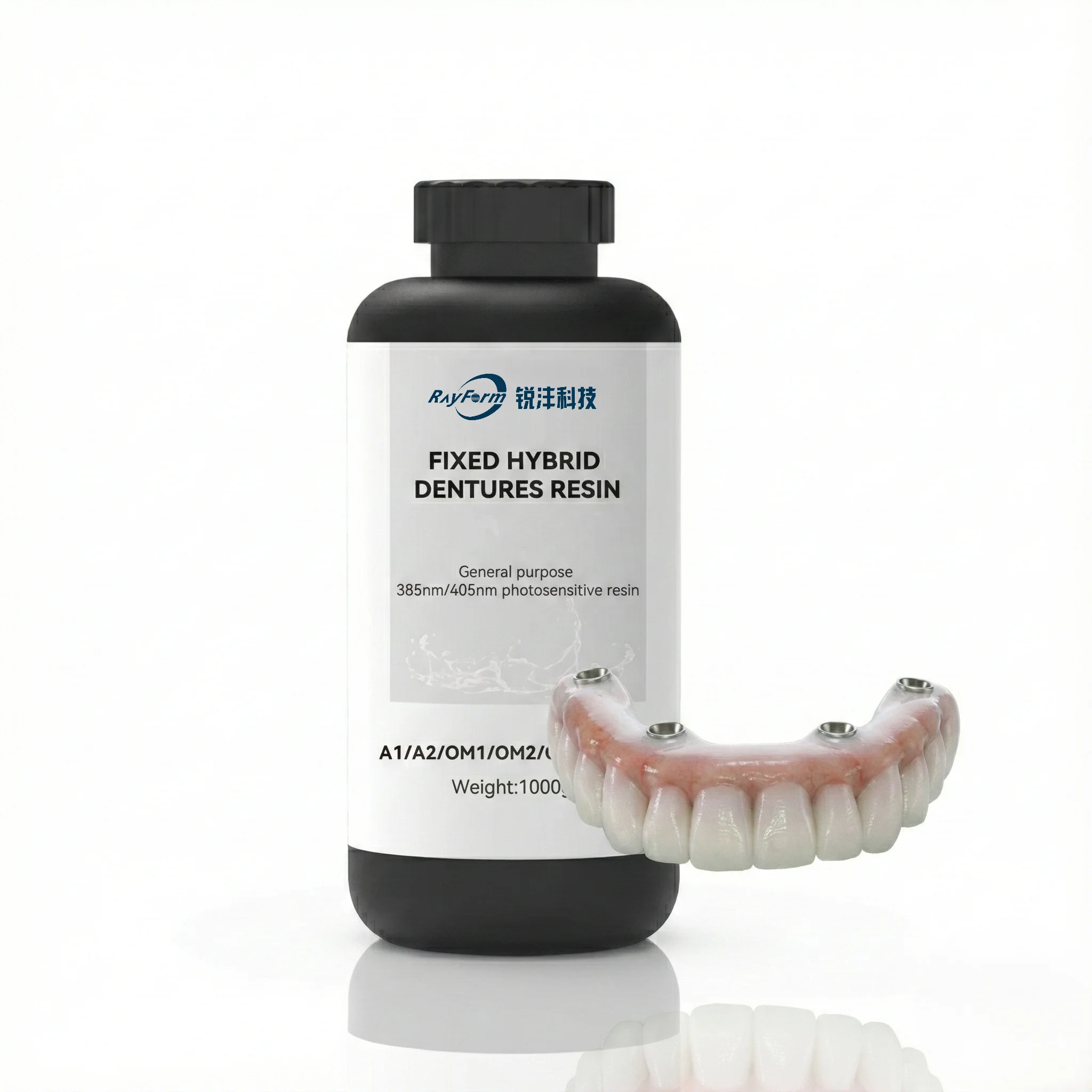
Fixed Hybrid Denture Resin
Fixed hybrid denture workflows.
- TDS color
- A1
- Shore D
- 94
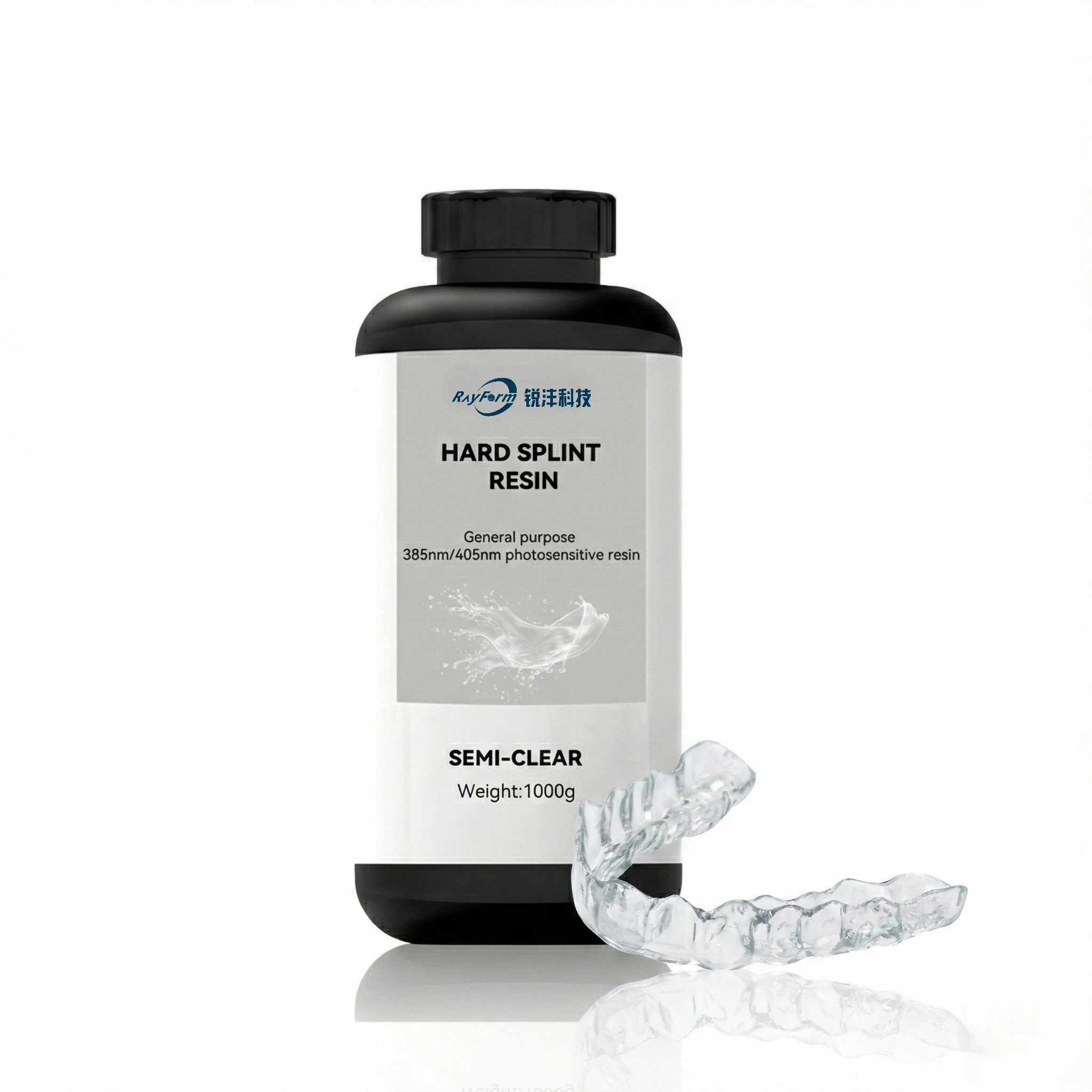
Hard Splint Resin
Hard occlusal splints.
- TDS color
- Semi-clear
- Shore D
- 85–90
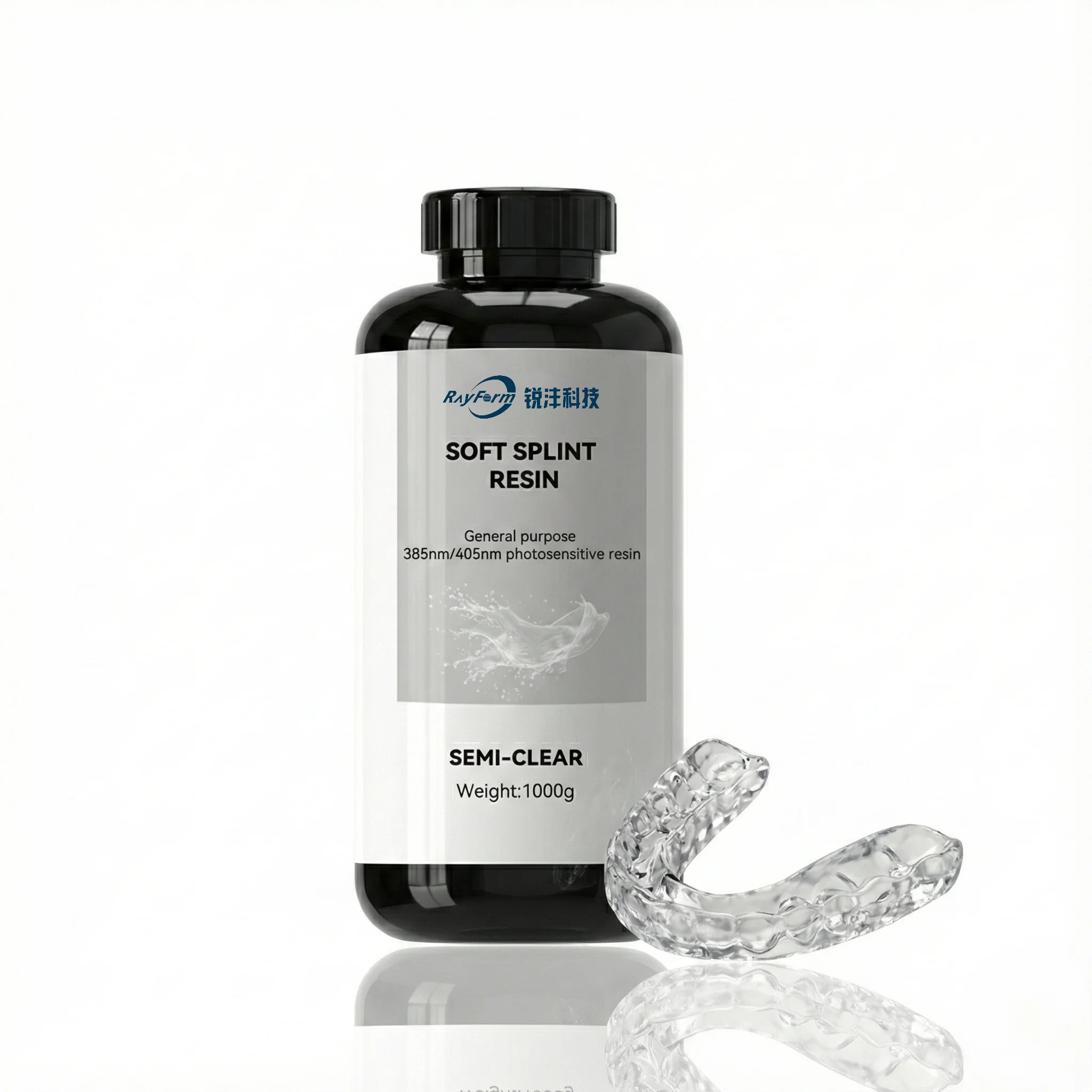
Soft Splint Resin
Soft splints.
- TDS color
- Semi-clear
- Shore D
- 80–82
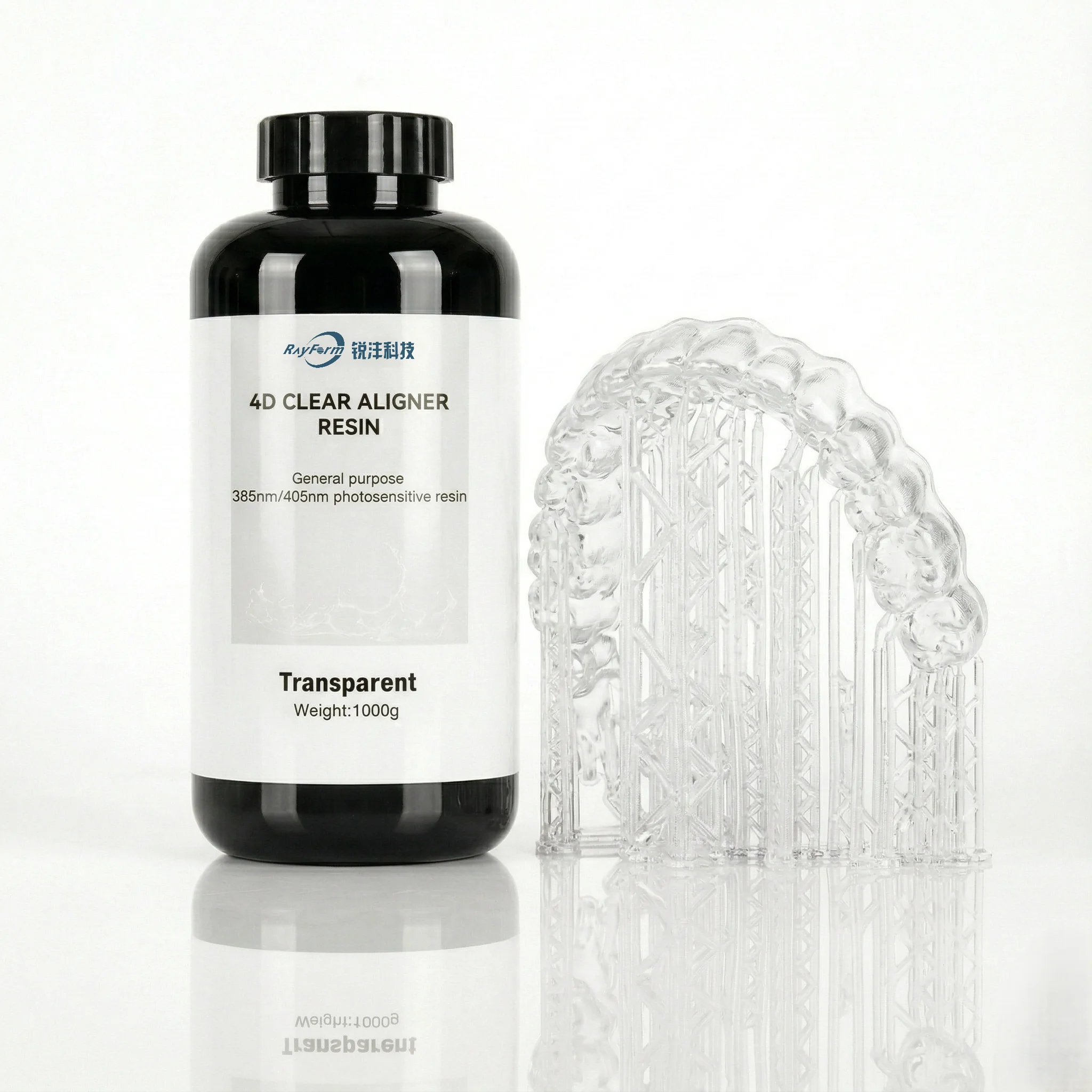
4D Direct Aligner Resin
Directly printed clear aligner workflows.
- TDS color
- Clear
- Shore D
- 80–82
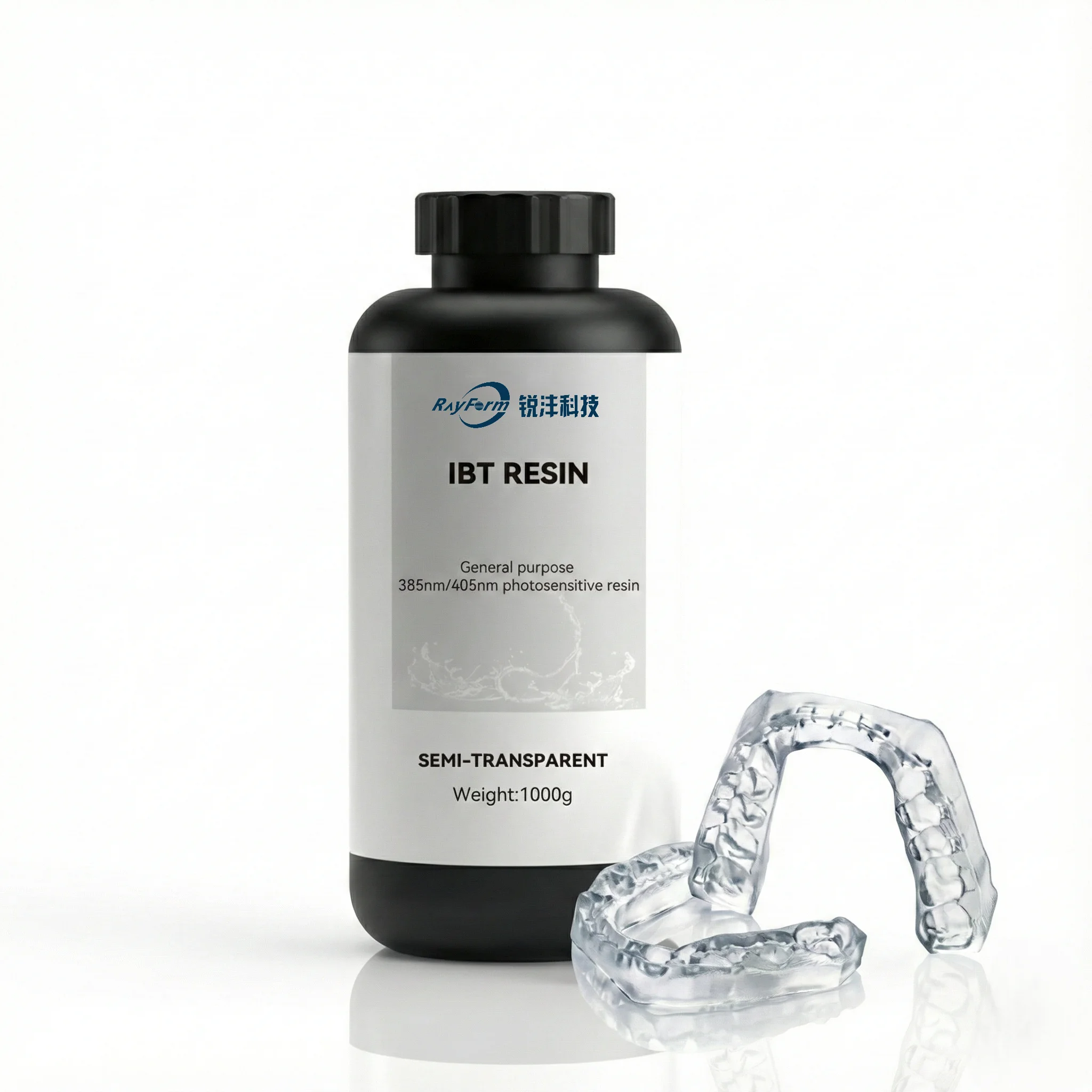
Indirect Bonding Tray (IBT) Resin
Indirect bonding trays for orthodontic bracket placement.
- TDS color
- Semi-transparent
- Shore D
- 30
Values are TDS typical values. Printed results depend on your printer, settings, cleaning and post-curing; validate each resin on your own equipment.
Model Resin Quick Selector
Compare Three Dental Model Resins by Workflow
Selecting a dental 3D printing resin for models starts with the workflow: working models, hot-pressing models or water-washable cleaning. Shortlist a resin below, review its TDS and printer settings, then evaluate it on your own equipment before a production order.
Stable model performance
RF-ZX-03
High Precision Implant Model Resin
Consider RF-ZX-03 for dental working models, including orthodontic appliance and pressure-forming models. During a trial, check printed details and model handling after cleaning and post-curing. RF-ZX-03 TDS (PDF)
Explore RF-ZX-03Heat and pressure workflows
RF-CI-808
High Temp Resistant Model Resin
Consider RF-CI-808 for high-temperature dental models used in hot-pressing workflows. Test the model through your actual forming cycle and record the equipment, model geometry and processing conditions. RF-CI-808 TDS (PDF)
Explore RF-CI-808Water-washable post-processing
RF-ZJ-02
Water Washable Dental Model Resin
Consider RF-ZJ-02 when tap-water cleaning is a priority. Check the cleaned and dried model, then assess printed details and handling after post-processing. RF-ZJ-02 TDS (PDF)
Explore RF-ZJ-02Before a material trial: confirm the resin and printer combination in the printer parameter database. Record layer height, cleaning method and curing equipment. Set your acceptance checks for model details and handling; for forming models, include the complete forming cycle.
For workflow guidance, review model shrinkage and post-curing controls. For forming workflows, see our high-temperature model resin selection guide.
Discuss a trial or bulk order: open the RF-ZX-03, RF-CI-808 or RF-ZJ-02 card above and choose Get a quote. Include the resin SKU, printer model and planned workflow in your message.
Material property comparison
Compare Three Resin Pairs Using TDS Values
TDS typical values; printed performance depends on equipment, settings and post-processing.
Denture base resins
| Property | RF-JT-05 | RF-TJ-09 |
|---|---|---|
| Flexural modulus | 2000 MPa | 1000 MPa |
| Elongation at break | 10% | 100% |
Splint resins
| Property | RF-HS-12 | RF-SS-13 |
|---|---|---|
| Flexural modulus | 2200–2500 MPa | 1000–1200 MPa |
| Elongation at break | 8–10% | 75–85% |
Crown resin formulations
| Property | RF-YG-08-25% | RF-YG-08-55% |
|---|---|---|
| Tensile strength | 120 MPa | 140 MPa |
| Flexural strength | 140 MPa | 140–150 MPa |
25% and 55% are separate formulations. Their TDS values are not interchangeable.
Buying guide
How to choose a dental 3D printing resin
Selecting a dental resin is a workflow decision rather than a single specification. These four checks help a lab shortlist and validate a material before ordering in volume.
- 01
Start from the application
Models, surgical guides, casting patterns, denture bases, crowns, splints, aligners and IBT trays each call for a different resin. Use the filters above to shortlist candidates.
- 02
Check your printer
RayForm resins are formulated for open LCD and DLP printers, and the catalog lists 385–405 nm for each resin. Find starting settings in the printer parameter database.
- 03
Compare the TDS
Review color, hardness and mechanical properties in each English TDS, together with the documented cleaning and post-curing steps.
- 04
Validate before production
Print test parts on your own equipment and record layer height, cleaning method and curing equipment. Then request a quote with the SKU, printer model and workflow.
FAQ
Questions labs ask before choosing a resin
01Which 3D printers can use RayForm dental resins?
RayForm resins are formulated for open LCD and DLP printers, and the catalog lists a 385–405 nm wavelength range for each resin. Check the printer parameter database for starting settings for your printer model, then validate the resin on your own equipment.
02Which RayForm resin should I use for dental models?
Use RF-ZX-03 for dental working models, including orthodontic appliance and pressure-forming models. Choose RF-CI-808 for high-temperature models in hot-pressing workflows, and RF-ZJ-02 when tap-water cleaning is a priority.
03Is there a water-washable dental model resin?
Yes. The RF-ZJ-02 TDS lists tap water as a cleaning option. Follow the drying, support-removal and post-processing steps in the TDS, then check the finished model. Read the cleaning and stability guide for more detail.
04Where can I find the TDS and printing parameters?
Every resin card links to its English TDS (PDF) and product page. Printer settings are in the printer parameter database, and the materials and equipment catalog covers the full portfolio.
05How do I request a quote or plan a material trial?
Choose Get a quote on the resin card. Include the resin SKU, your printer model and the planned workflow so our team can reply with the right information. Each card also links to its listing in the RayForm online store.