
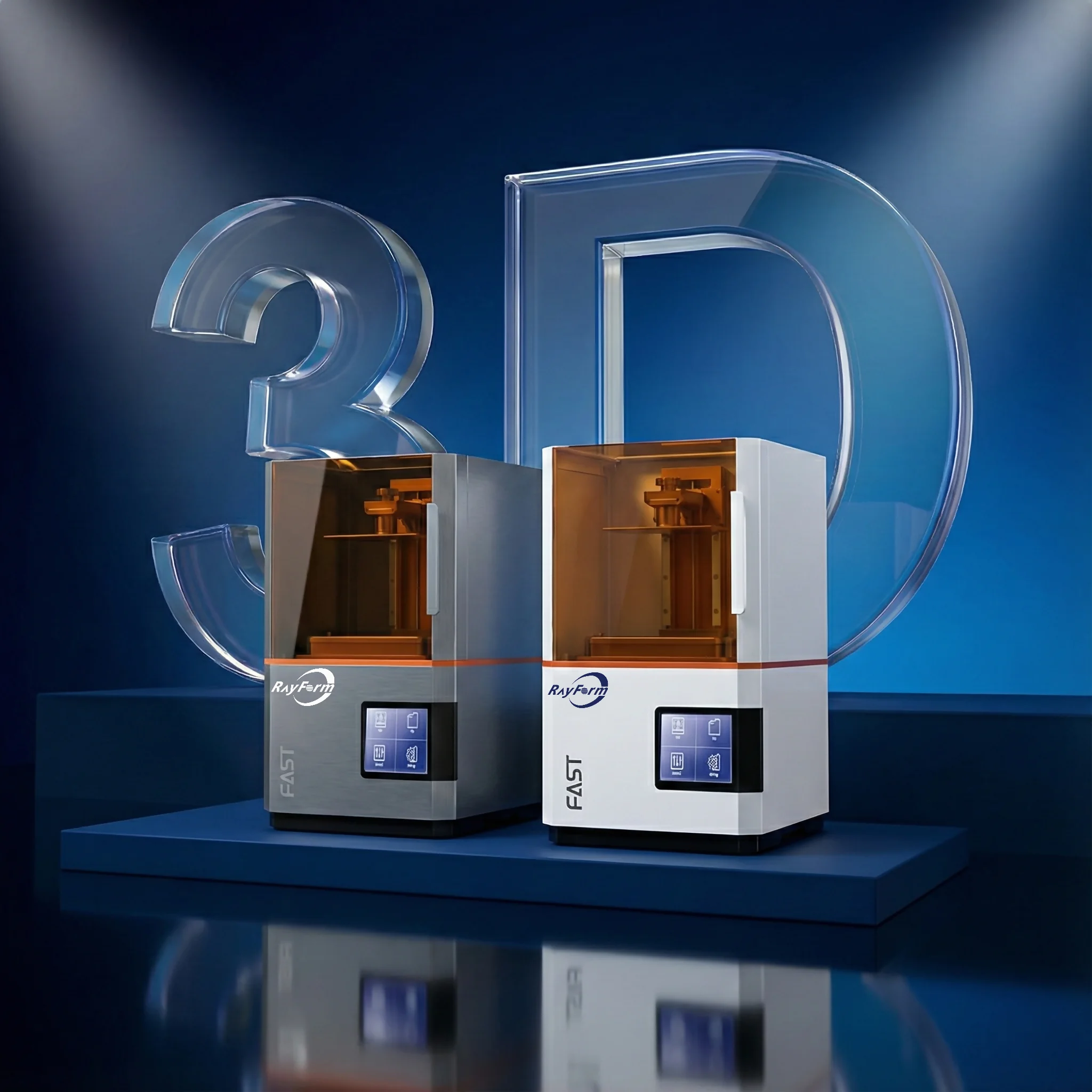
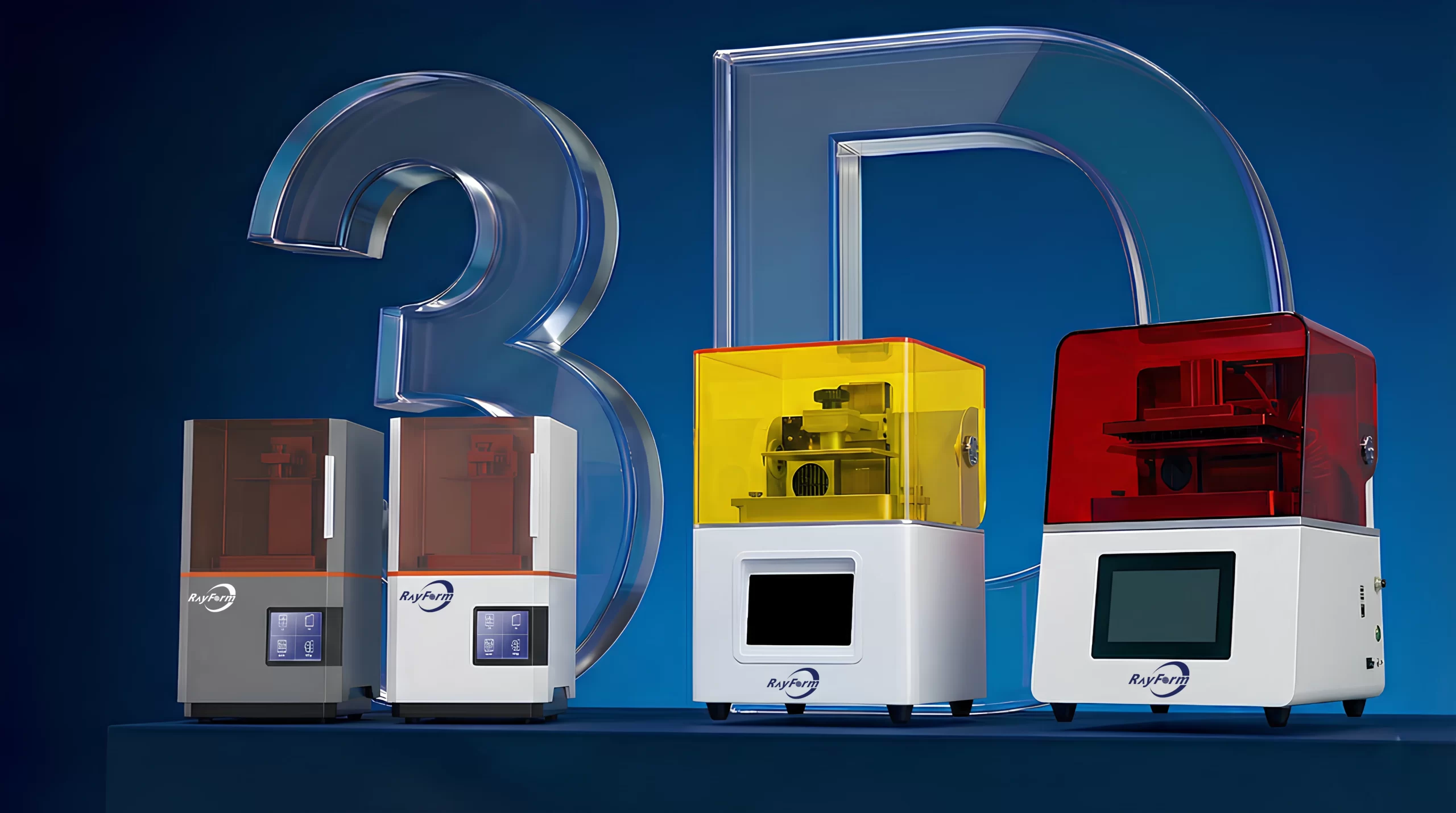
Open-System Dental 3D Printers
Built for Dental Labs, Clinics, and DSOs. Compare 4K and 8K LCD systems for dental model production and open-material workflows.
Professional Dental 3D Printer Series
Choose a desktop dental printer around your applications, available workspace and batch planning. Compare the build platform, resin workflow and support documents together before selecting a model.
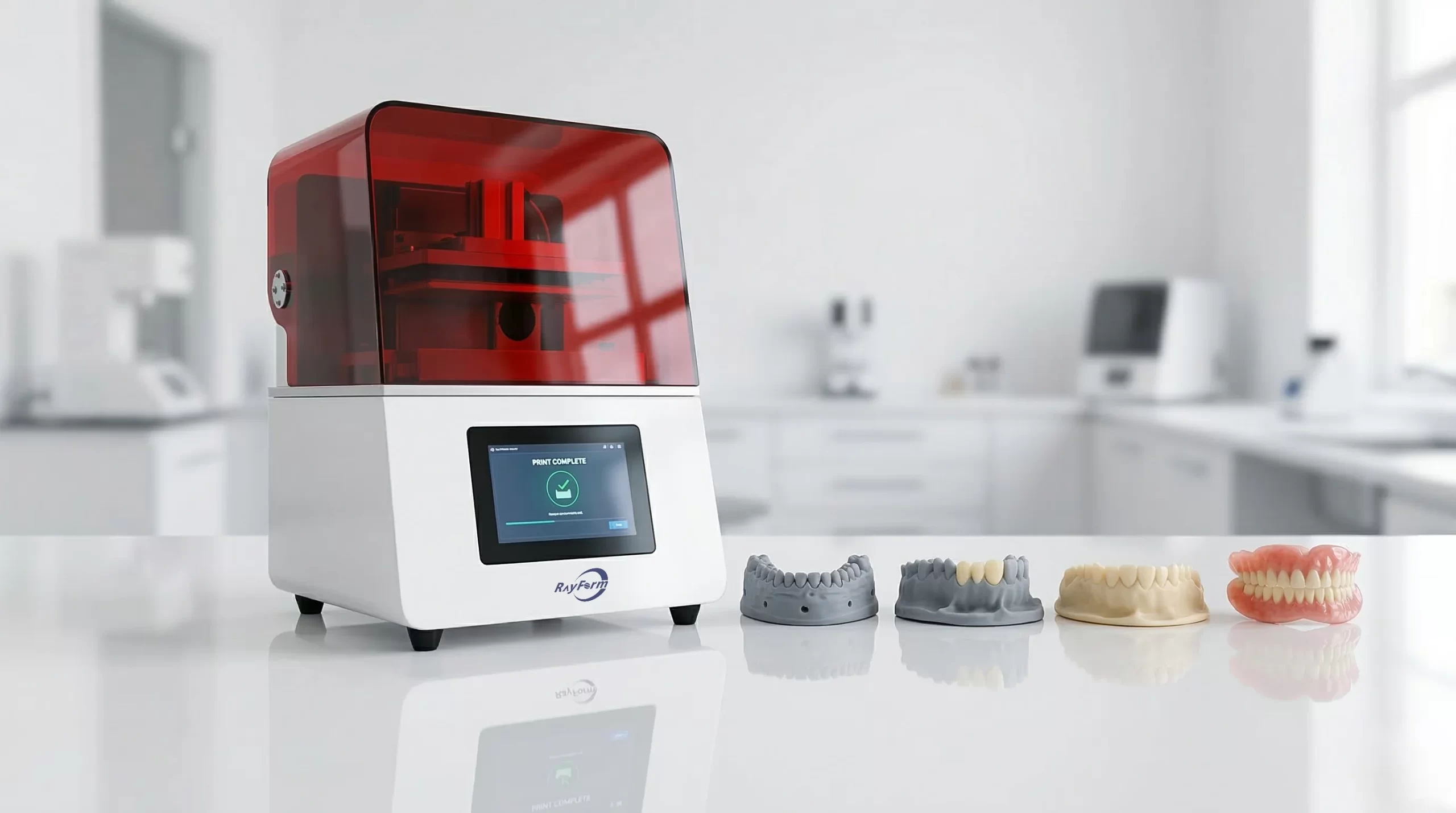
8K LCD 3D Printer
Large-Format 8K System for Dental Model Batches
Consider the 8K system when arranging dental model batches on a larger platform. Confirm the current configuration, printable area and material workflow before estimating the output of your own jobs.
- Up to 60 mm/h printing speed
- 92% Uniformity COB Light Source
- Sturdy metal frame for production stability
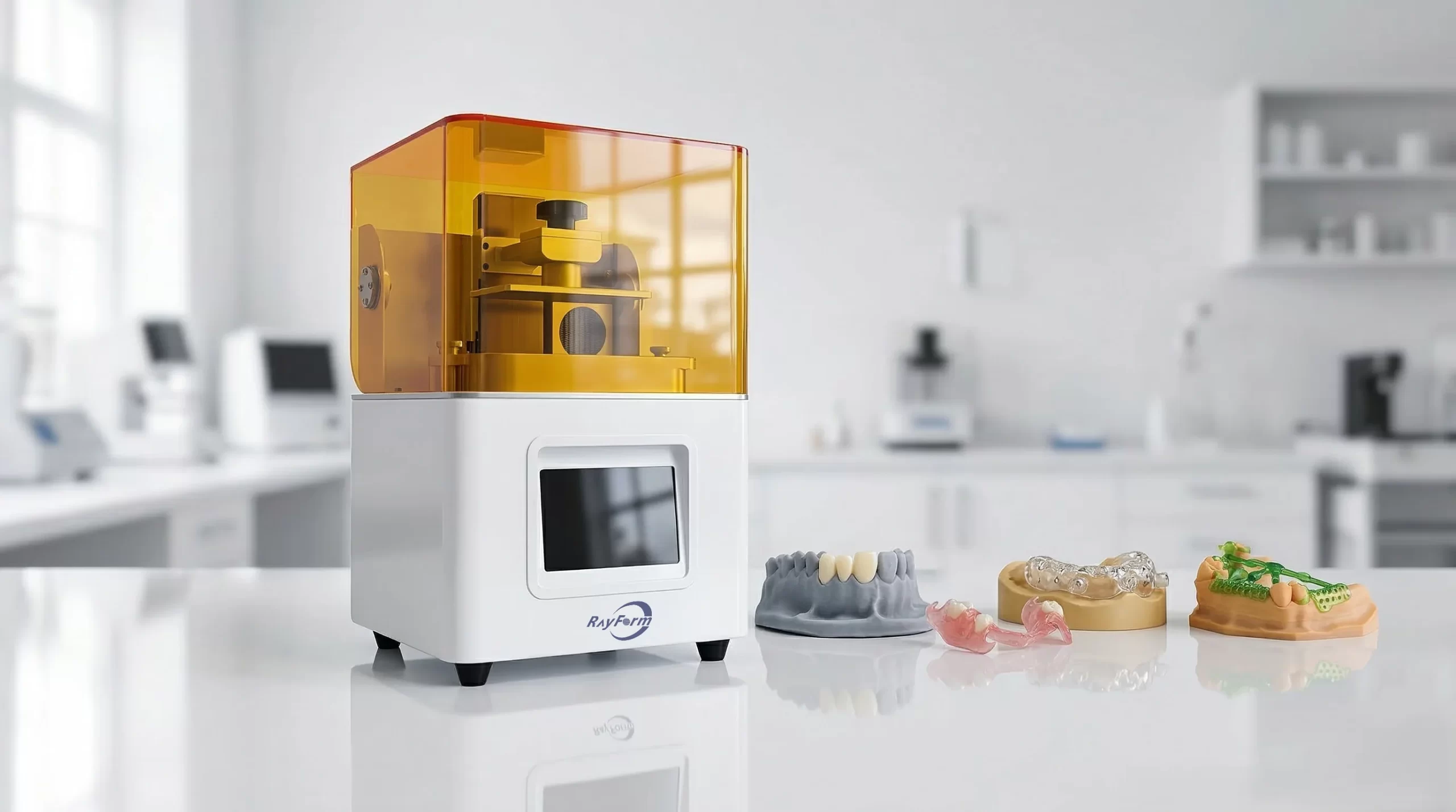
4K LCD 3D Printer
Compact 4K System for In-House Dental Production
Consider the 4K system when a smaller build platform and compact installation suit your workflow. Review the product manual and available print settings for the resin and application you plan to validate.
- Compact footprint (300 × 280 mm)
- Up to 60 mm/h printing speed
- 5-inch capacitive touchscreen for device control
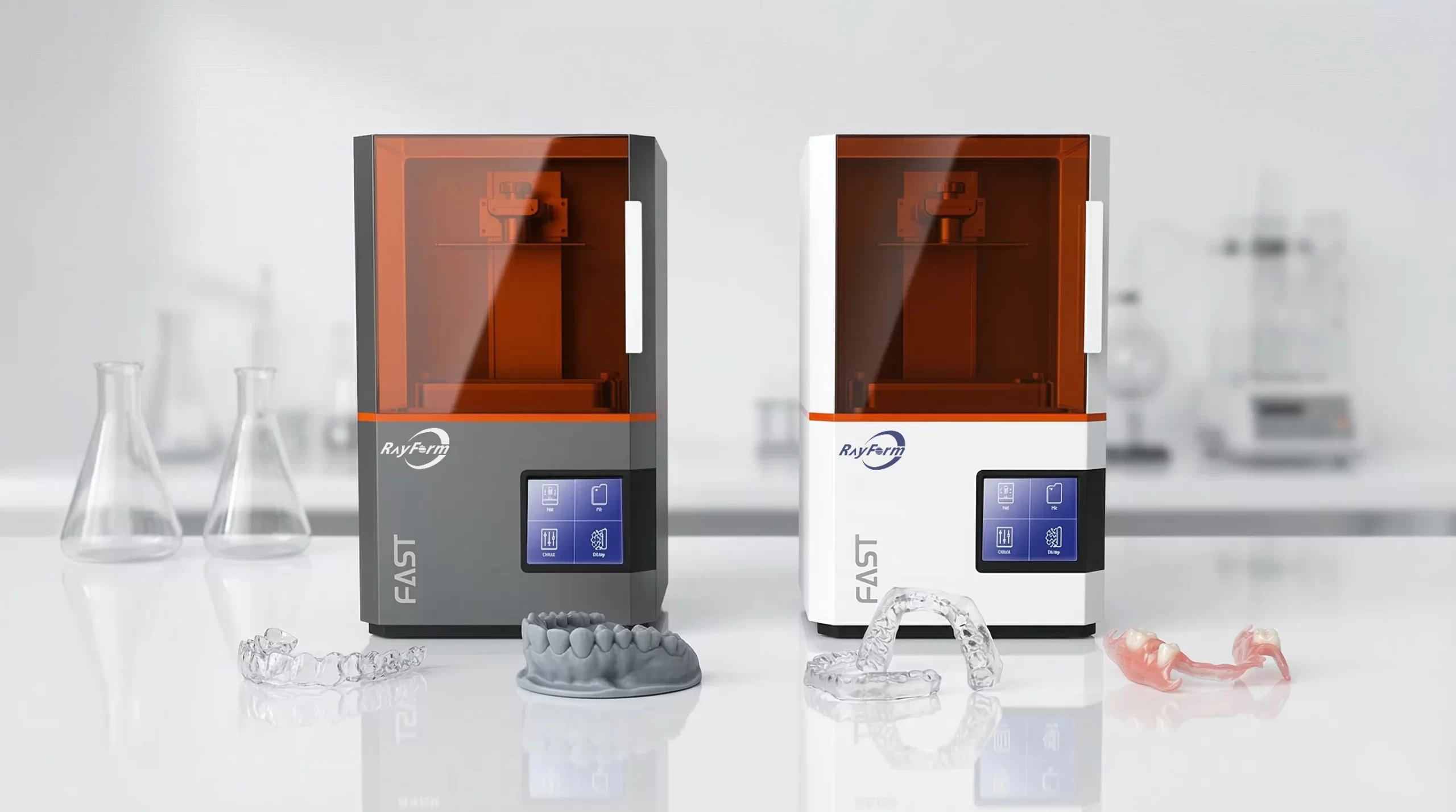
RF-3020D LCD Printer
8K LCD System for Detailed Dental Models
Review the RF-3020D when comparing fine-detail model workflows. Its stated 29.7 µm XY pixel size describes the screen sampling; finished-part accuracy also depends on calibration, resin, orientation and post-processing.
- Sturdy metal frame for production stability
- Low-peel-force release-film structure
- Updated user interface for straightforward control
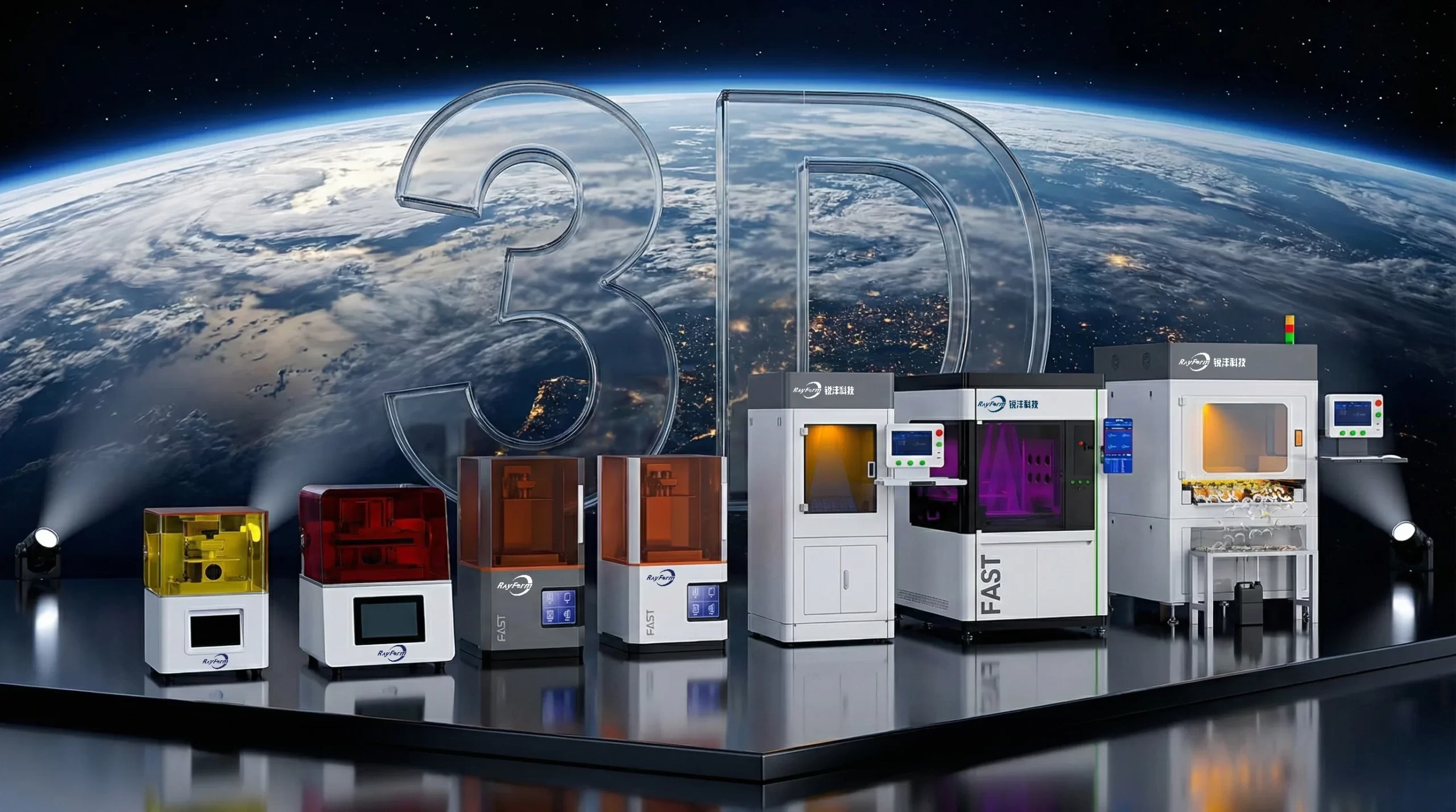
Compatible Dental
Materials
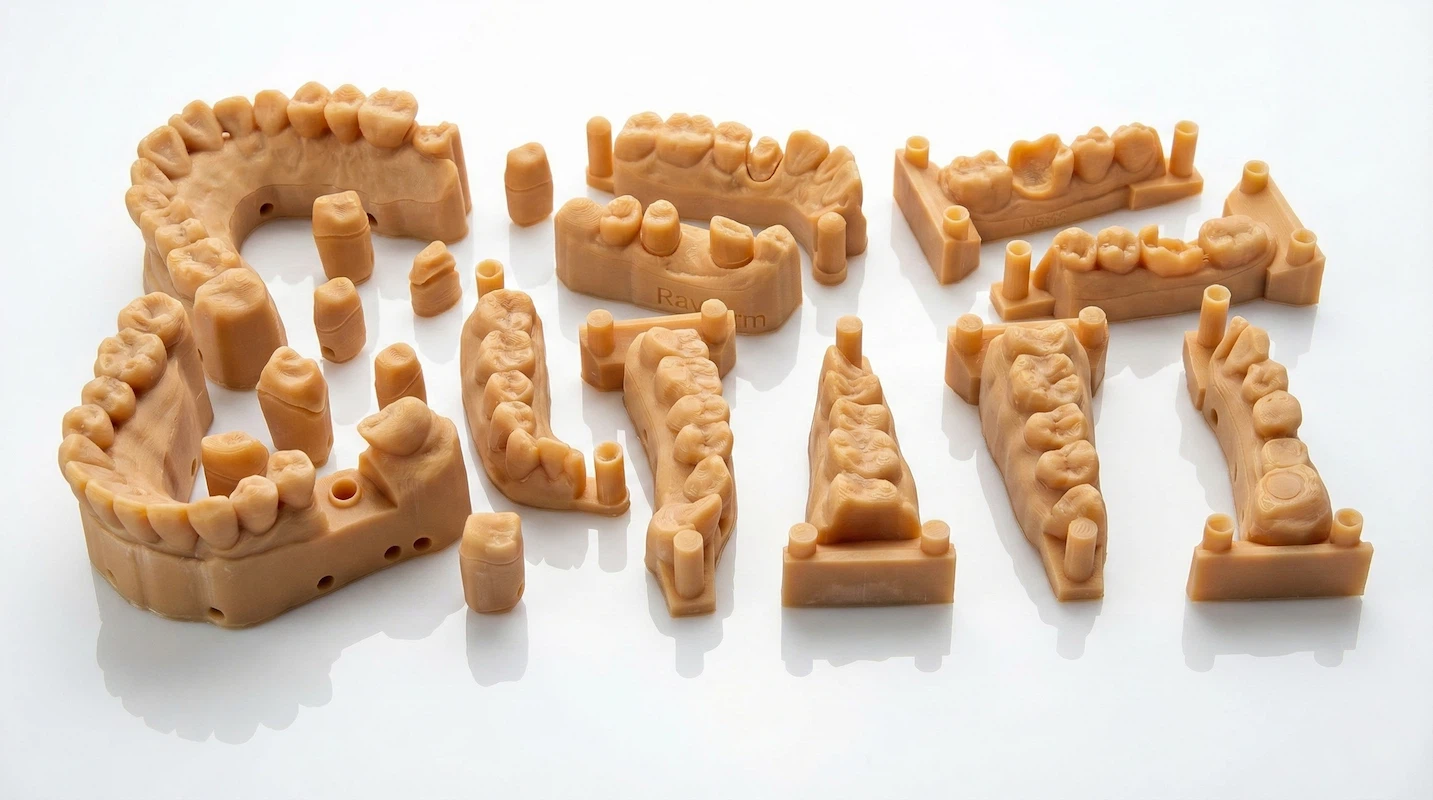
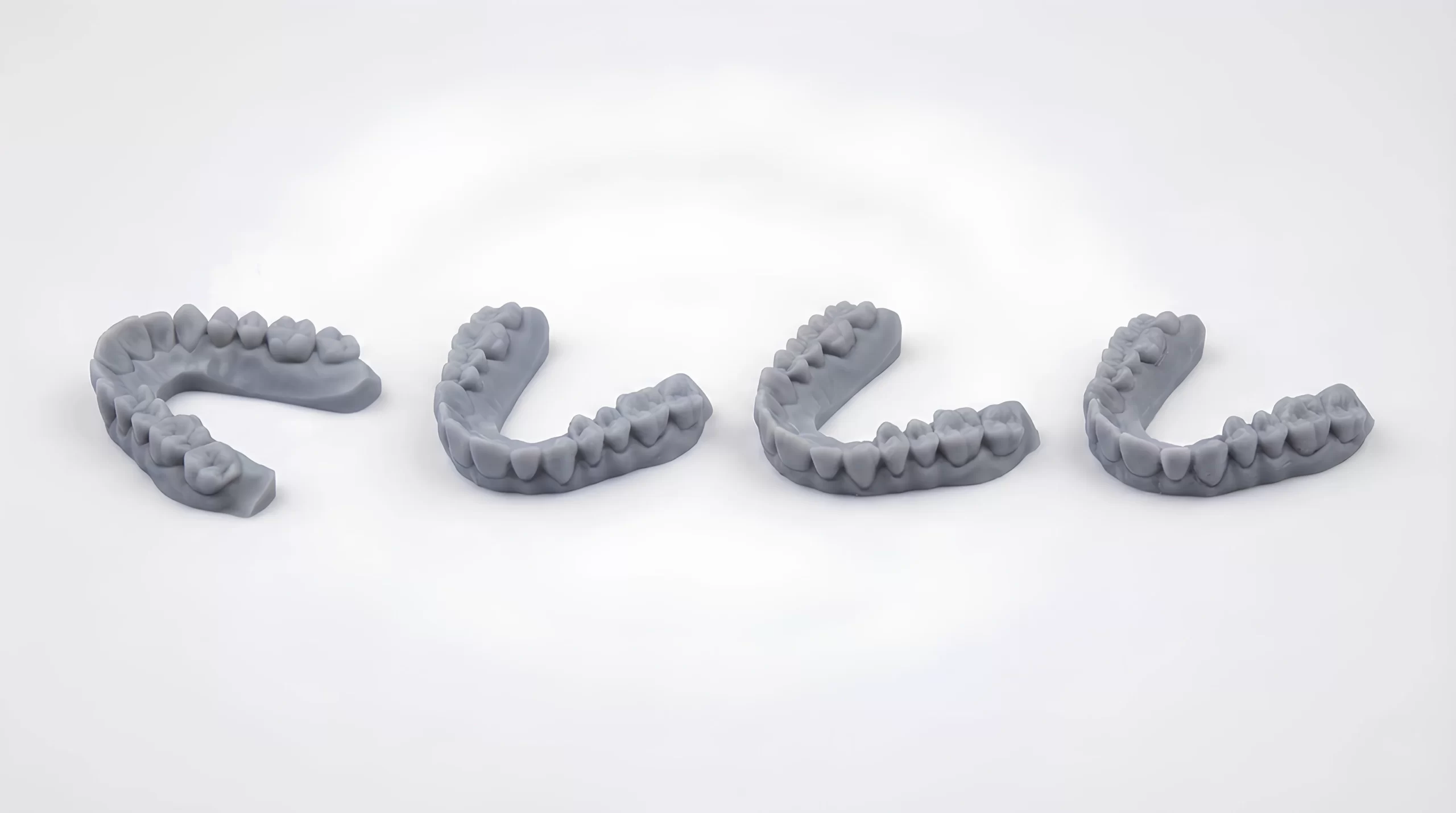
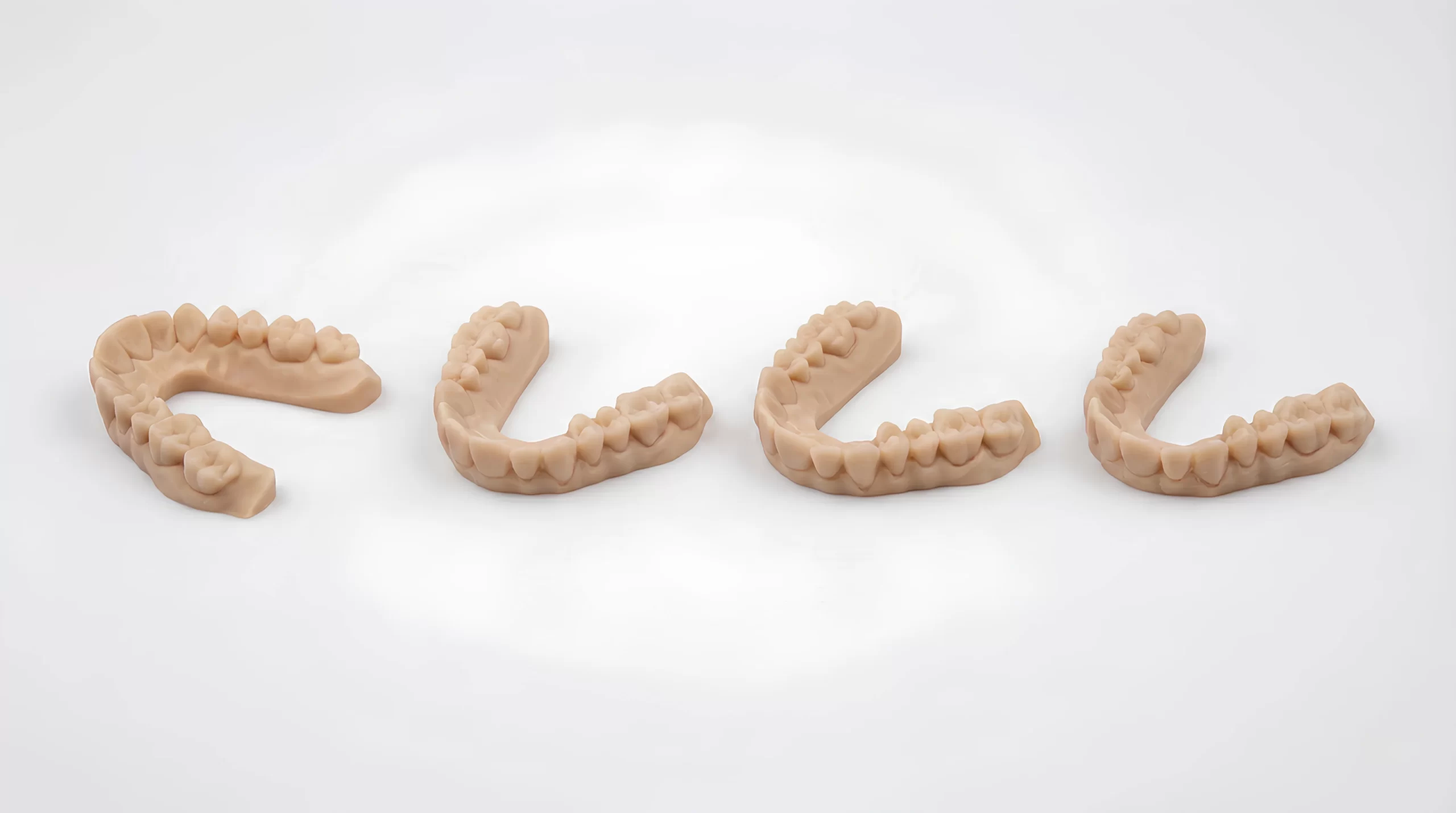
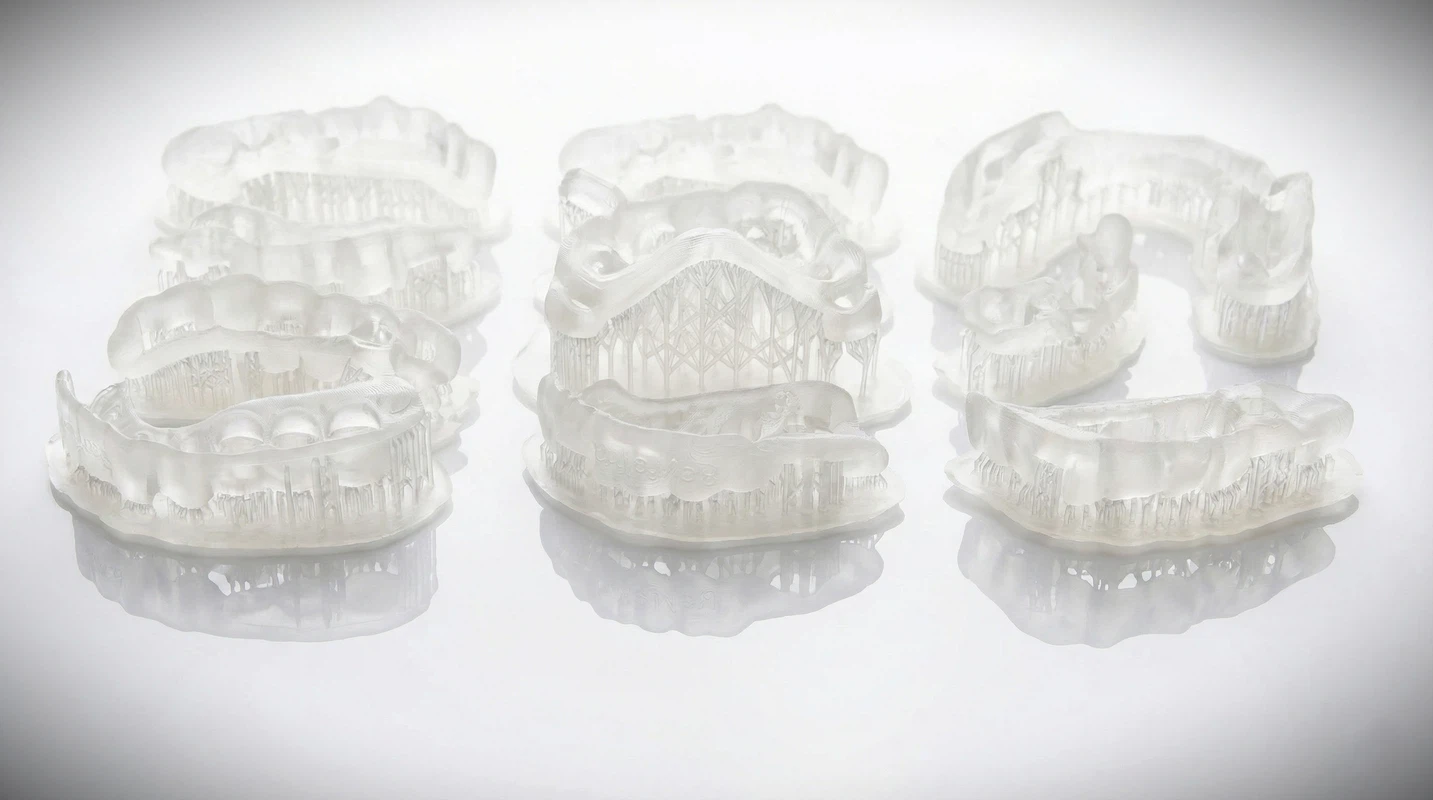
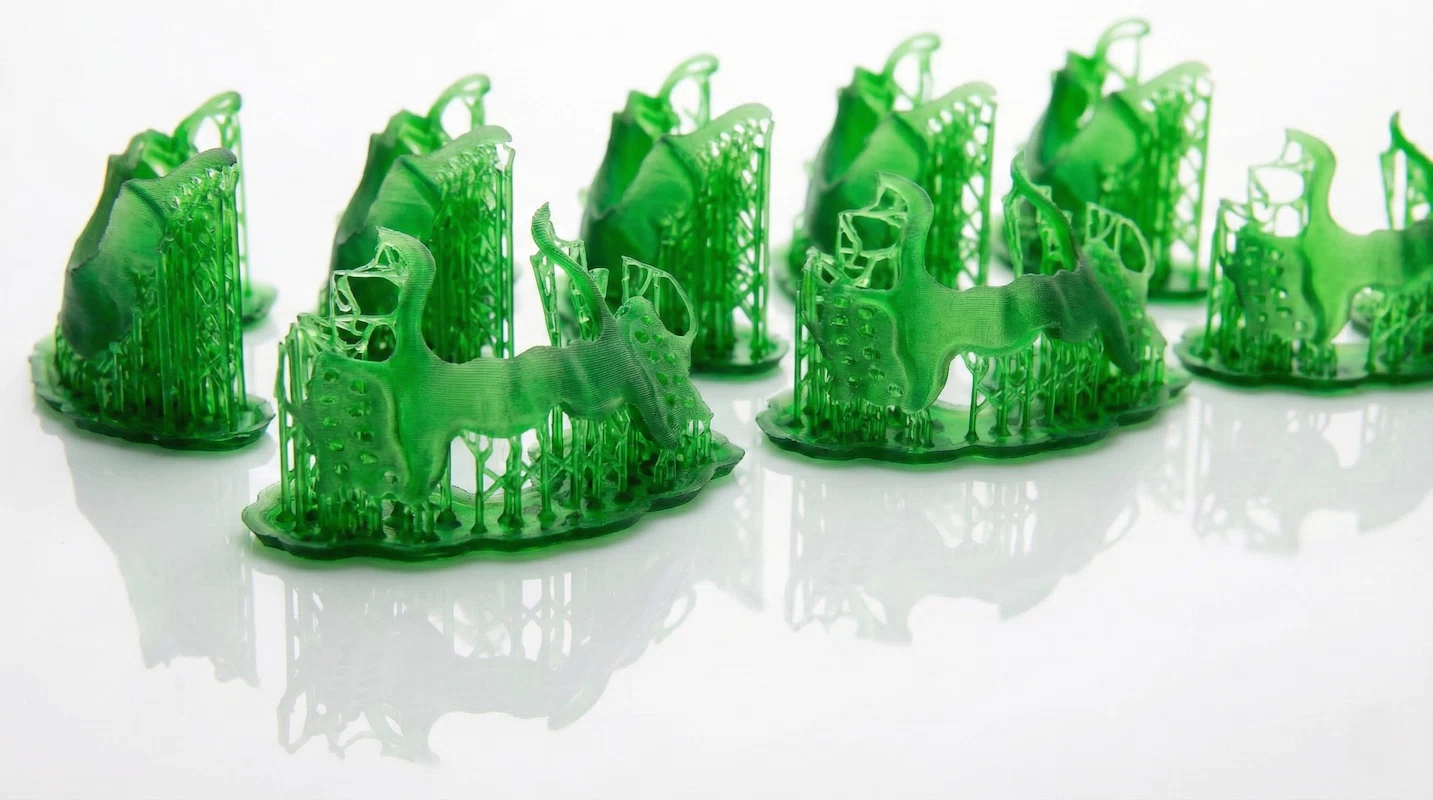
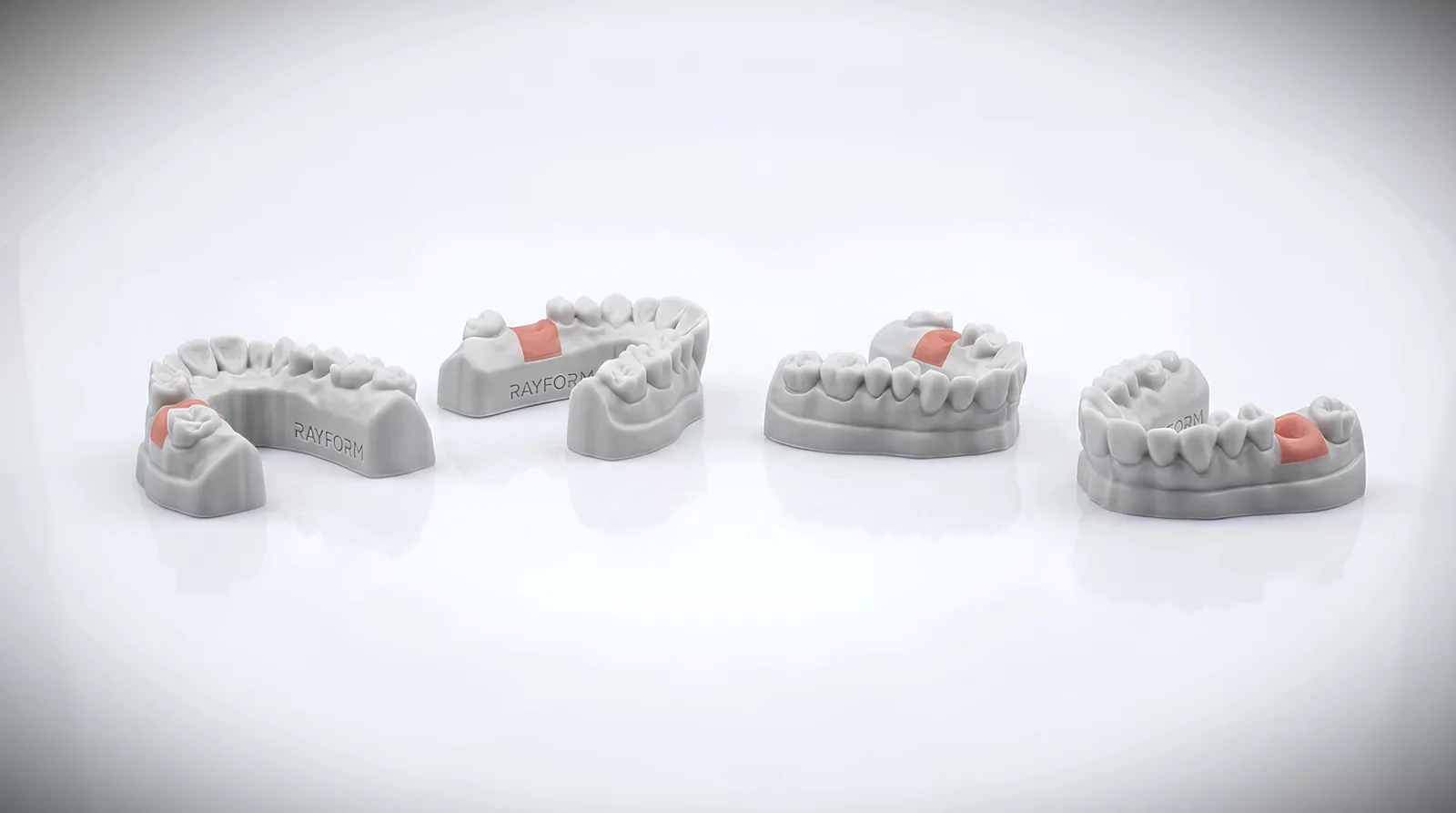
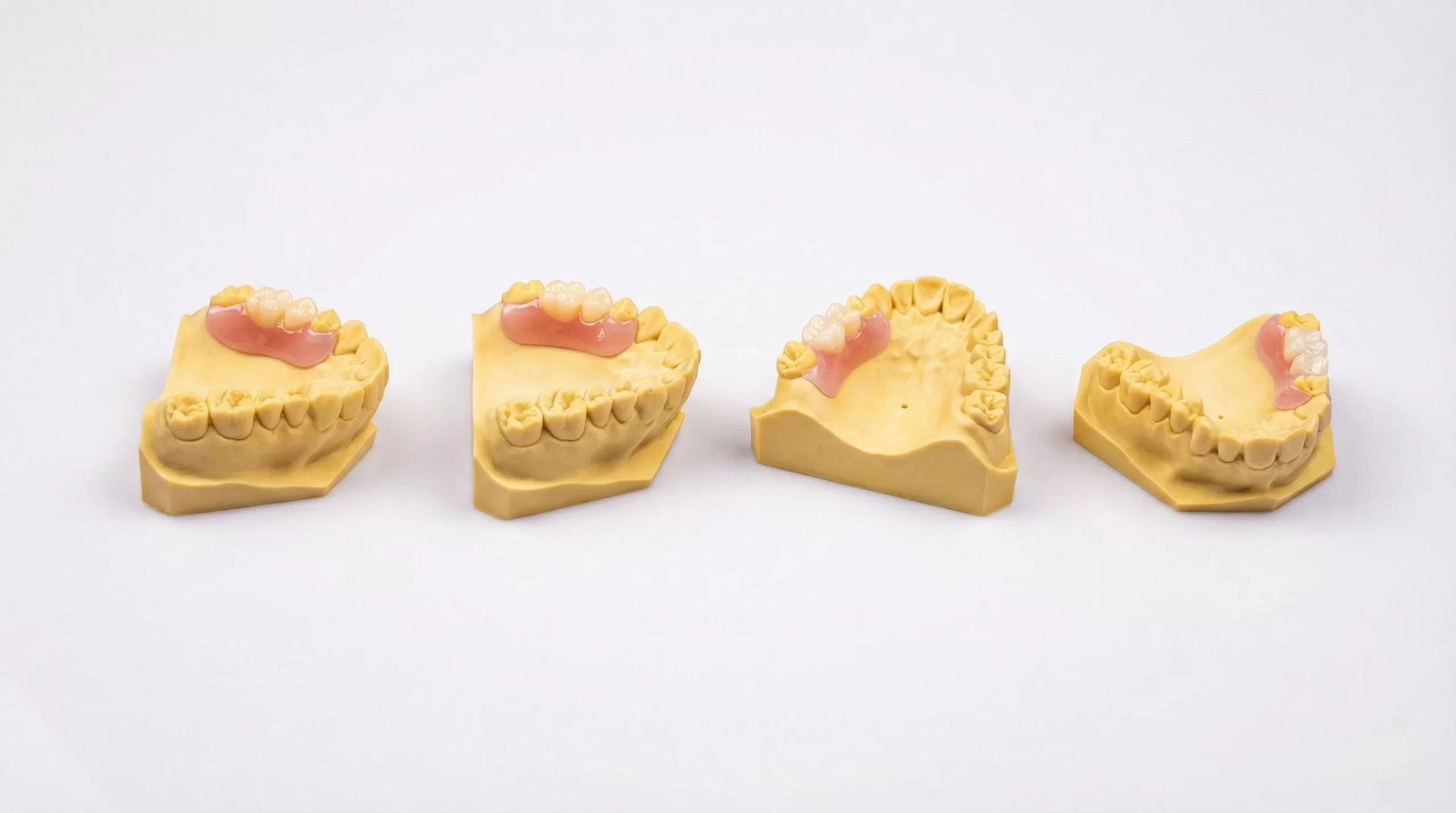
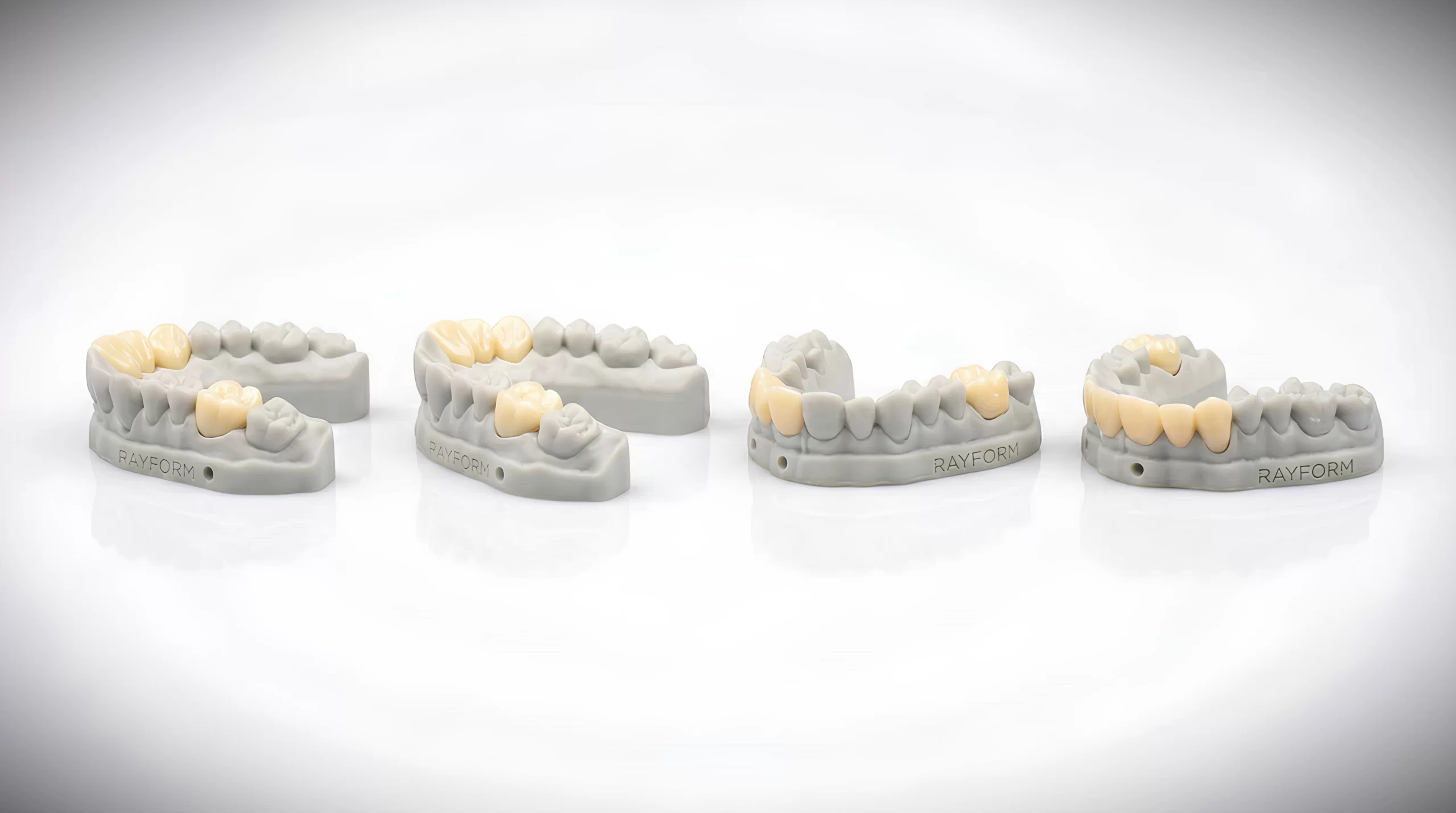
Pair RayForm LCD systems with dental resin workflows for models, guides, denture bases, temporary restorations, splints and aligner production.
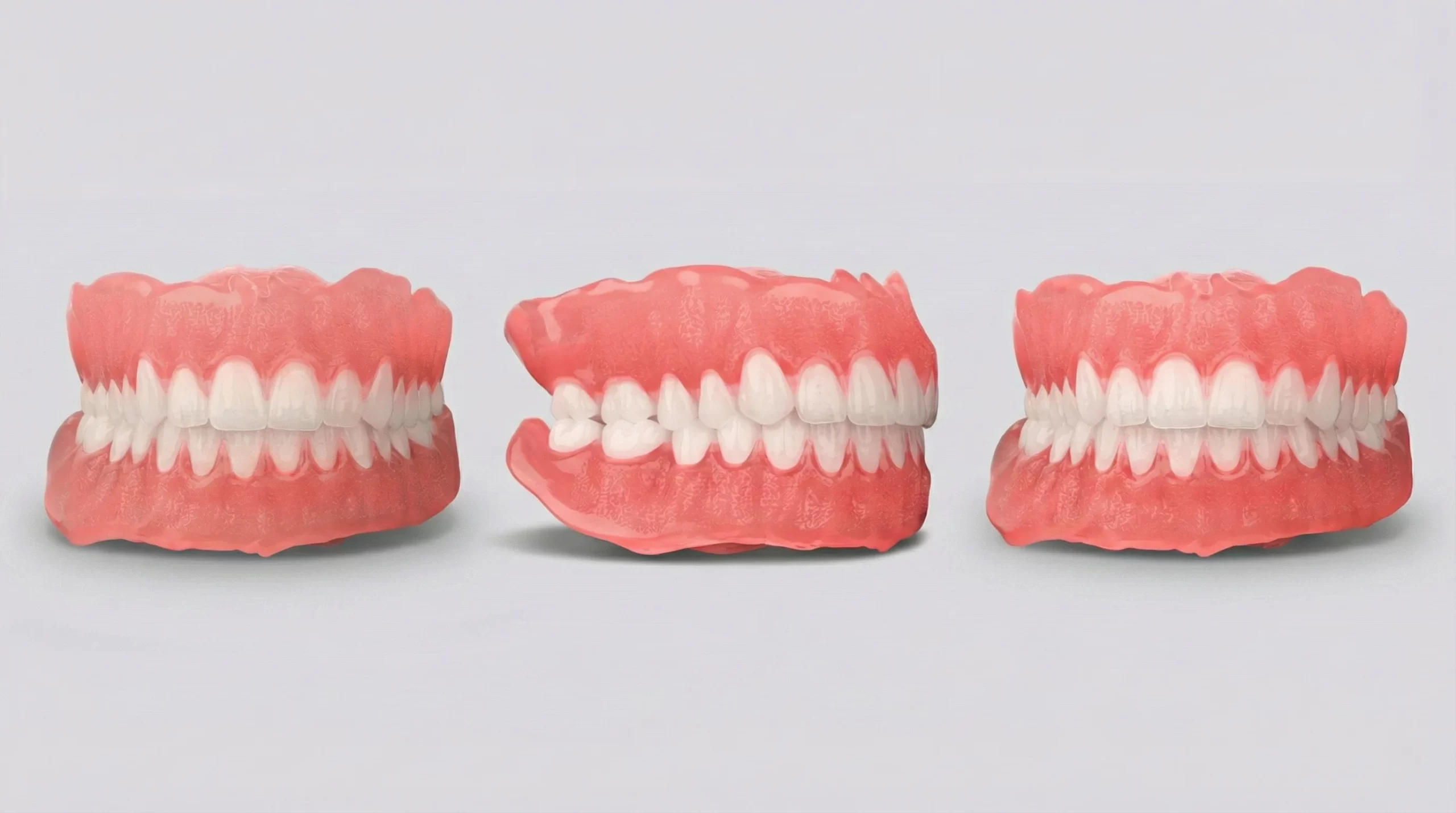
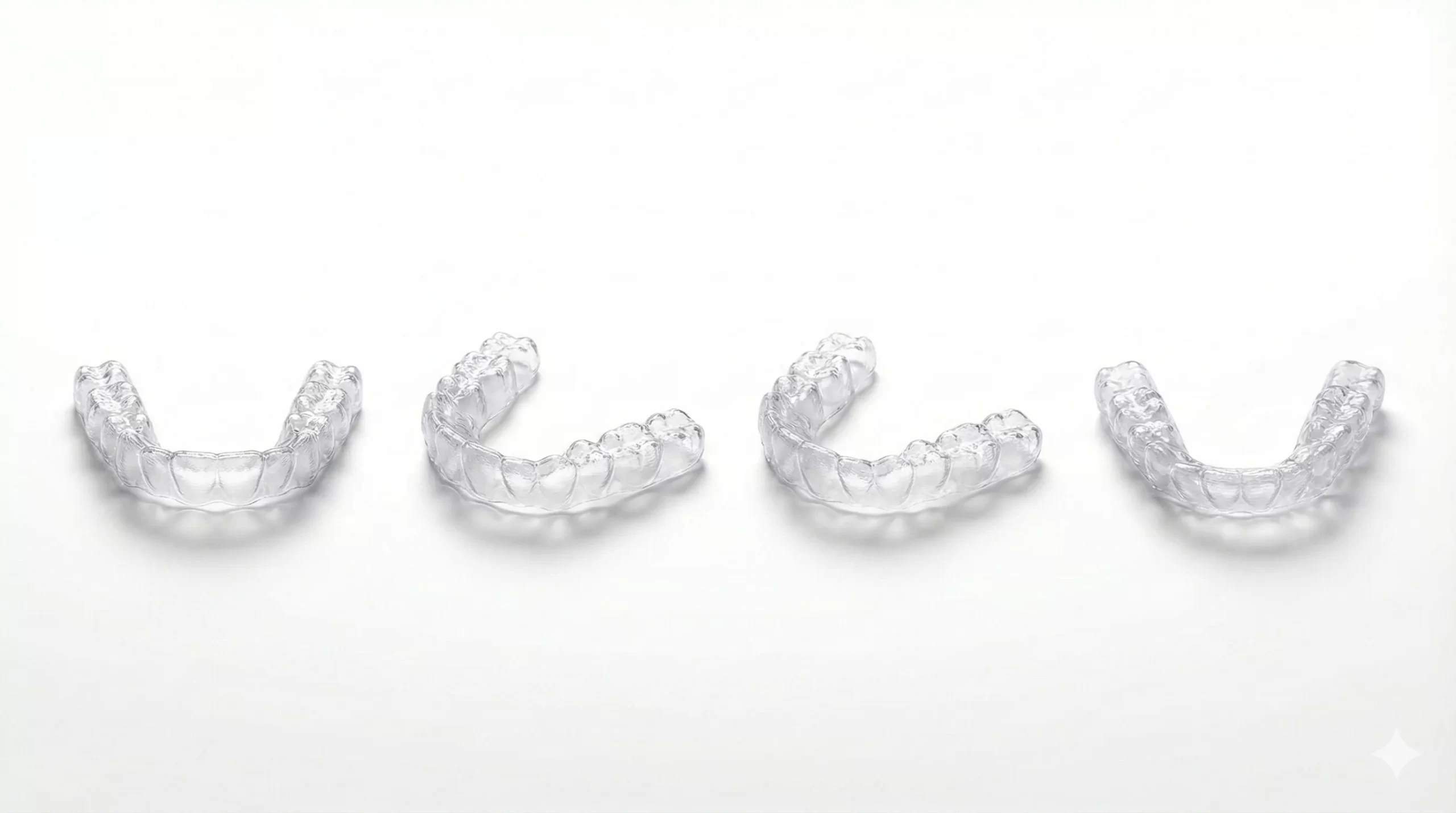
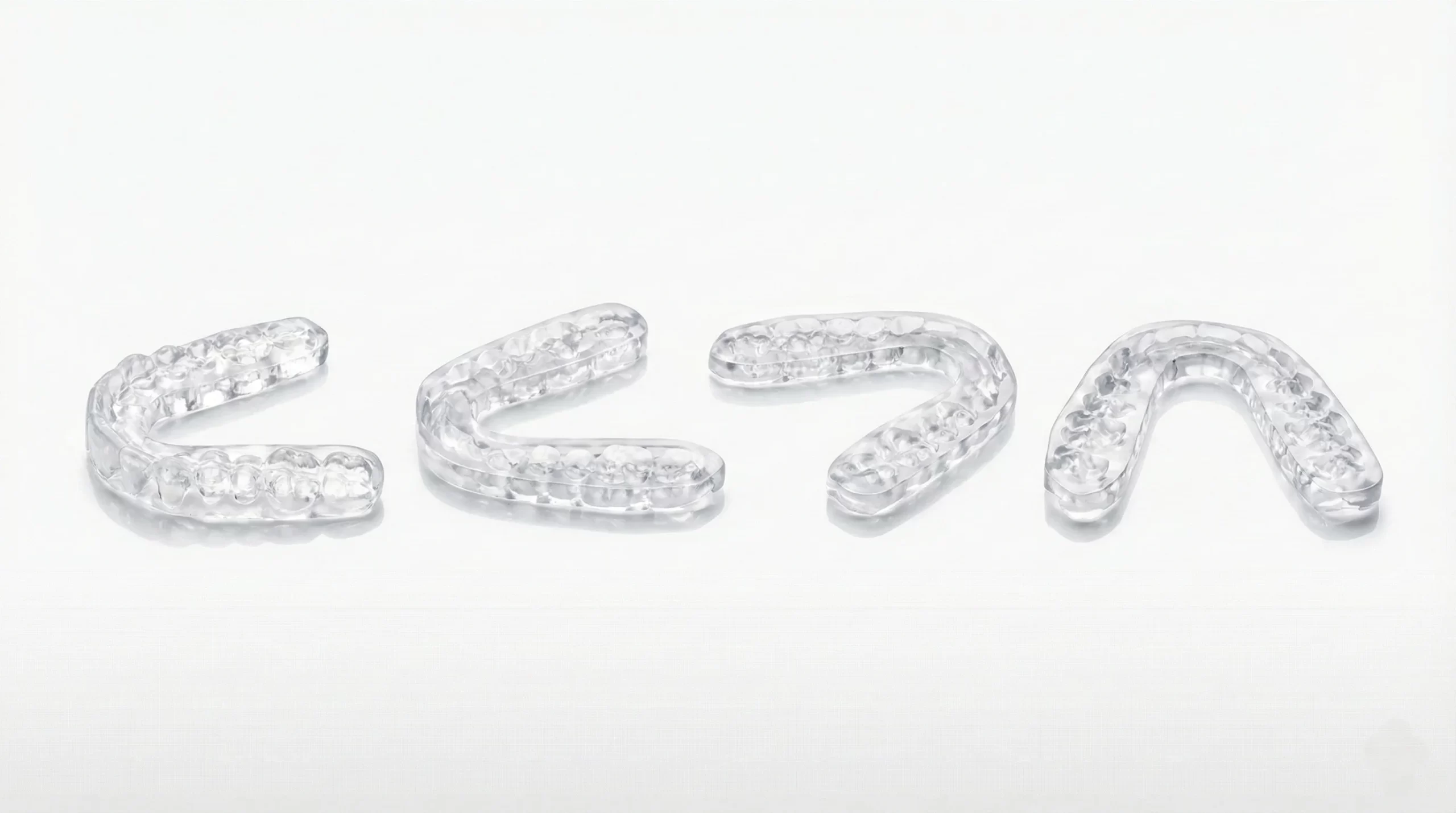
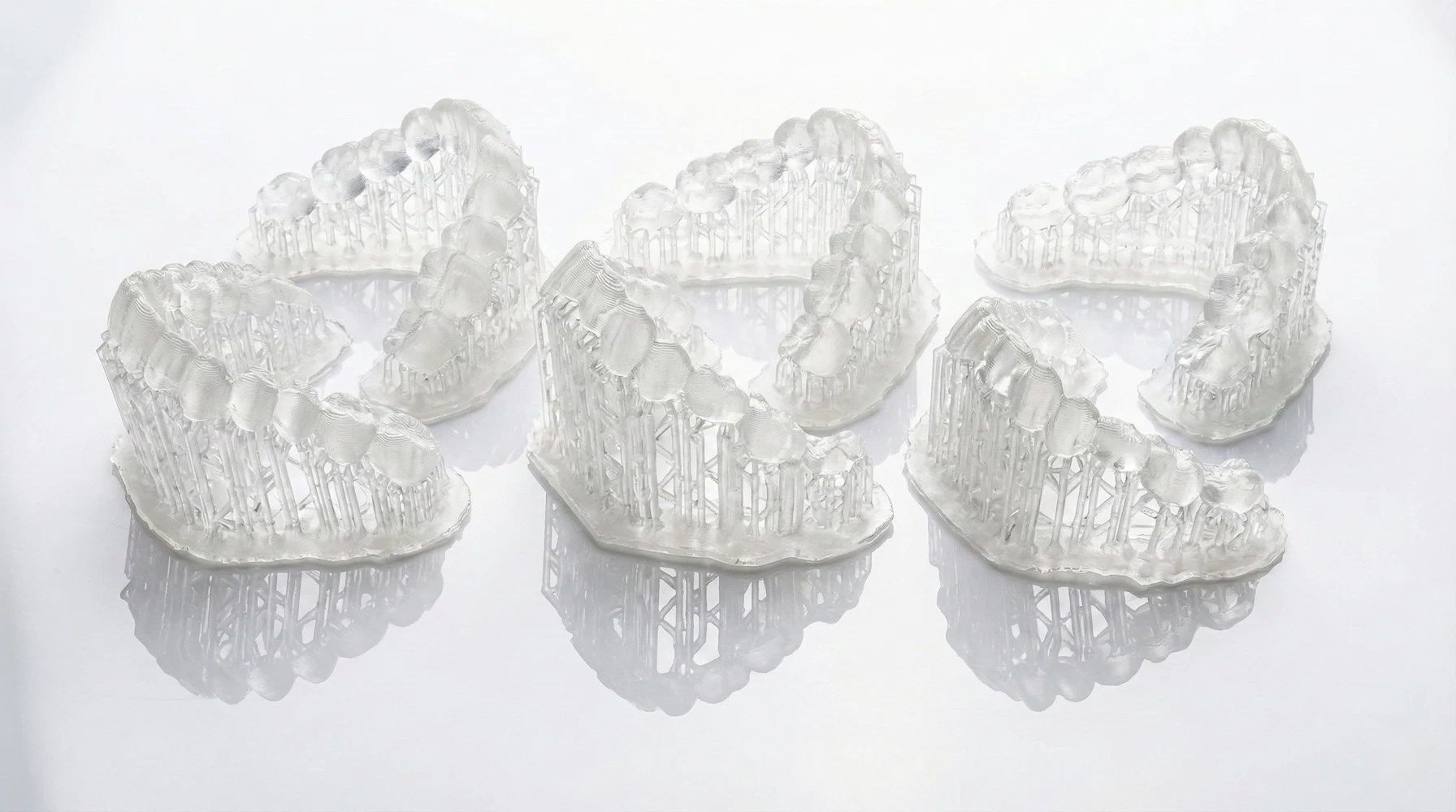
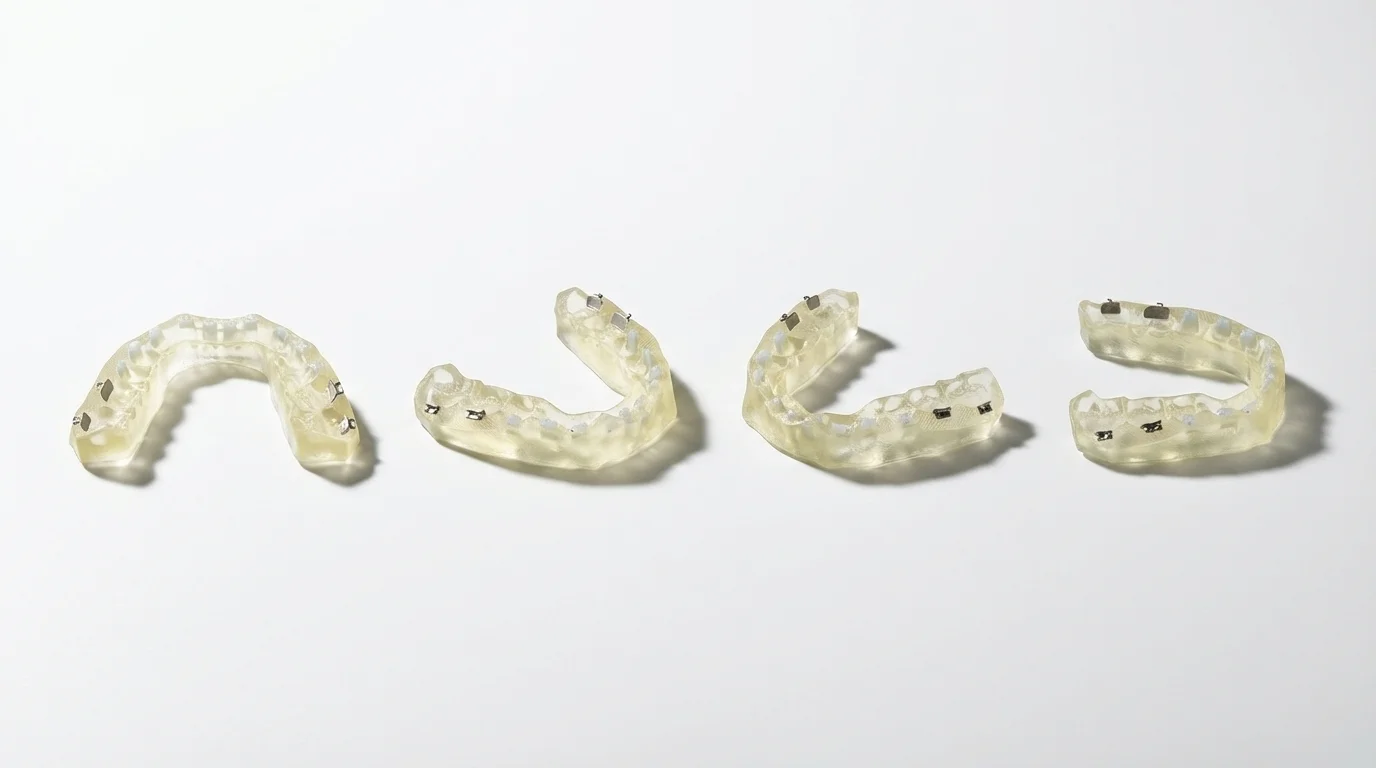
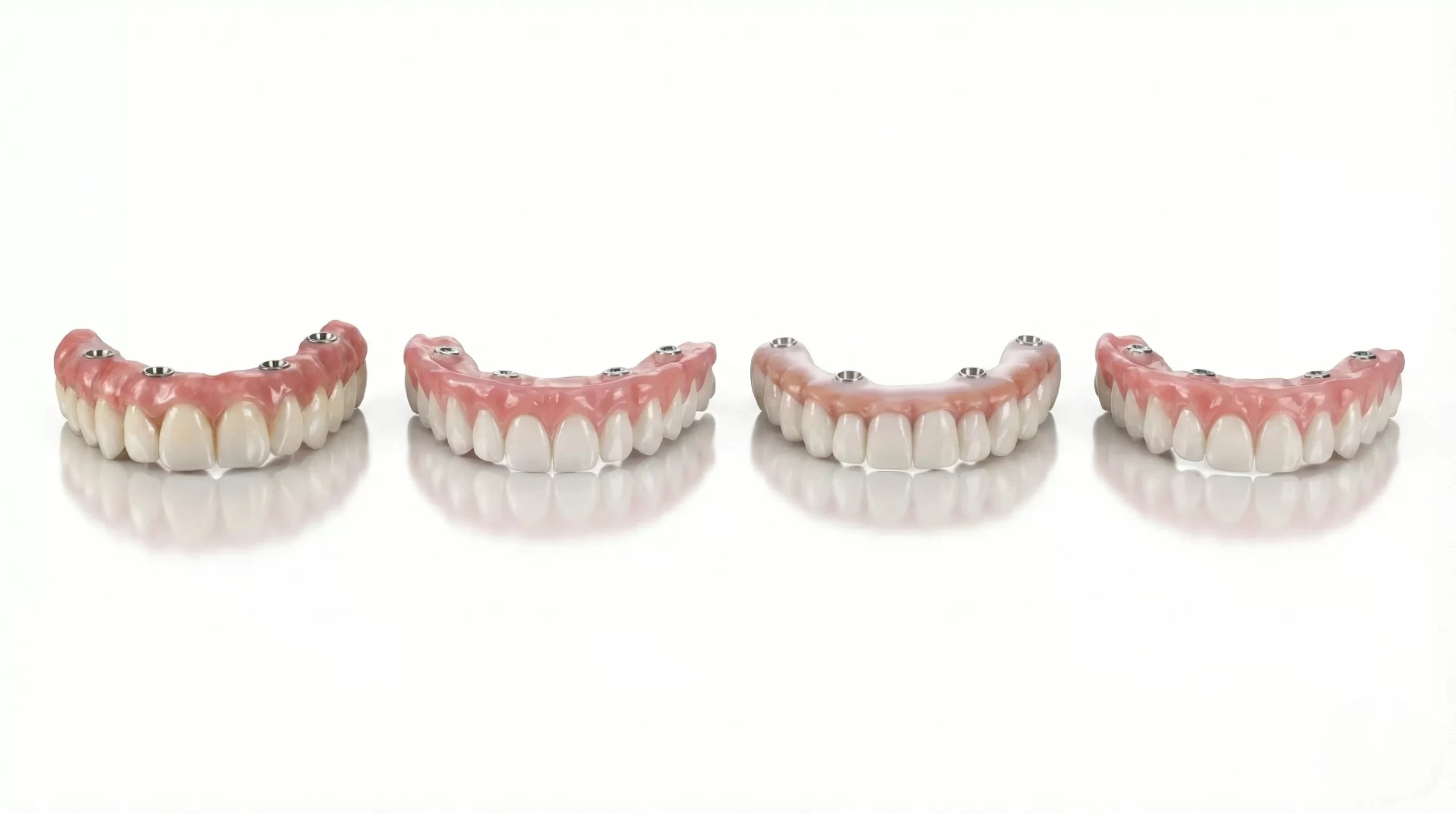
Dental 3D printer support for dependable production.
Open-system LCD dental 3D printers, documented resin parameters and production support for dental labs, clinics, DSOs and distributors.
- LCD dental 3D printers
- Open 405 nm resin system
- Dental labs & distributors
Open-System Dental Resin Printer
Run RayForm dental resins or validate suitable 405 nm materials in an open-system dental 3D printer workflow.
Dental 3D Printing Parameters
Start with documented resin profiles, then tune application settings for your LCD dental 3D printer and process.
Dental 3D Printer Support
Get technical support for printer setup, file preparation and dental model production troubleshooting.
Dental 3D Printer Manufacturer & B2B Supply
Coordinate dental 3D printers, resins and technical documents with RayForm for international B2B projects.