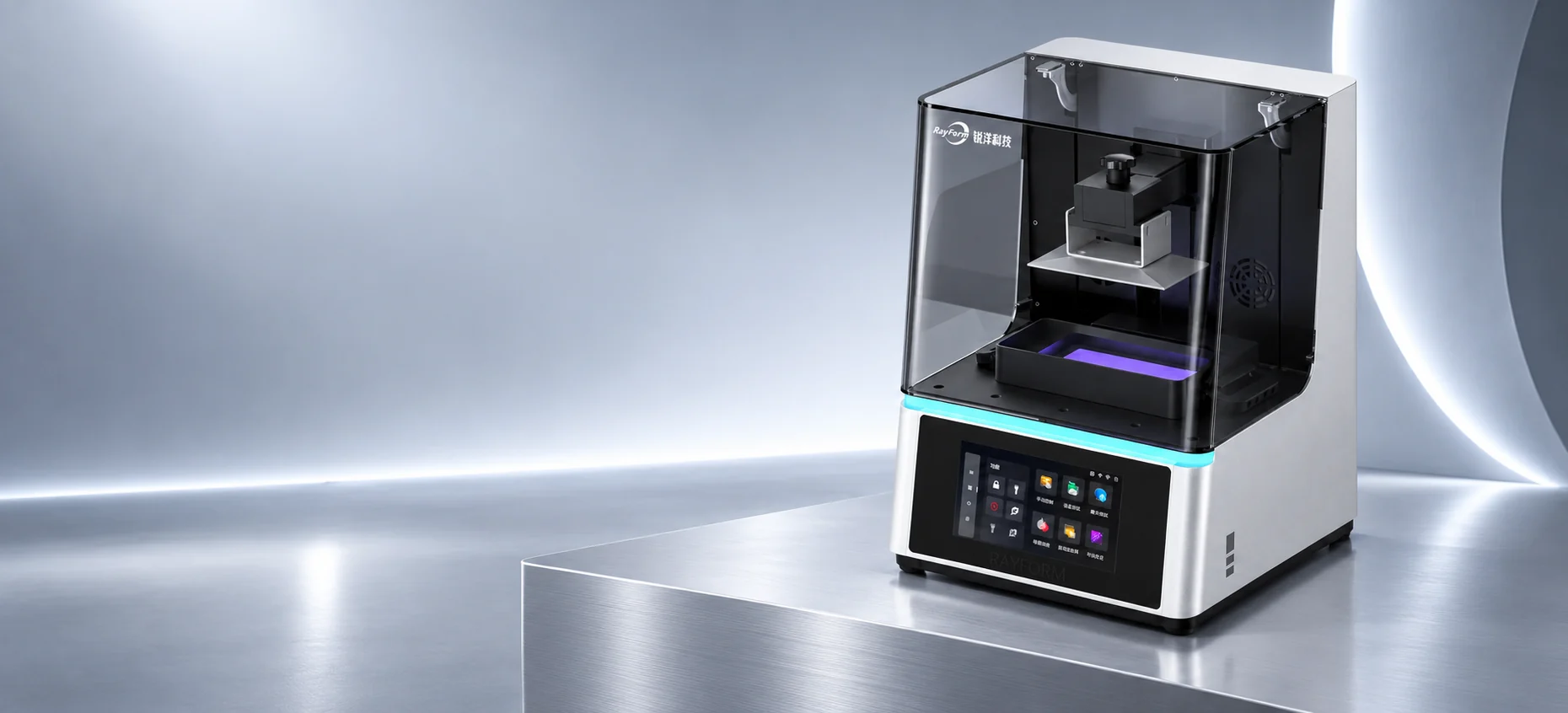
RF-DL900 / RF-DL600 dental LCD printers
Your workflow.In focus.
Choose between two configurations based on build platform and workspace. Both include a 7-inch capacitive touchscreen and a CHITUBOX file workflow.
RF-DL900 / RF-DL600
Request a configurationCompare specificationsRF-DL900 · studio visualization
- LCD screen
- 6K / 4K
- Touchscreen
- 7-inch
- Light source
- COB + Fresnel
- Slicer
- CHITUBOX
Two formats. One familiar workflow.
Compare the RF-DL900’s 9.25-inch 6K screen with the RF-DL600’s 6.23-inch 4K screen. Choose by the build platform your jobs need and the space available.
RF-DL900
6K LCD- Build dimensions
- 198 × 123 × 130 mm
- LCD screen
- 9.25-inch 6K
RF-DL600
4K LCD- Build dimensions
- 134 × 84 × 120 mm
- LCD screen
- 6.23-inch 4K
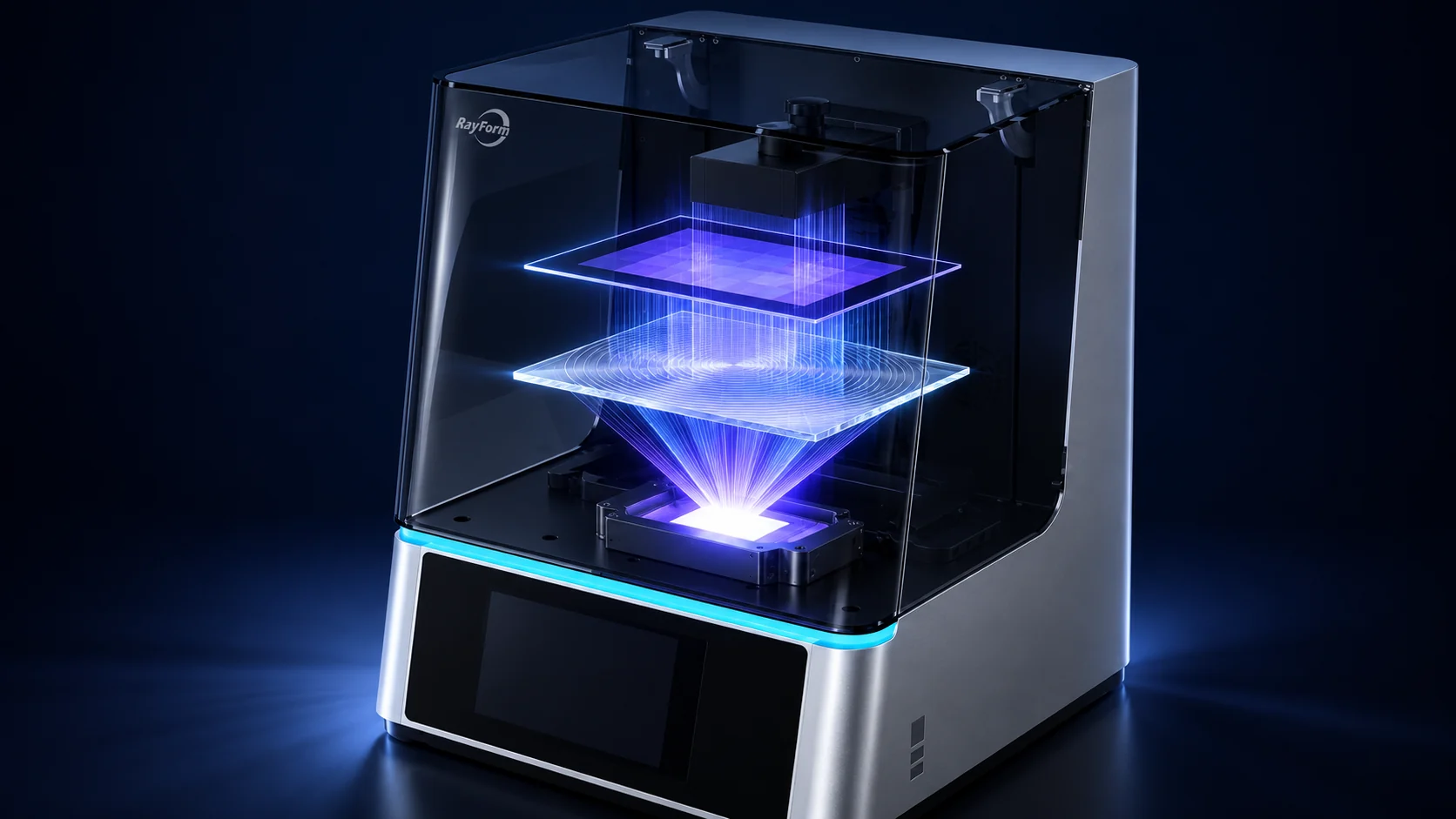
COB + Fresnel optics.
The equipment catalog lists a COB light source with a Fresnel lens for both configurations.
A closer look.
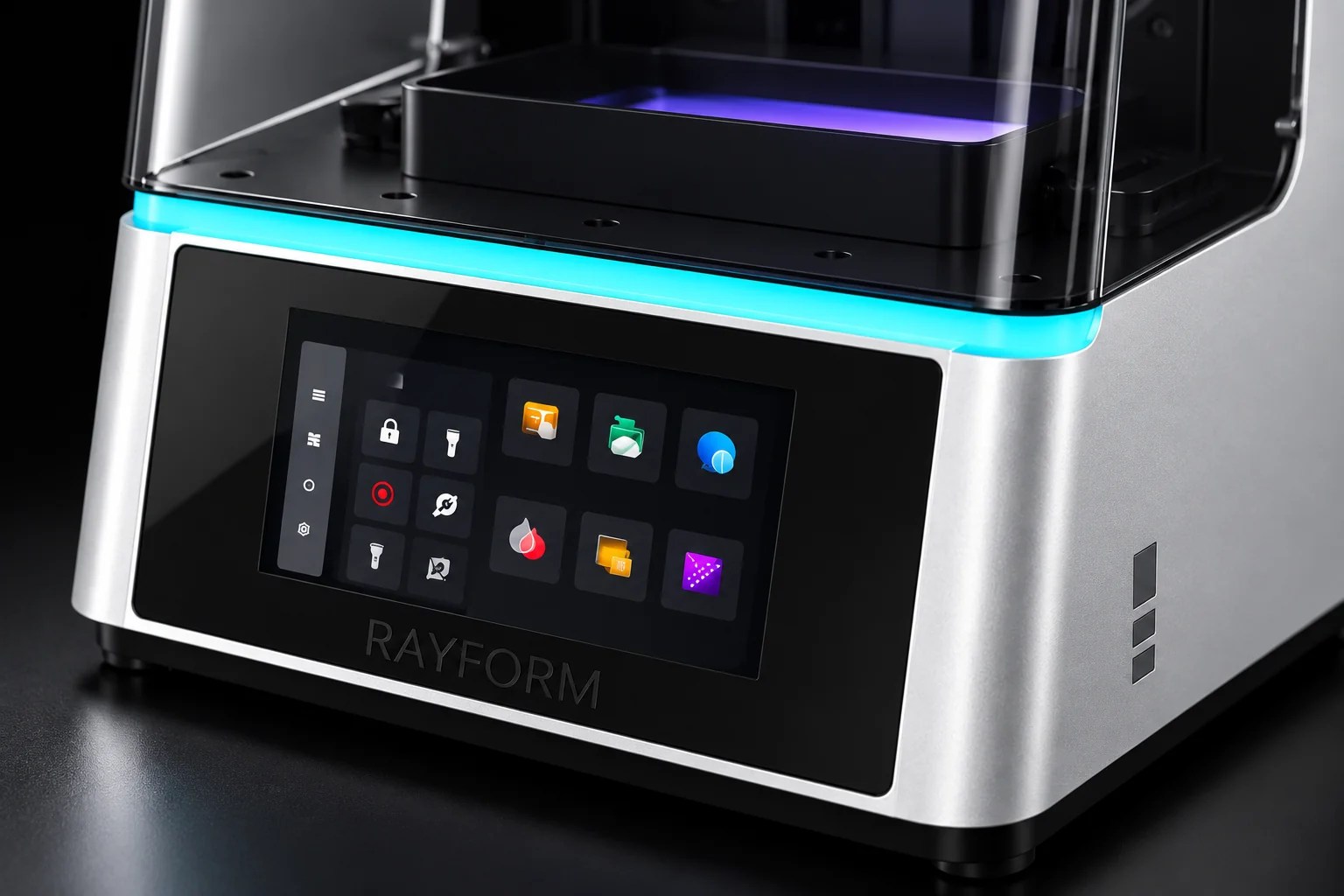
7-inch touch control.
Both configurations have a 7-inch capacitive touchscreen for operating the printer.
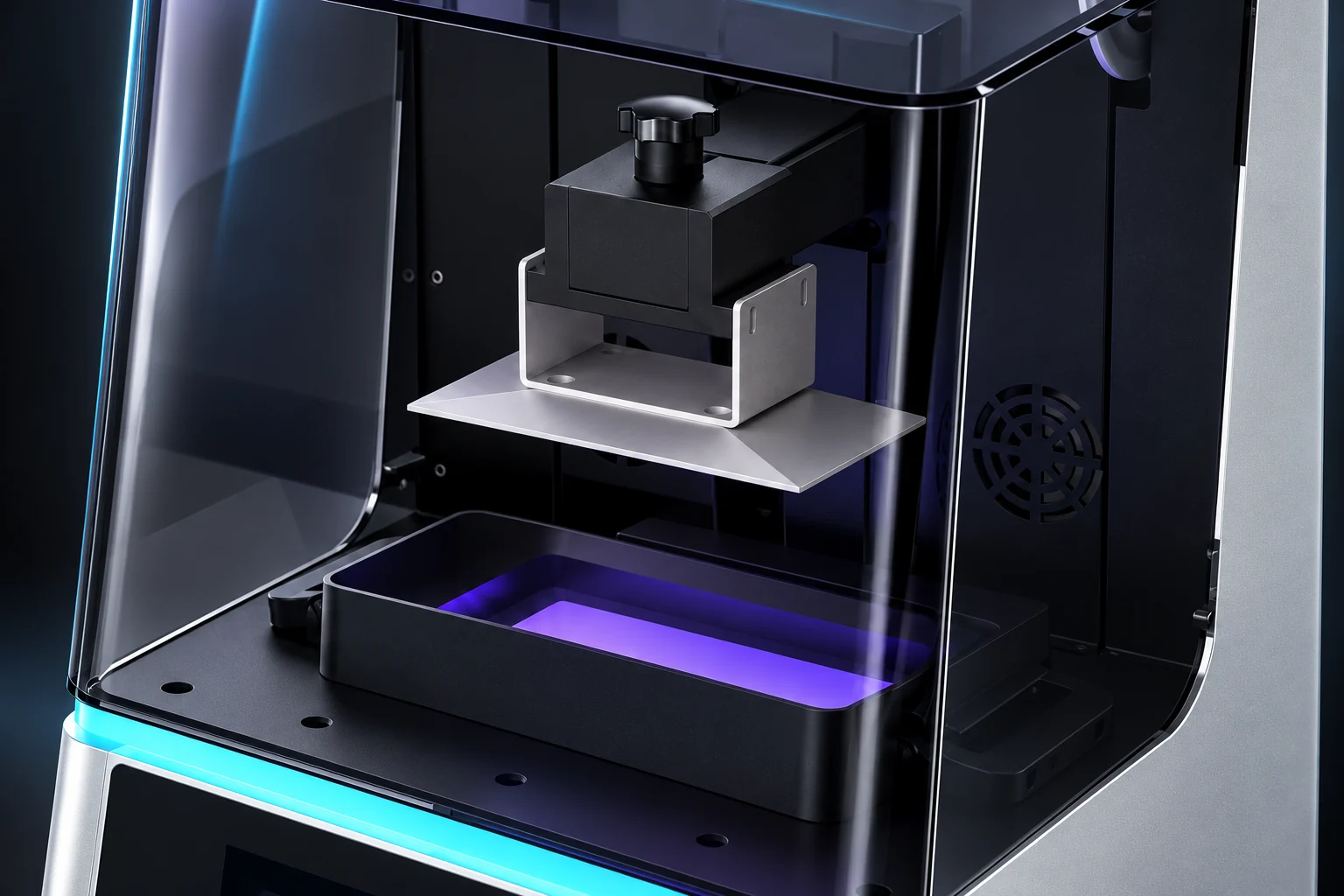
Access to the printing area.
The open-cover photograph shows the RF-DL900’s build platform and resin vat. Follow the operating manual when accessing and handling these components.
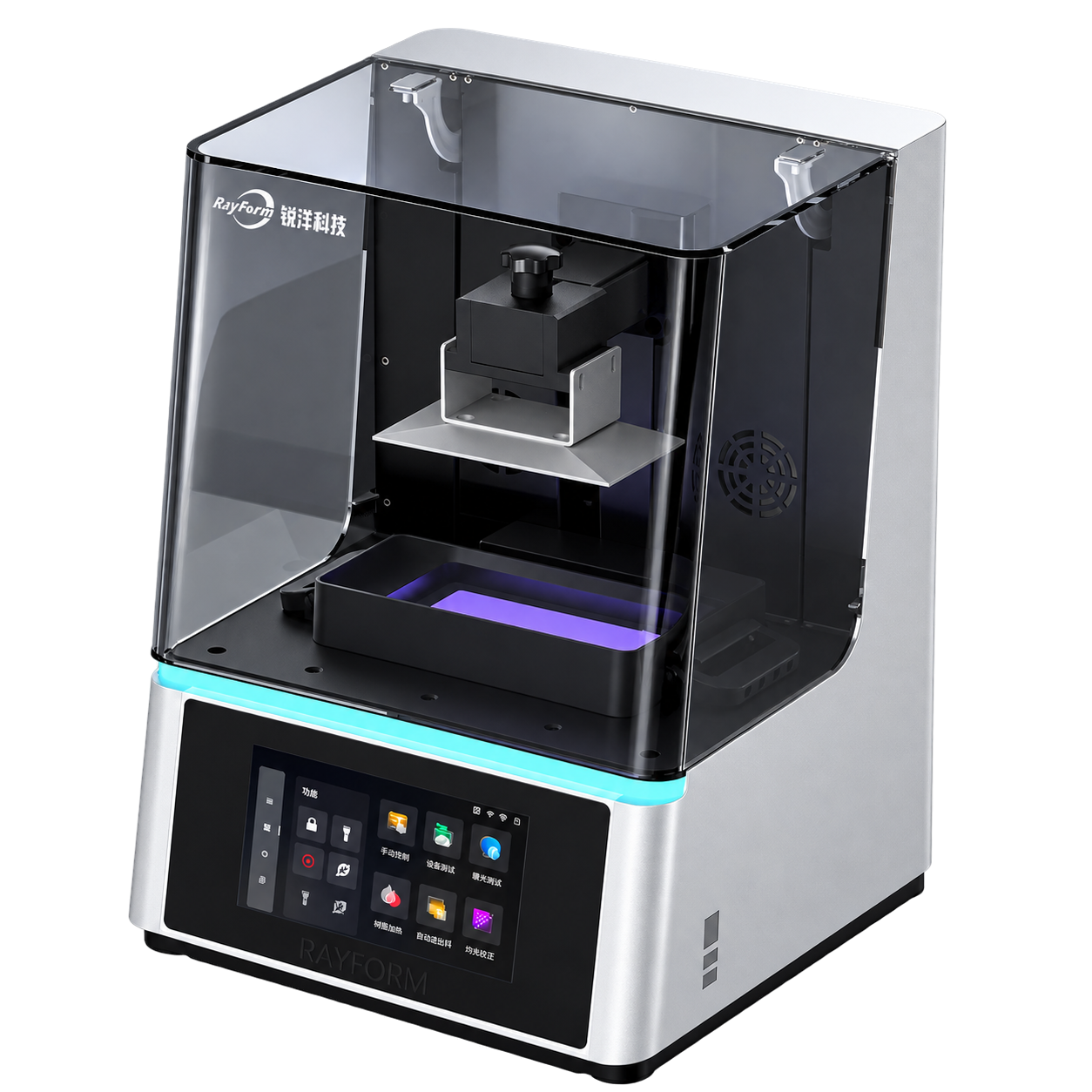
Files in. Workflow ready.
Prepare .ctb files in CHITUBOX and transfer them via USB drive or WLAN. Confirm settings against the material documentation and validate them with representative prints.
Choose your configuration.
Compare the RF-DL900’s 9.25-inch 6K screen with the RF-DL600’s 6.23-inch 4K screen. Choose by the build platform your jobs need and the space available.
| Configuration | RF-DL900 | RF-DL600 |
|---|---|---|
| LCD screen | 9.25-inch 6K | 6.23-inch 4K |
| Pixel matrix | 5760 × 3600 px | 3840 × 2400 px |
| XY resolution | 33 µm | 34 µm |
| Build dimensions | 198 × 123 × 130 mm | 134 × 84 × 120 mm |
| Suggested layer thickness | 0.01–0.2 mm | 0.01–0.15 mm |
| Machine dimensions | 347 × 347 × 490 mm | 284 × 290 × 430 mm |
| Net weight | 25 kg | 18.5 kg |
| Gross weight | 30 kg | 27 kg |
| Shared specifications | ||
| Touchscreen | 7-inch capacitive touchscreen | |
| Light source | COB light source + Fresnel lens | |
| Slicer | CHITUBOX (.ctb) | |
| Connectivity | USB drive / WLAN; RJ45 100M / Wi-Fi 2.4 GHz | |
| Power supply | 24 V / 10 A | |
Specifications from the RayForm equipment catalog, page 28. XY resolution is not a guaranteed finished-part tolerance.
RayForm equipment catalog · page 28Plan beyond the printer.
Validate the resin, slicing settings, washing and post-curing as one complete process for your intended application.
Prepare the file
CHITUBOX · .ctb · USB / WLAN
Confirm the material process
Resin · slicing settings · washing · post-curing
Validate the printed part
Representative parts · application requirements
Questions before you choose.
How do the two configurations differ?
RF-DL900 has a 9.25-inch 6K LCD and a 198 × 123 × 130 mm build volume. RF-DL600 has a 6.23-inch 4K LCD and a 134 × 84 × 120 mm build volume. Compare the table for layer thickness ranges, machine dimensions and weights.
Can I use any resin?
Confirm compatibility for the specific printer, resin and application first. Review the material documentation and validate the print settings, washing and post-curing with representative parts.
What should I send with a configuration request?
Share representative part files, your application, preferred model, resin, destination country and target output. Include your current washing and curing equipment so the complete workflow can be discussed.
Build a setup around your work.
For dental labs, clinics and distribution projects: share your application, preferred model, sample files, resin, target output and destination country. We’ll discuss the equipment configuration and process requirements.