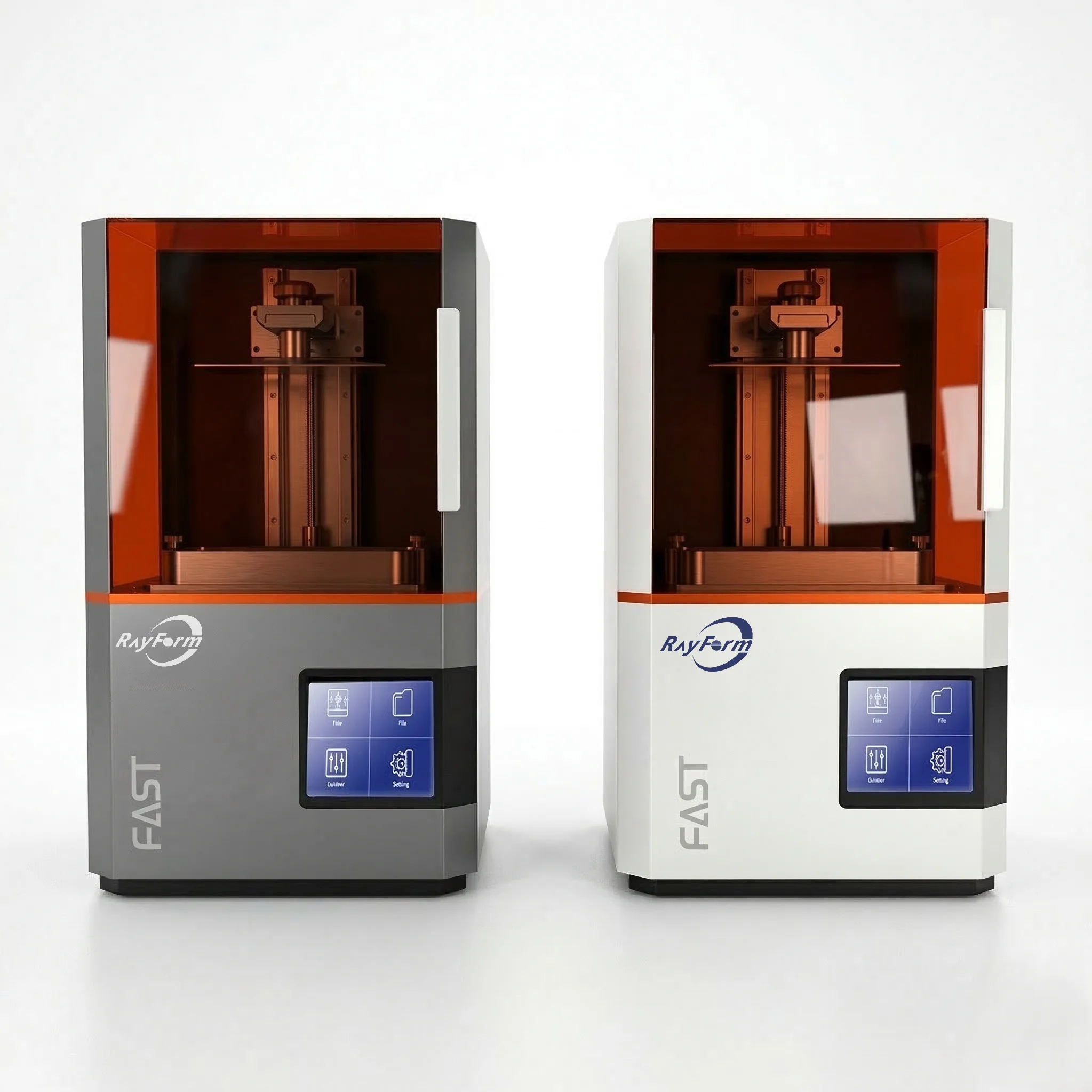
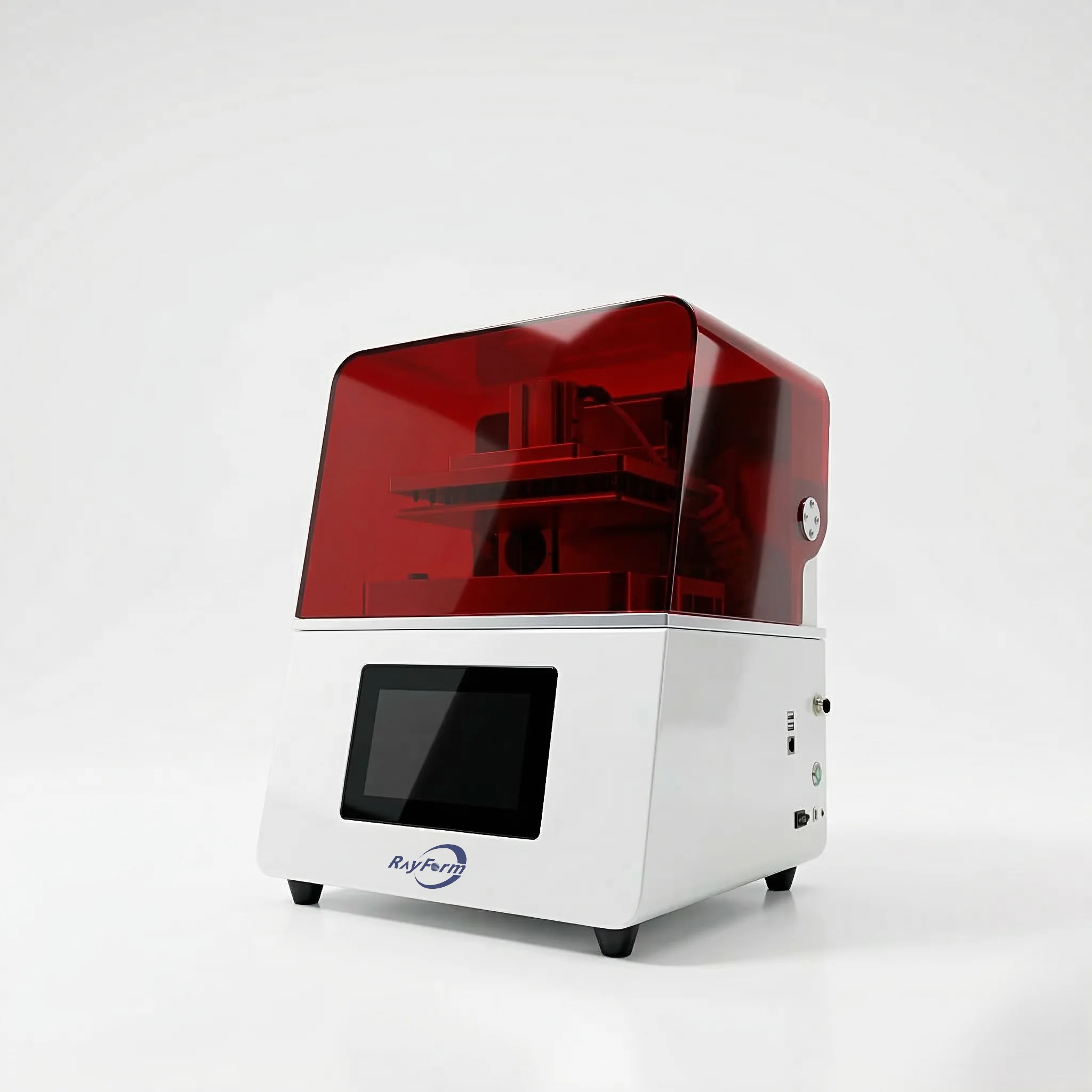
RF-3020D LCD Dental 3D Printer
Robust & Durable Dental 3D Printing Solution
The RF-3020D combines an 8K LCD screen, 29.7 µm pixels and a 228 × 128 × 235 mm build volume for dental model workflows. Review model nesting, material parameters and post-processing requirements with RayForm before planning batch output.
Key Features
8K Resolution Screen
High Speed Release Film
COB Centralized Light Source
Stable Z-axis Structure
Environment & Material Setup
8K Resolution Screen
The 8K LCD screen has a 7680 × 4320 pixel matrix and a 29.7 µm pixel size. Pixel size is not a guaranteed finished-part tolerance: geometry, orientation, resin, exposure and post-curing all affect the printed result.
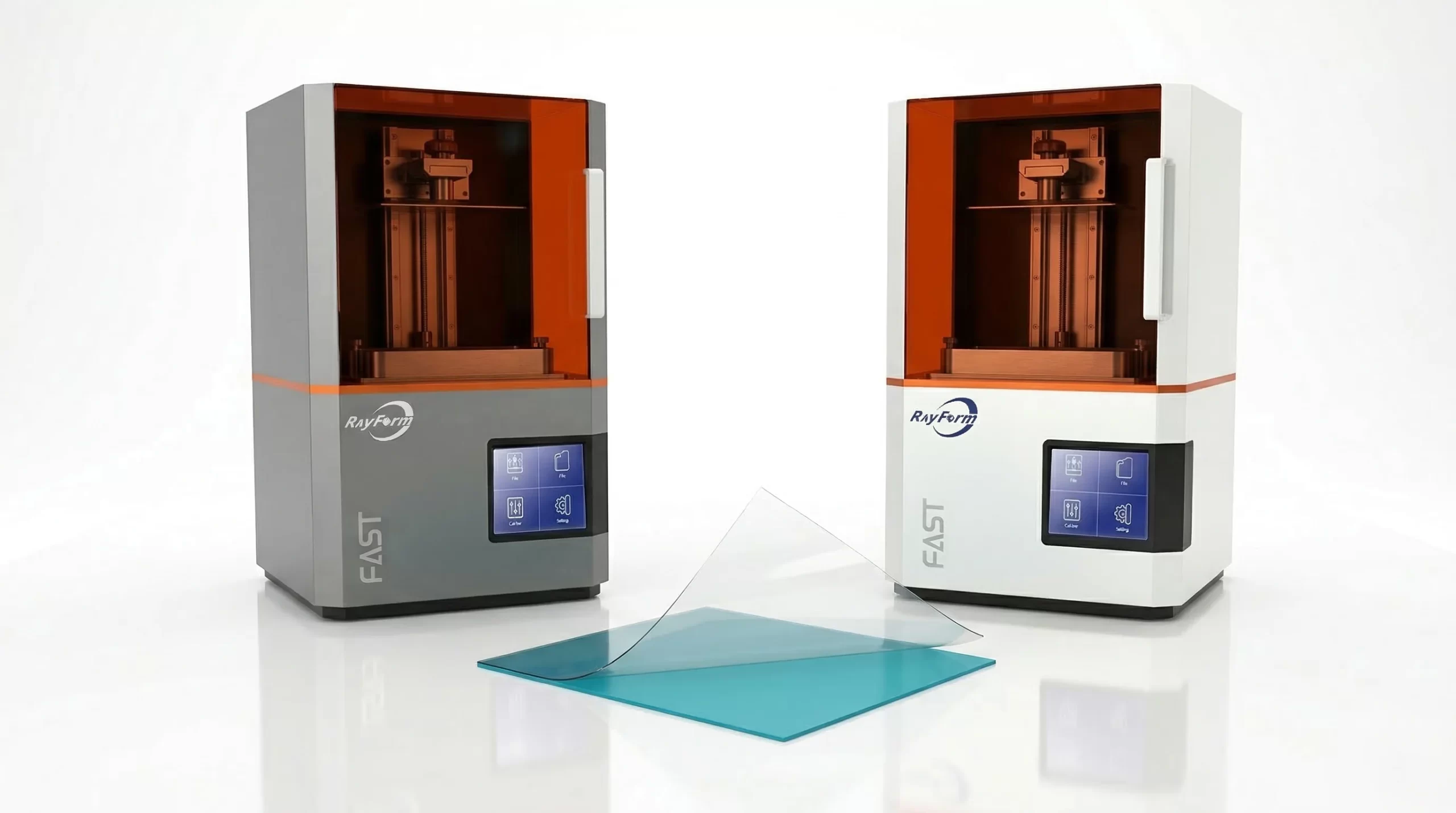
High Speed Release Film
The release-film design reduces separation force. The brochure lists a maximum printing speed of 60 mm/h; actual job time depends on resin, layer thickness, geometry and settings. Validate a representative file before planning production capacity.
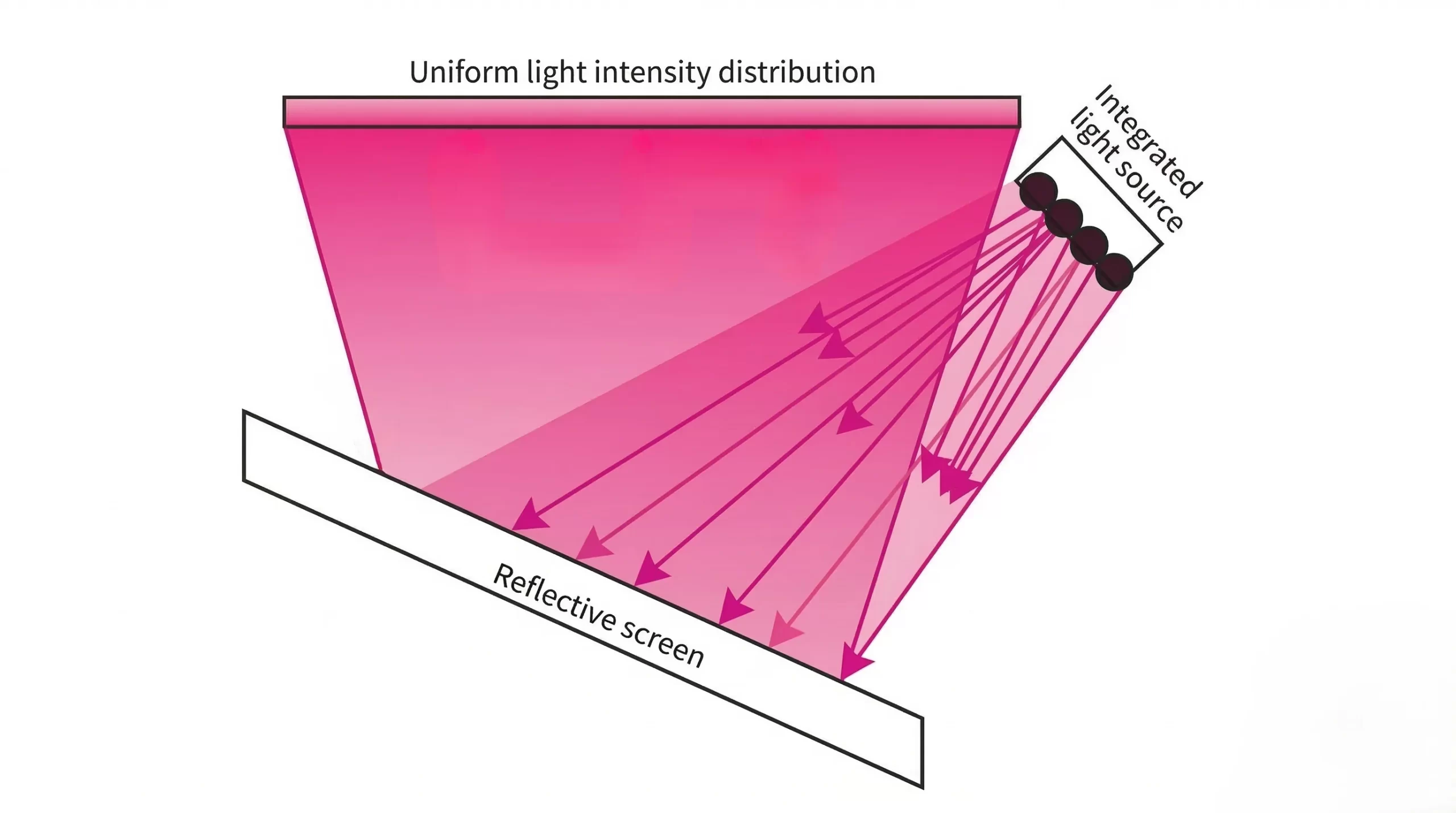
COB Centralized Light Source
The centralized COB light source has a specified light uniformity of 92%. This is an optical specification, not a print-success guarantee. Validate the exposure profile and material workflow for your intended application.
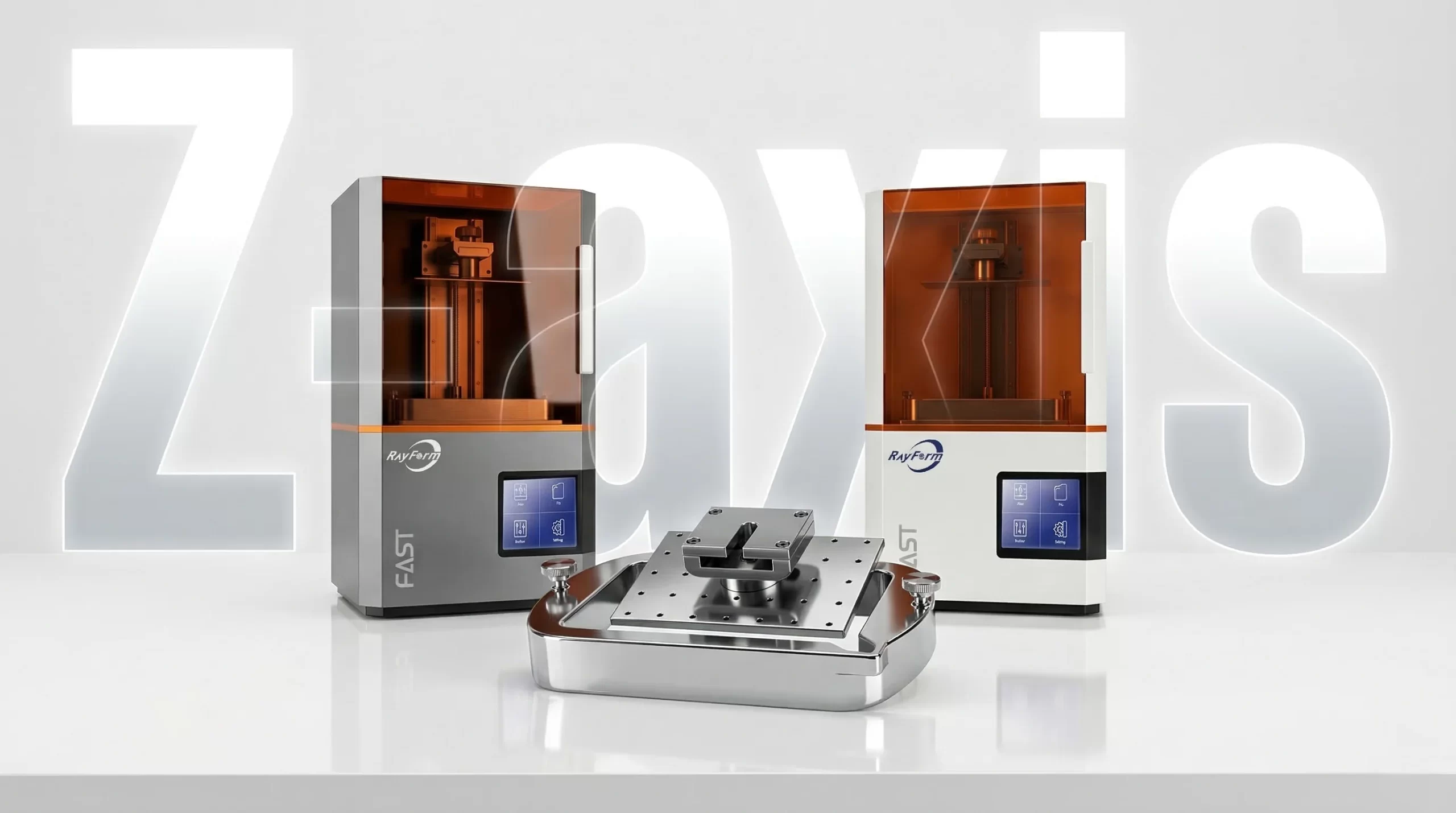
Stable Z-axis Structure
Repeatable model production requires a stable machine setup, a clean platform and an appropriate release film. Follow the maintenance instructions and validate representative prints with the selected resin and exposure settings.
Environment & Material Setup
Confirm the operating environment and any temperature-control options for the supplied configuration. Follow the resin instructions and validate exposure and post-curing conditions; temperature settings are material-specific.
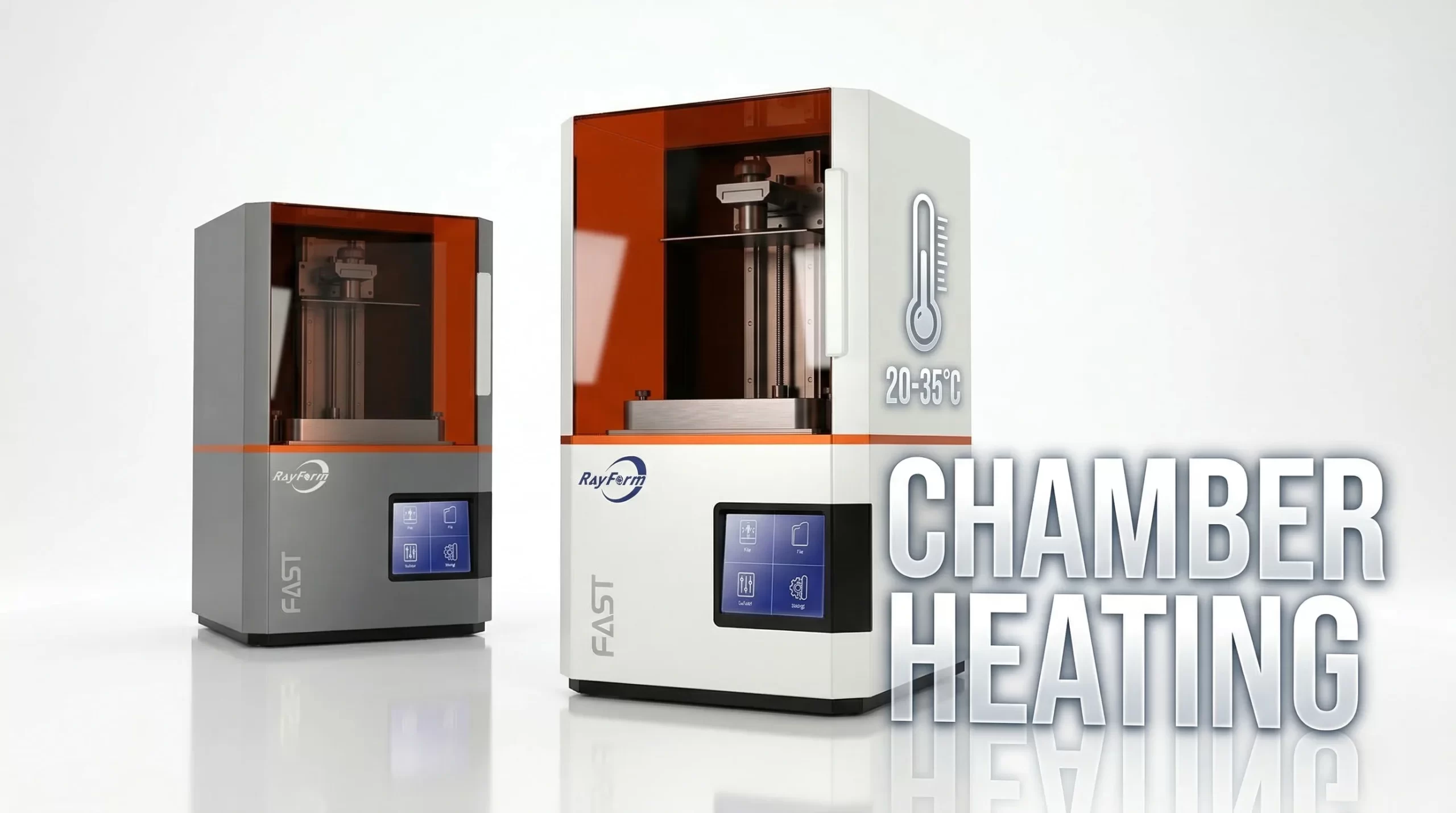
Why Choose Our RF-3020D LCD Printer?
RF-3020D LCD Series Specification
Application
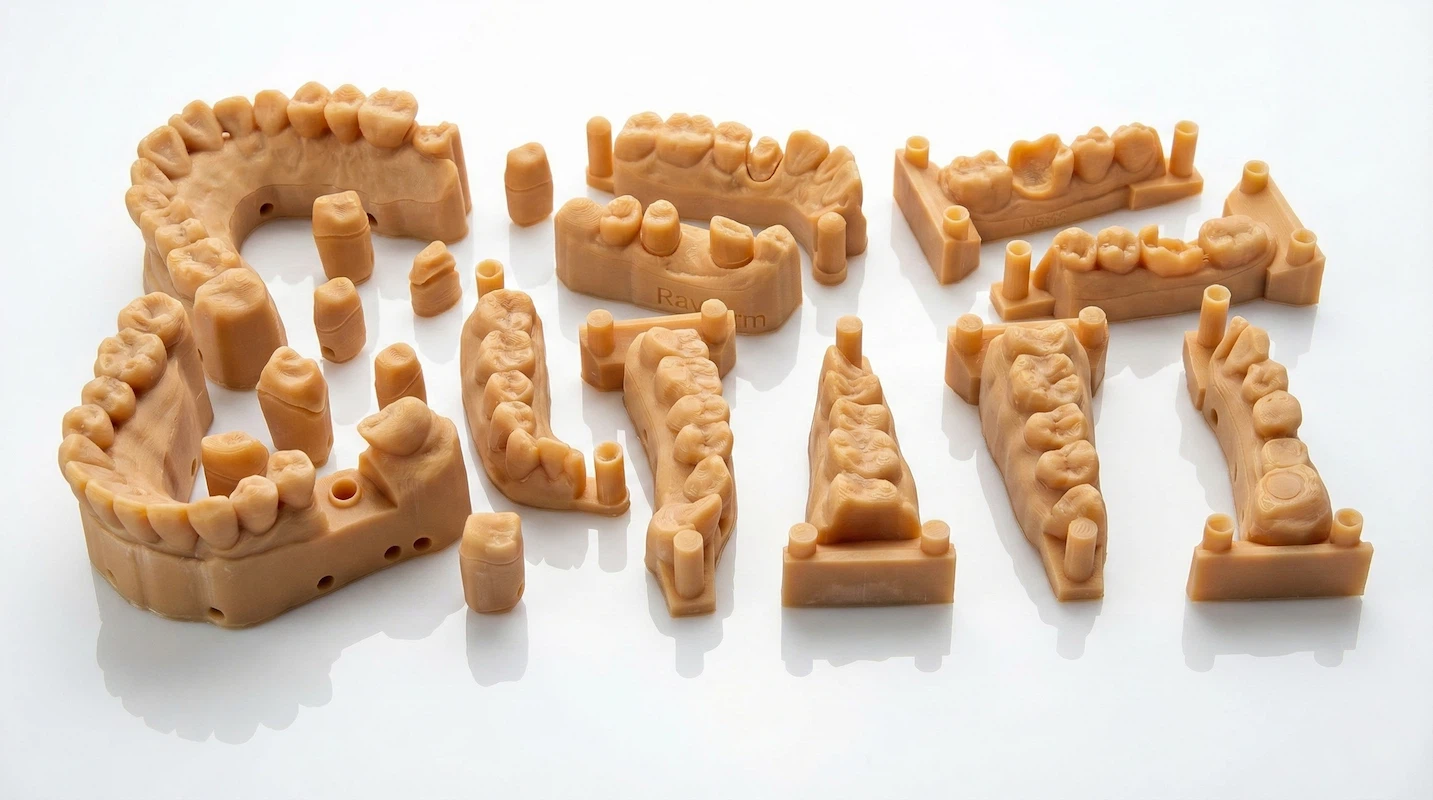
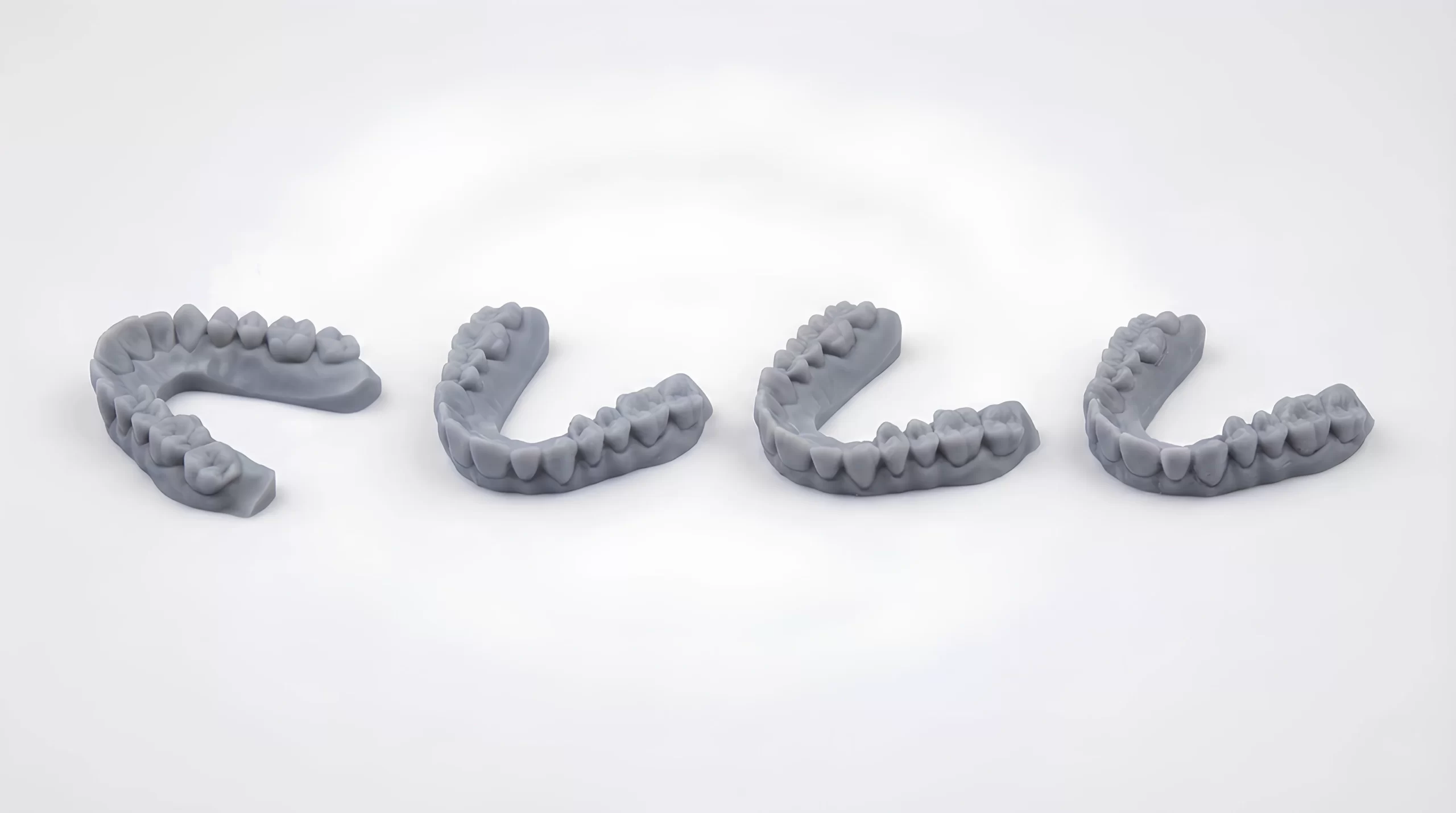
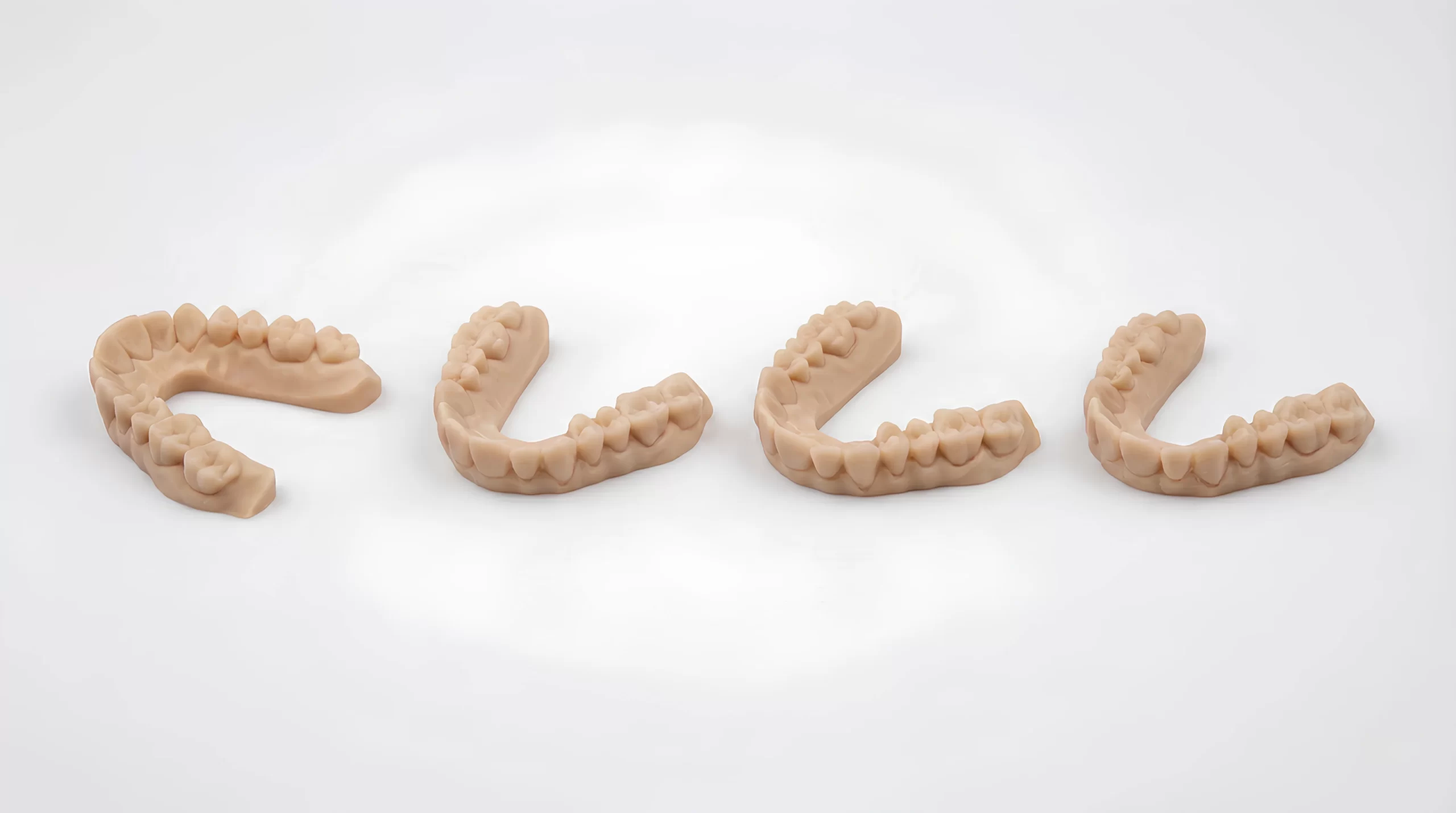
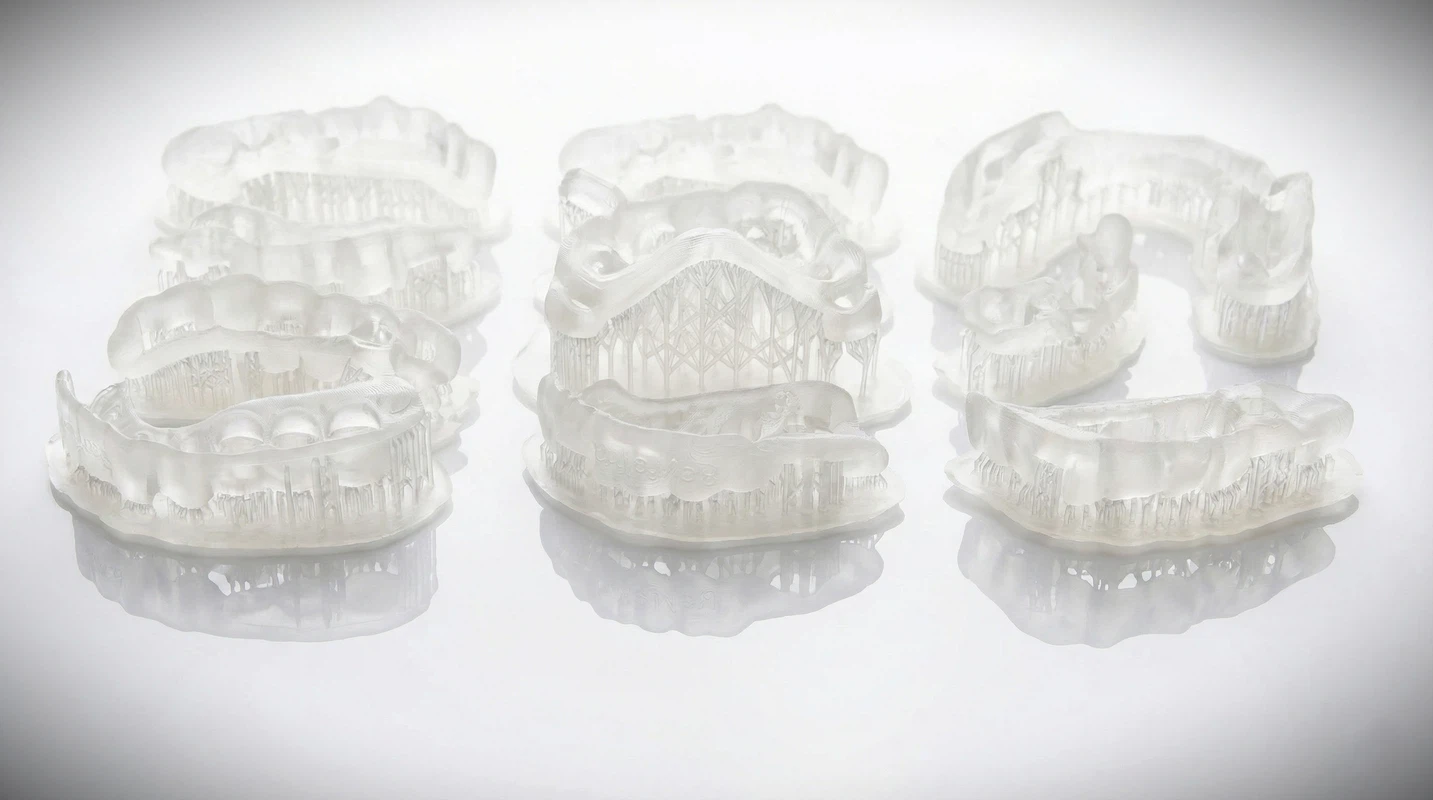
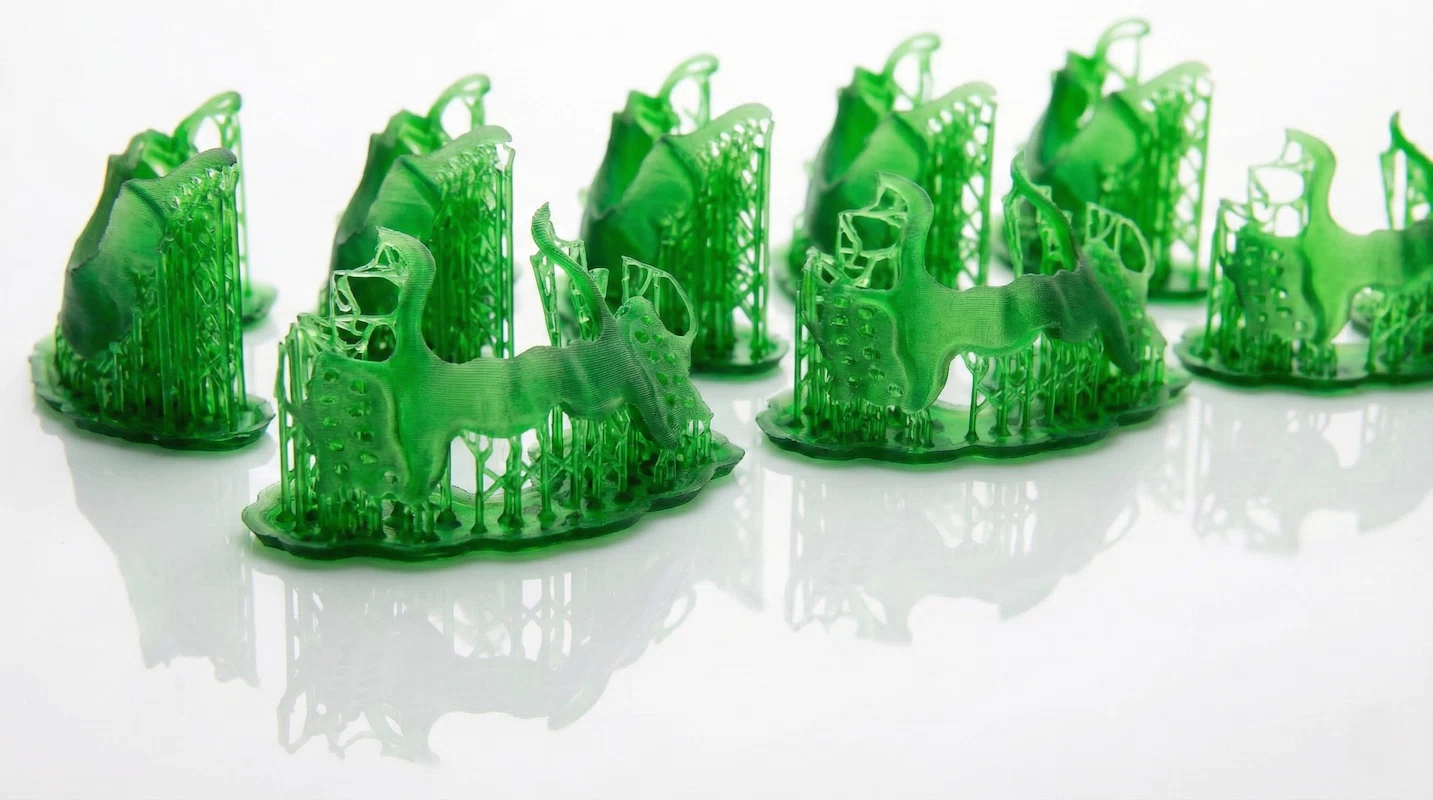
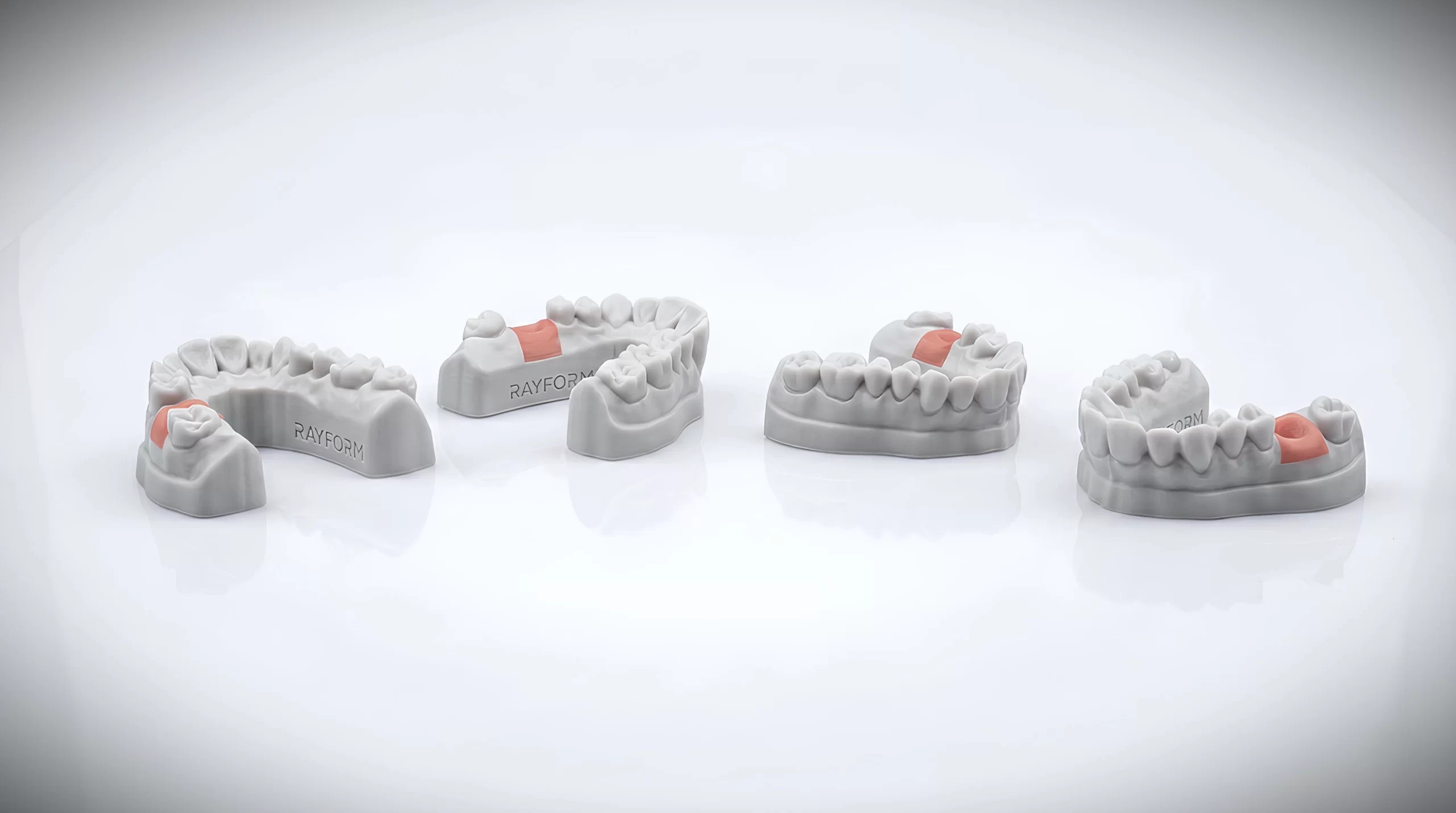
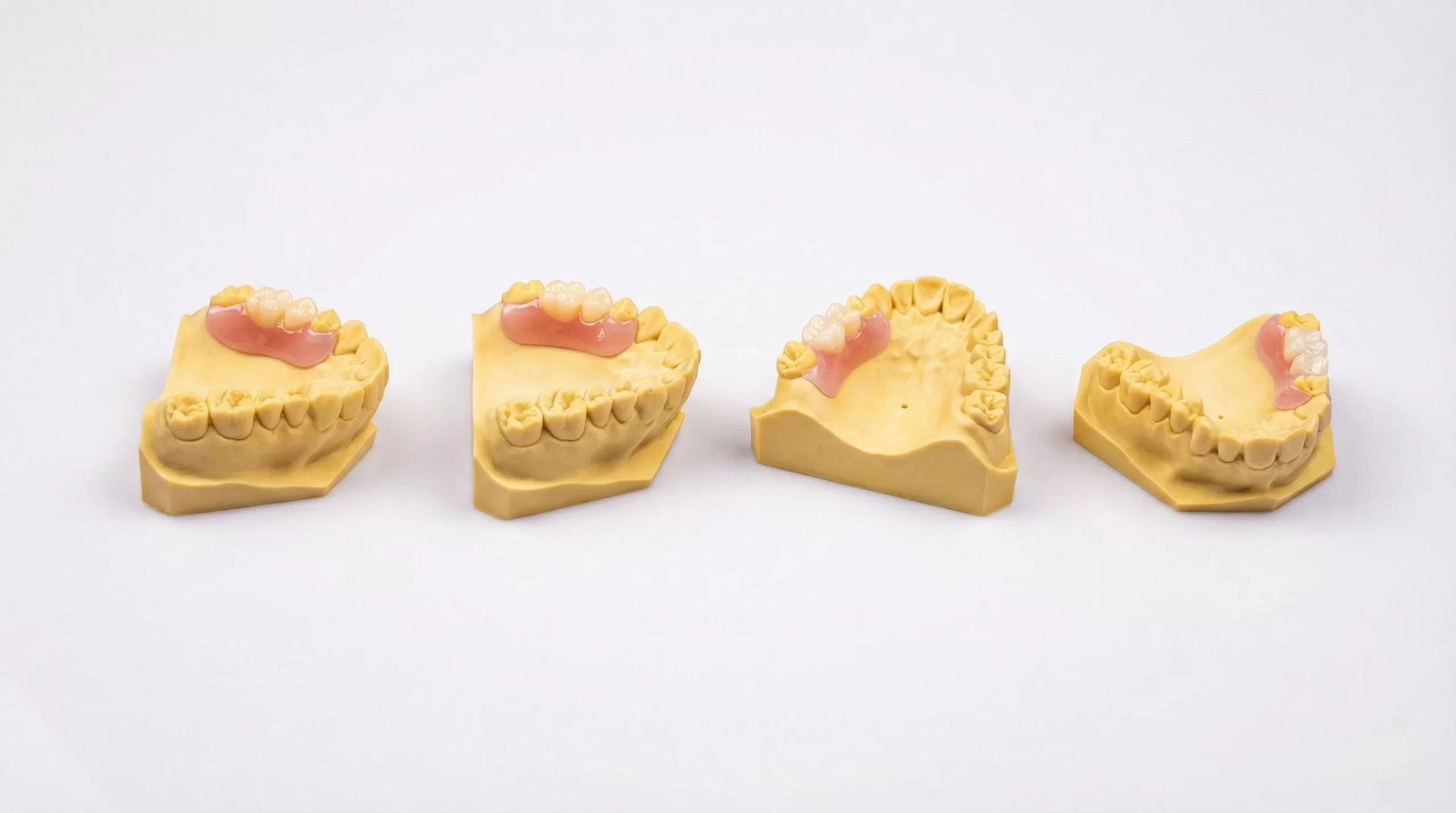
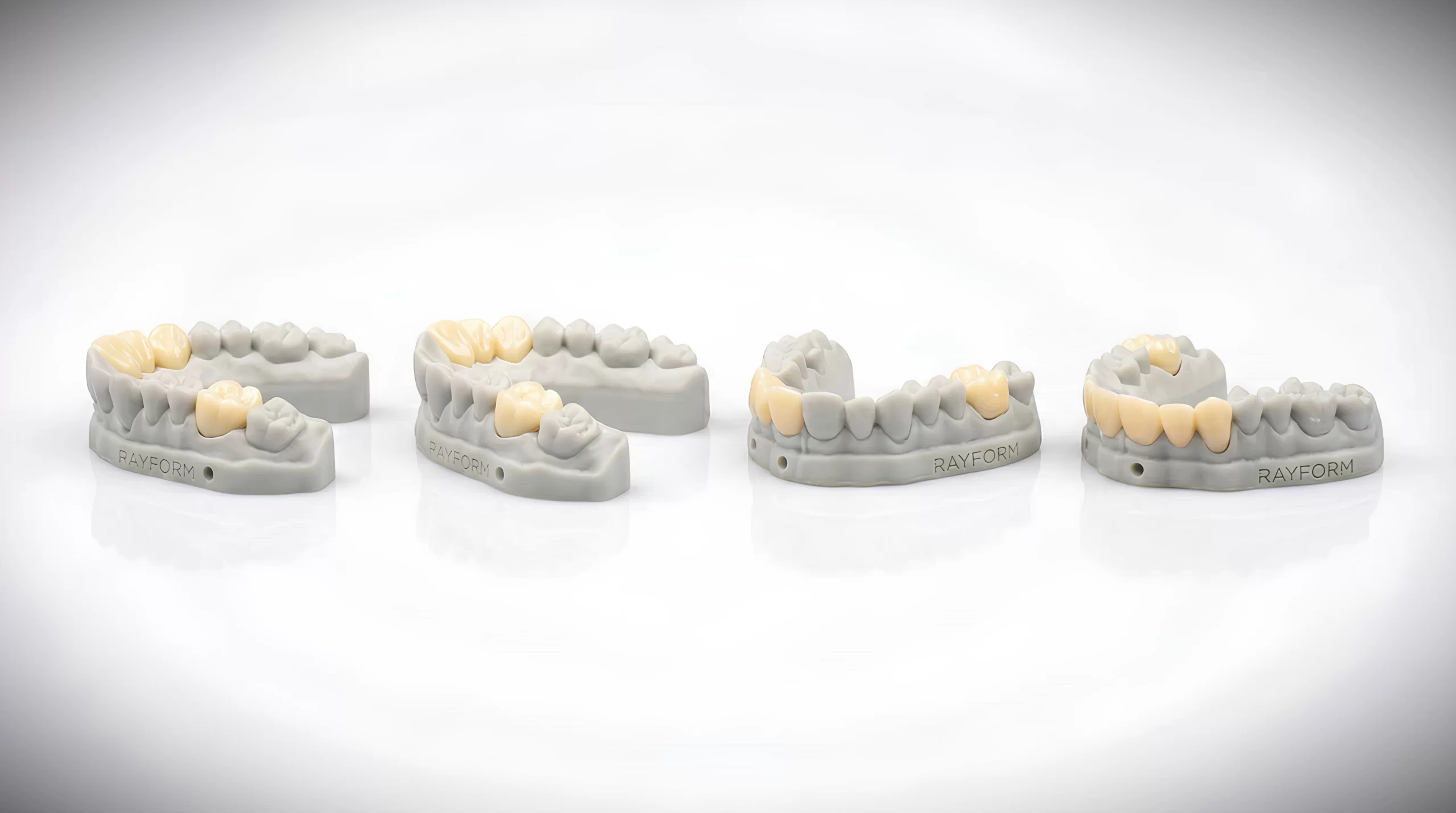
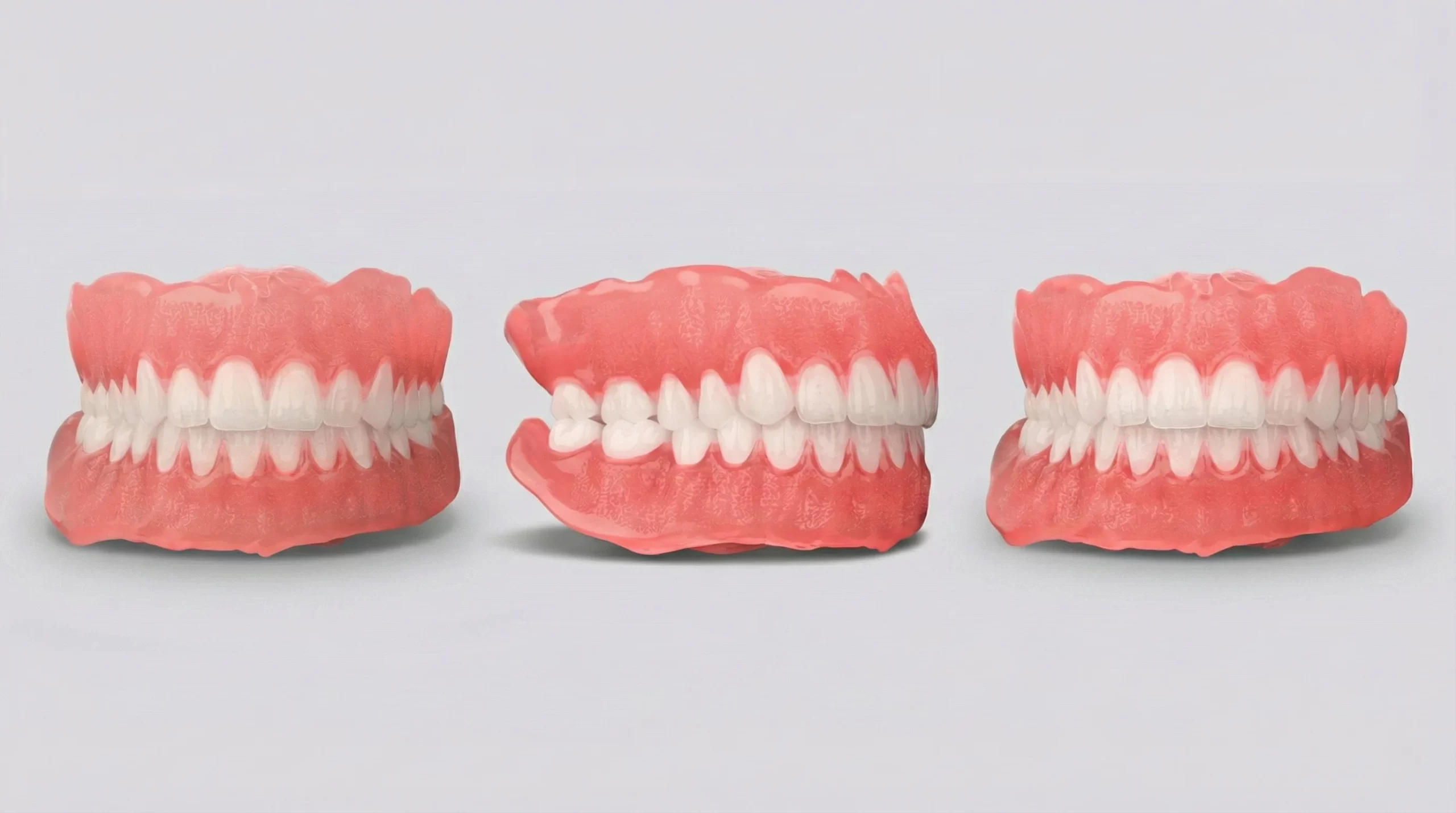
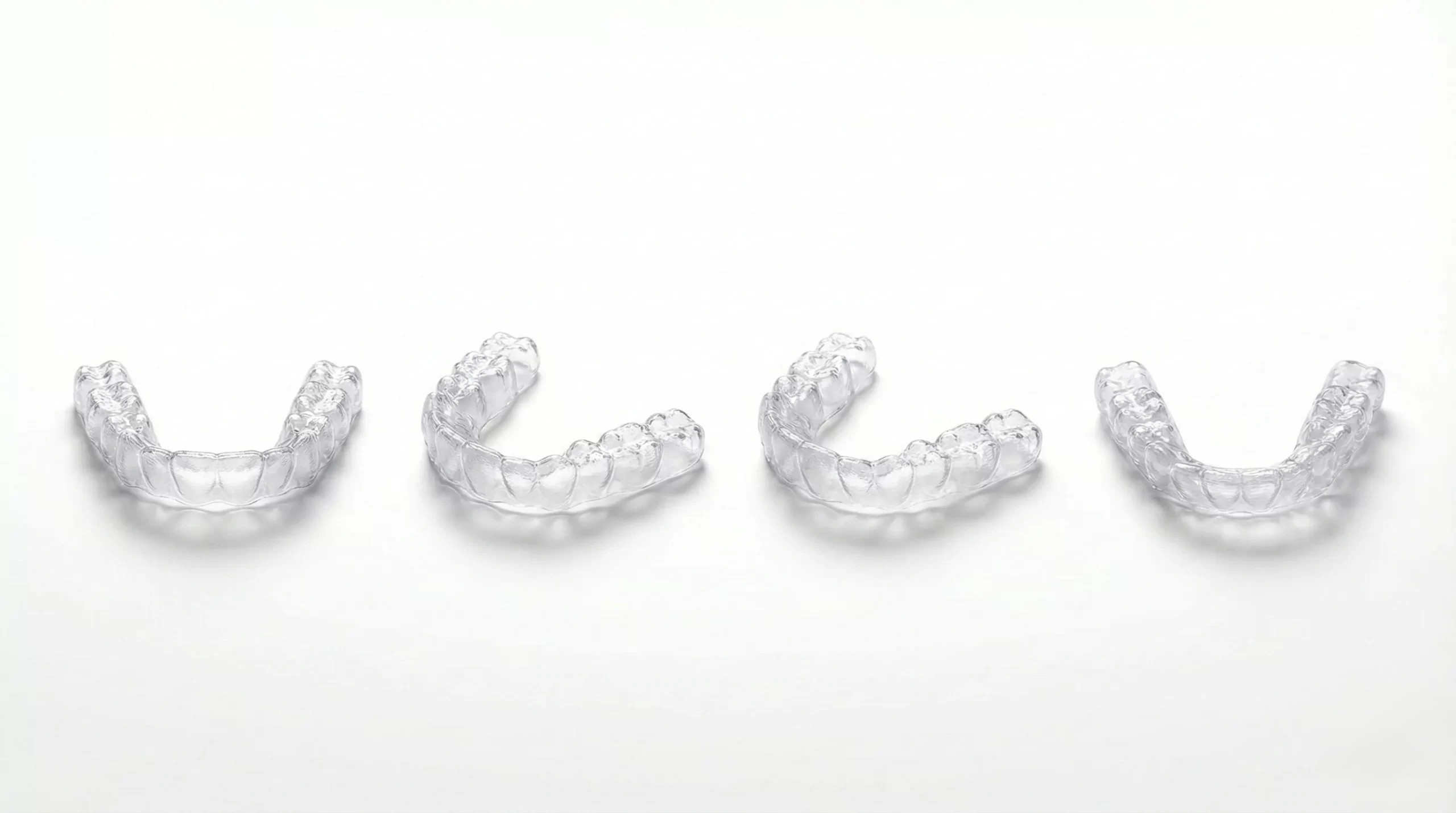
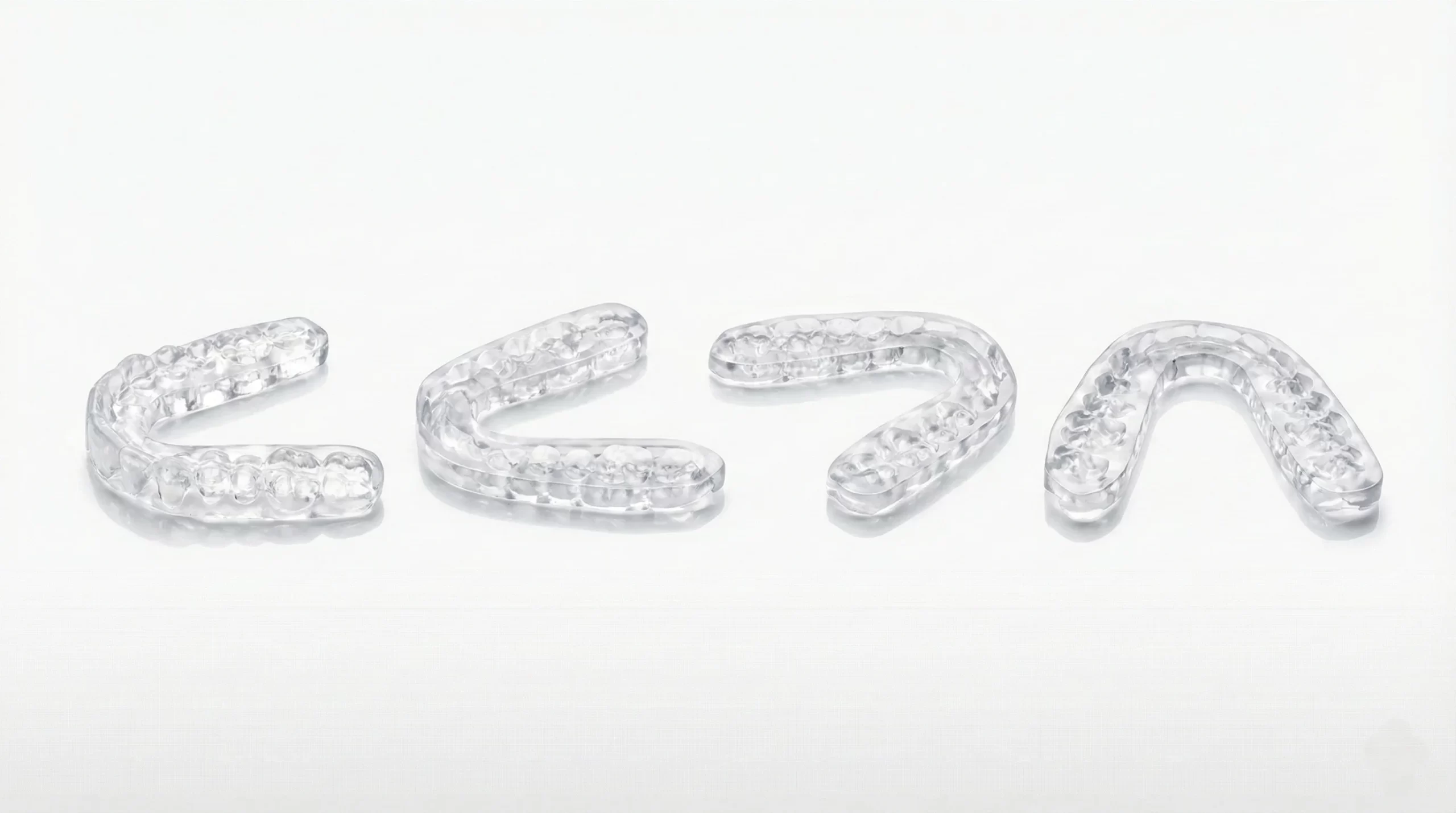
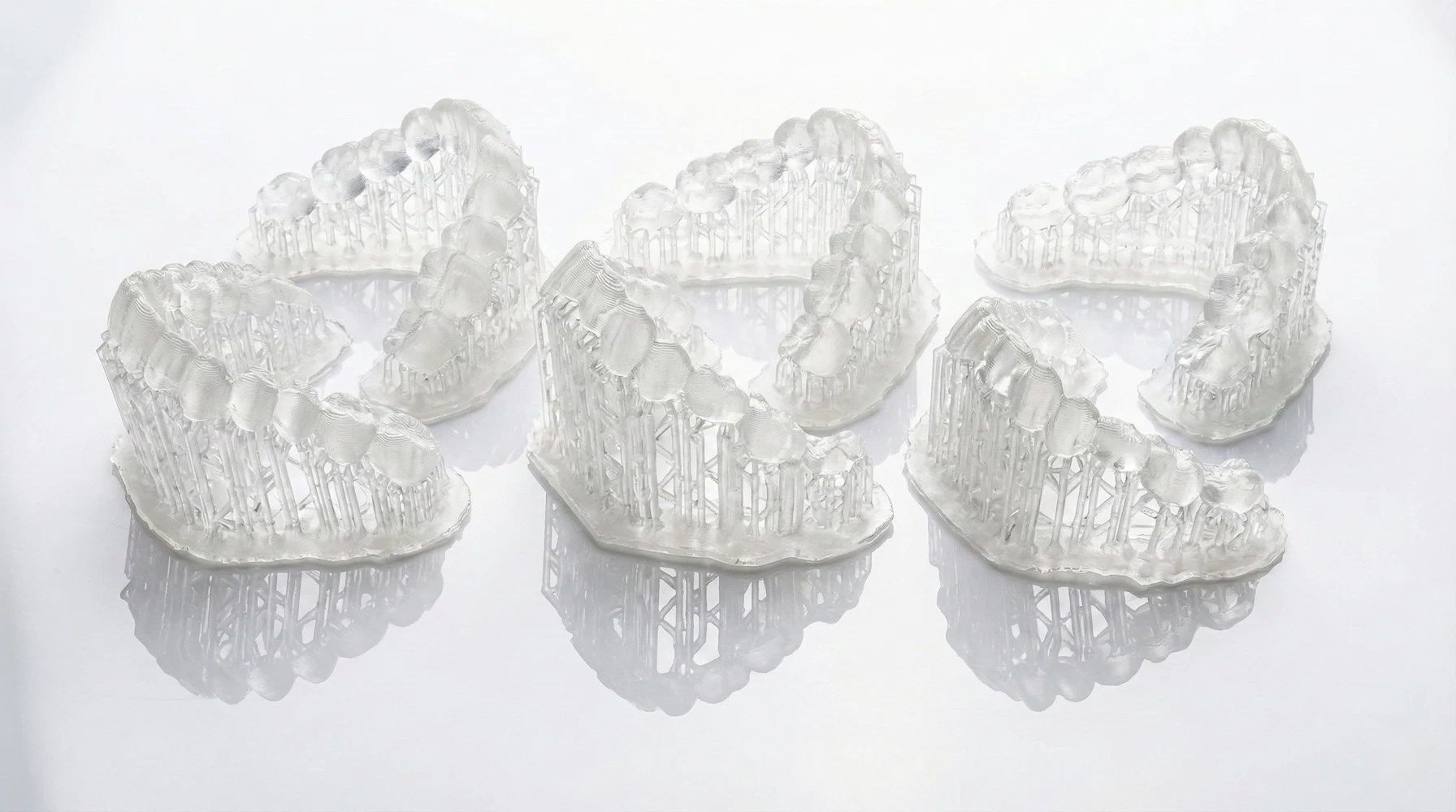
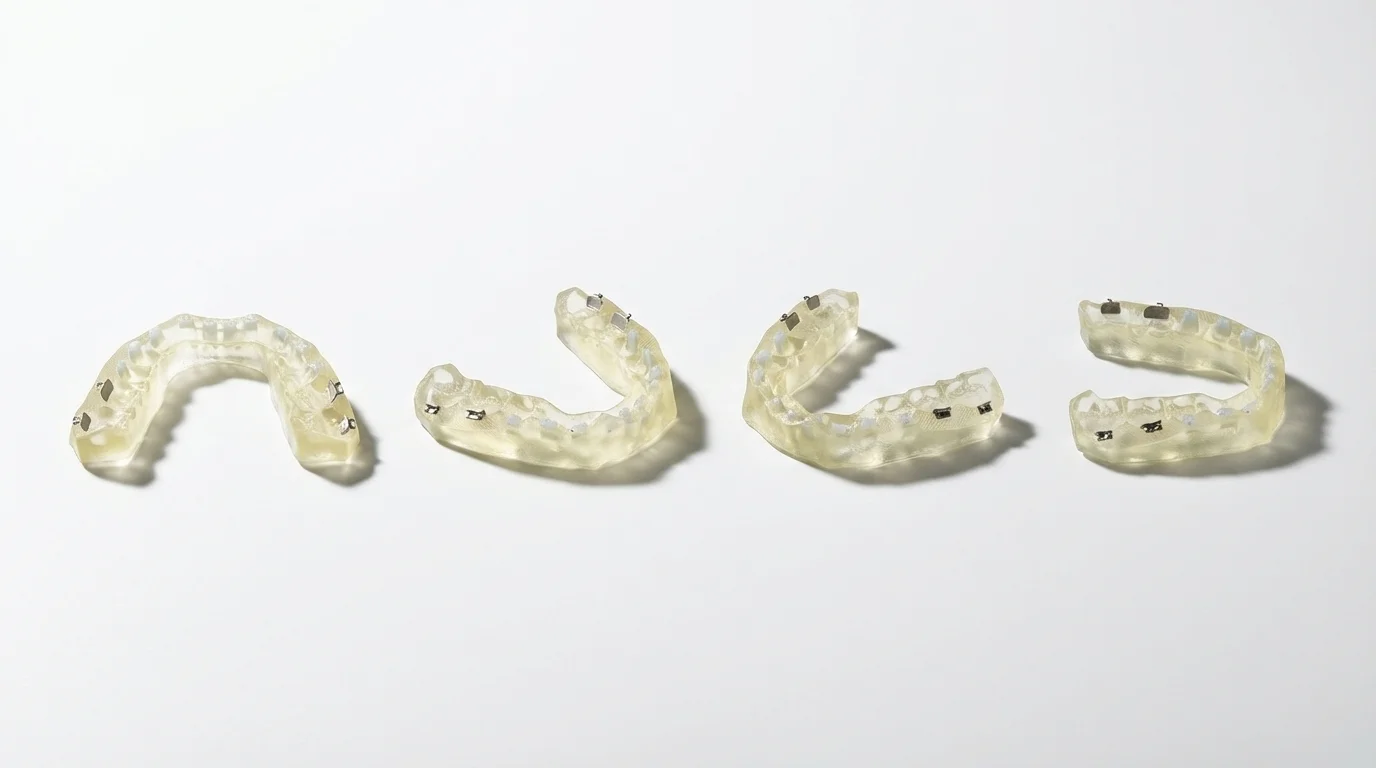
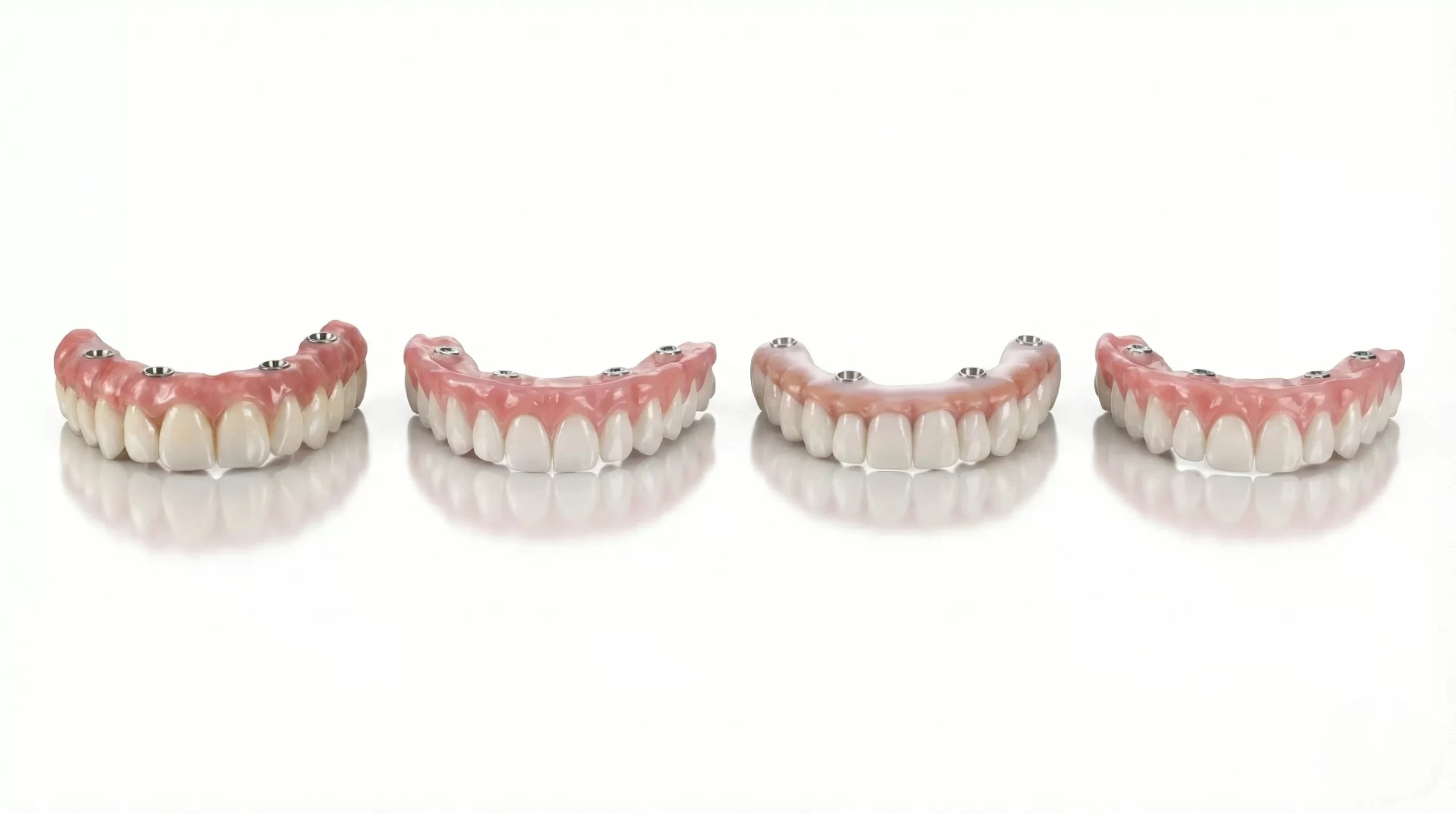
Dental Materials & Process Support
Explore RayForm materials for dental laboratory workflows. Check each material’s intended use, printer settings, cleaning method and post-curing instructions before production.
Explore More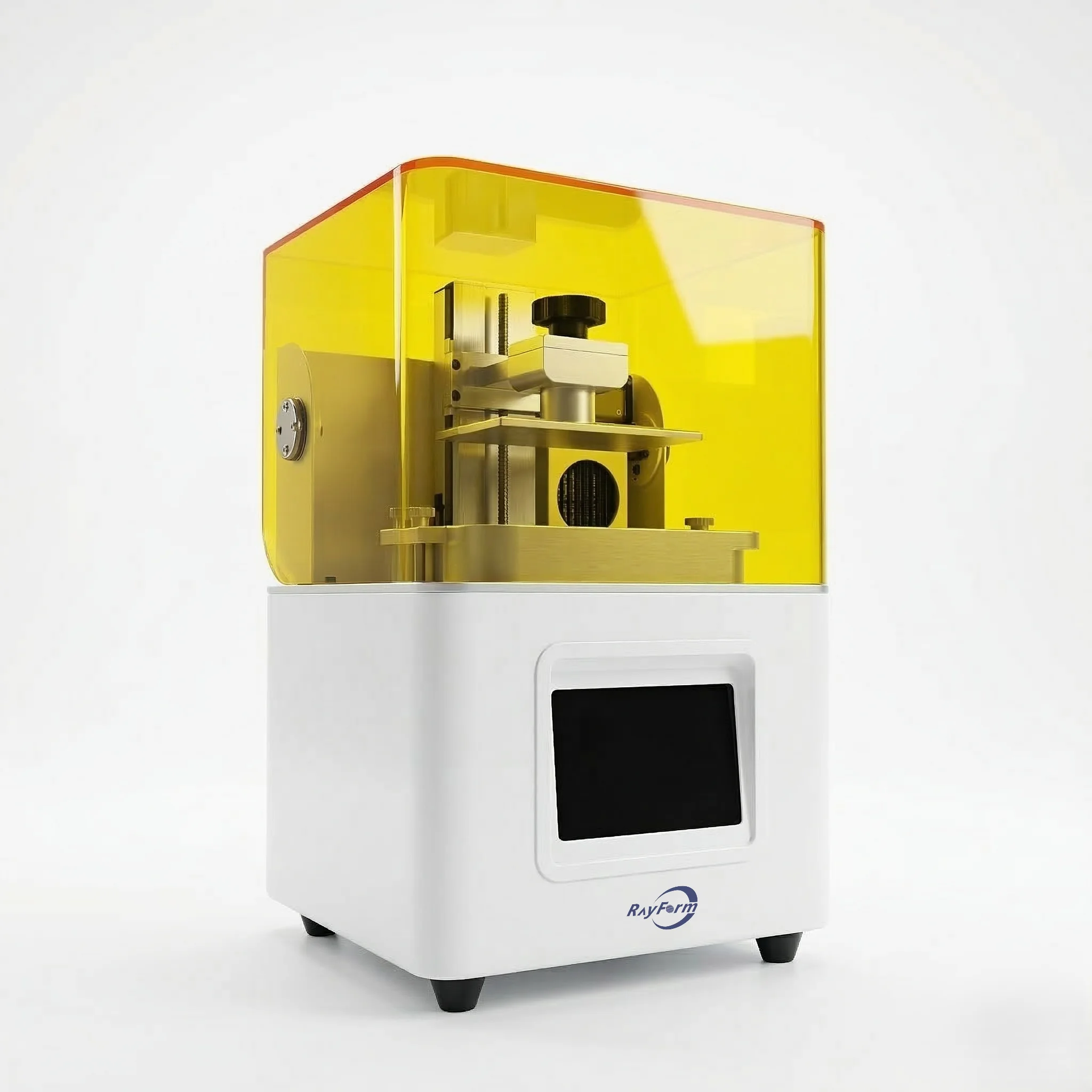
Choose a configuration for your dental workflow
Compare the right production format
Choose RF-3020D when its 228 × 128 × 235 mm build volume fits your files and workflow. Compare the compact 4K and other 8K LCD configurations by platform requirements; consider industrial DLP when automatic handling is part of your production plan.
Match the material and post-processing
Select the resin for the intended application, then confirm a printer-specific exposure profile. Cleaning, drying and post-curing must follow that material’s instructions. A compatible wavelength alone does not validate a material or a finished dental device.
Prepare a useful quotation request
Share the application, an STL sample, target quantity per shift, destination country and requested configuration. Include your current cleaning and curing equipment so the proposed workflow and quotation cover the equipment you actually need.
Printer selection questions
- Does pixel size equal part accuracy?
- No. Pixel size describes the screen. Validate dimensional results using representative files, the selected resin and the complete post-processing workflow.
- Can I use any dental resin?
- Confirm the resin indication and a matching print profile. Do not assume that every resin works without parameter and post-processing validation.
- How is output estimated?
- Use the actual STL layout, model height, layer thickness and resin settings. Request a sample-job assessment before setting a daily production target.