Dental resins and print settings for Phrozen printers
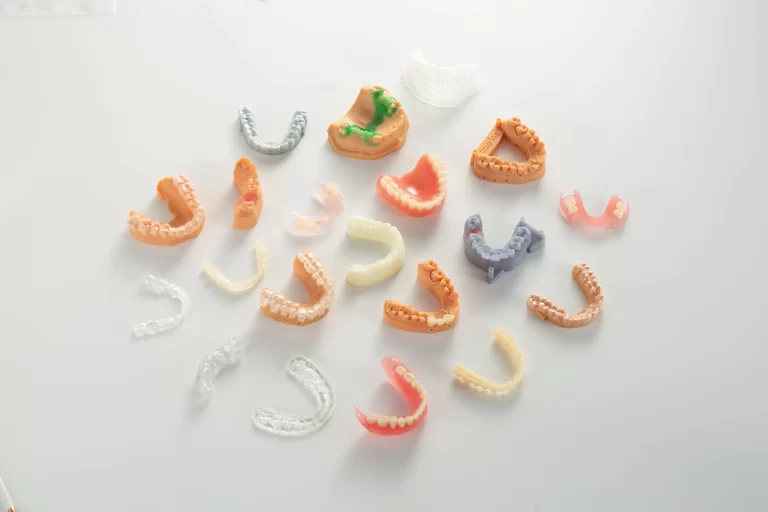
For the Phrozen printer groups listed below, RayForm provides starting resin settings for models and gingiva, dentures, crowns and bridges, splints and orthodontics, and surgical guides and casting. Resin options vary by model. Open the product details, choose the profile for your exact printer and resin, and run a test print before production.
Find settings for your Phrozen model
Each link opens the machine’s exposure table and complete resin profiles.
RayForm dental resins for all listed Phrozen models
The 10 settings labels below cover 8 resin products and appear for every printer group listed here. Match your bottle label and version to the profile.
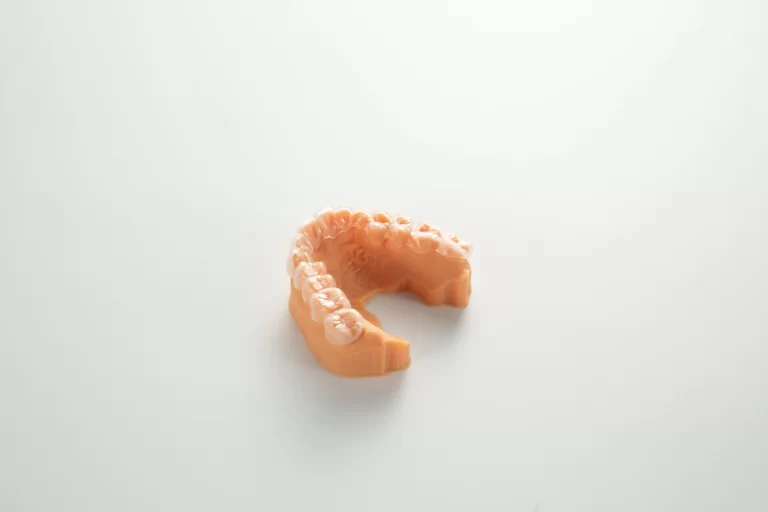
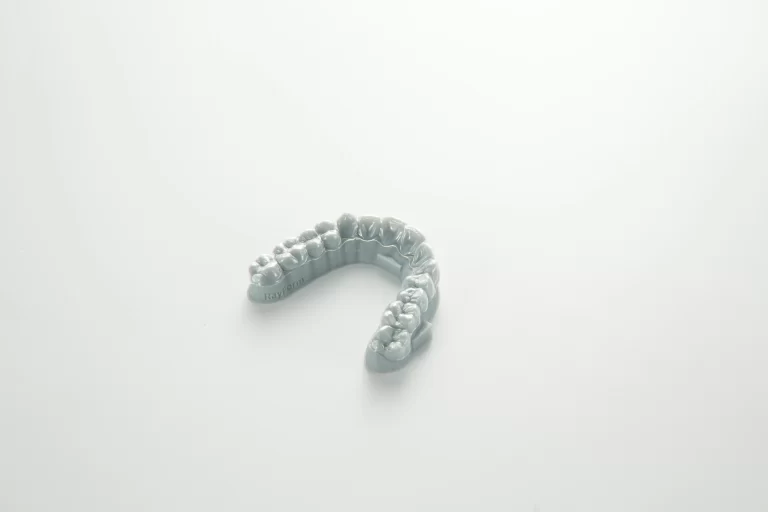
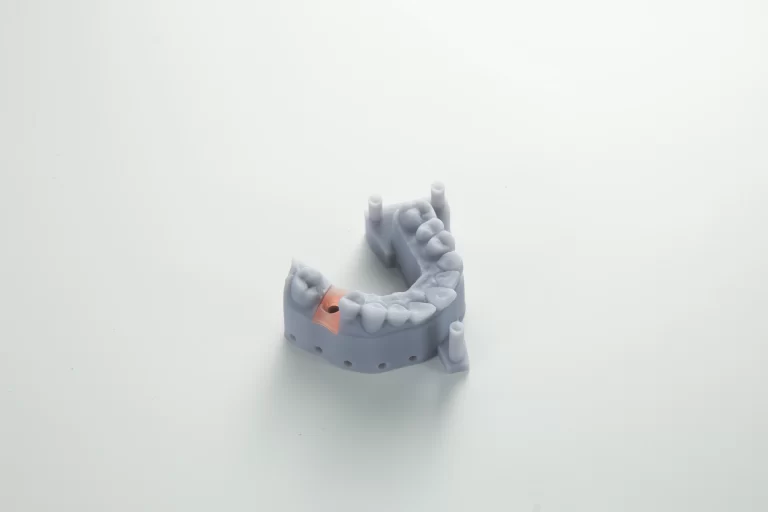
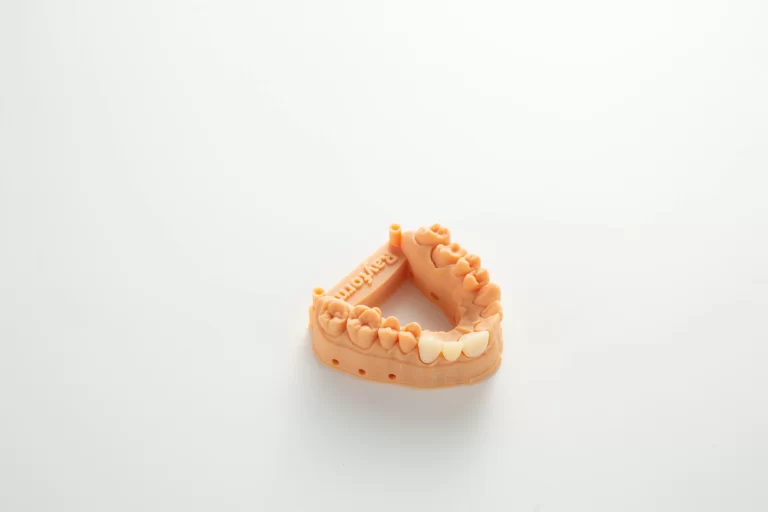
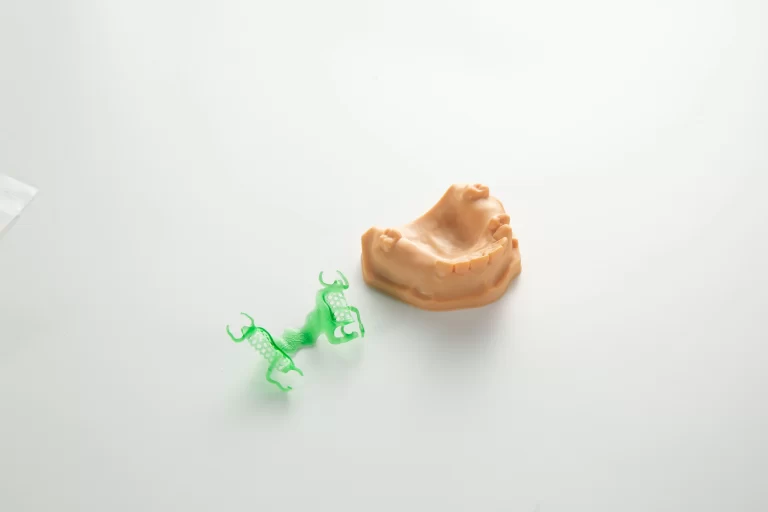
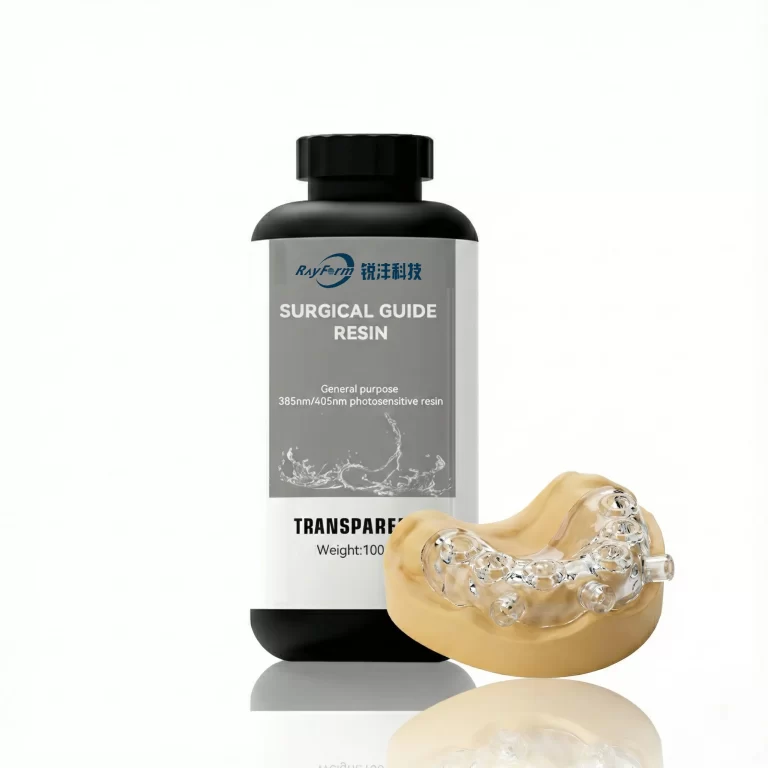
Dental Implant Model Resin
Settings labels: Implant Model Grey, Implant Model Yellow, Implant Model V2
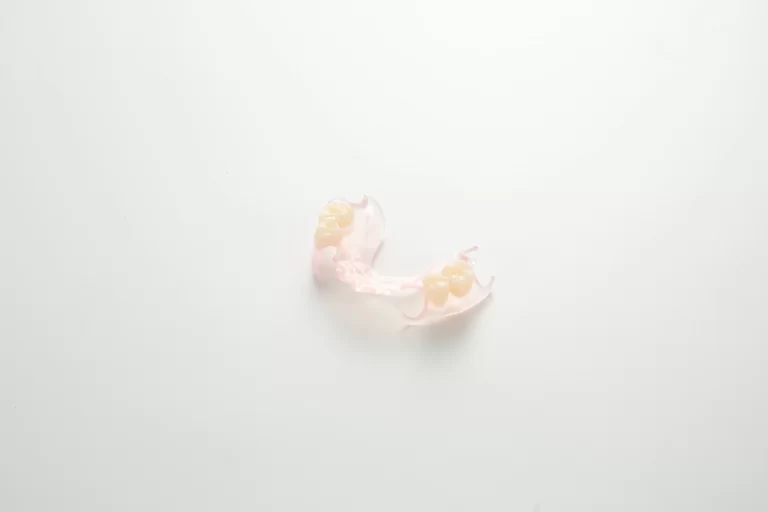
Additional resins for selected models
These settings labels appear only on the printer pages named for each material.
Gingiva Mask Resin
Settings label: Biomimetic Gum Resin
Listed models: Sonic Mini 8K S, Sonic Mini 4K, Sonic Mini 8K, Lumii (2K DLP), Sonic XL 4K 2022, Sonic XL 4K Plus, Sonic Mighty 4K, Sonic Mighty 8K, Sonic Mighty 12K, Sonic Mighty Revo 14K
Fixed Hybrid Denture Resin
Settings label: Fixed Hybrid Dentures
Listed models: Sonic Mini 8K S, Sonic Mini 4K, Sonic Mini 8K, Lumii (2K DLP), Sonic XL 4K 2022, Sonic XL 4K Plus, Sonic Mighty 4K, Sonic Mighty 8K, Sonic Mighty 12K, Sonic Mighty Revo 14K
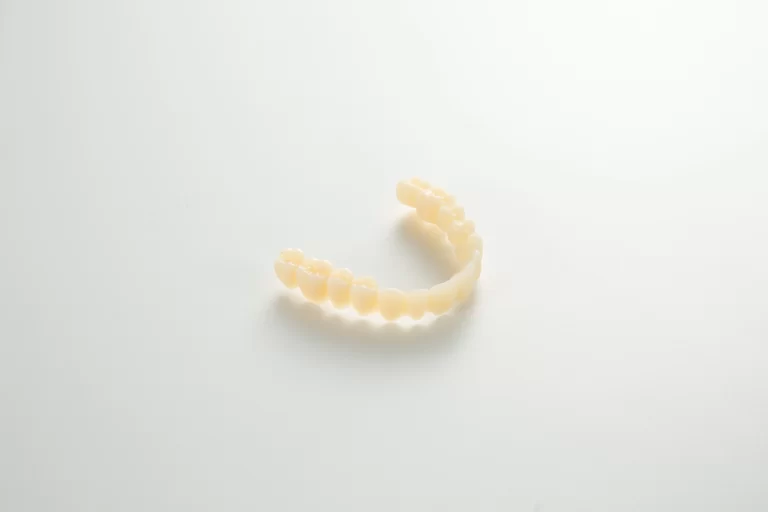
Permanent Crown Resin 25%
Settings label: Permanent Crowns
Listed models: Sonic Mini 8K S, Sonic Mini 4K, Sonic Mini 8K, Lumii (2K DLP), Sonic XL 4K 2022, Sonic XL 4K Plus, Sonic Mighty 4K, Sonic Mighty 8K, Sonic Mighty 12K, Sonic Mighty Revo 14K
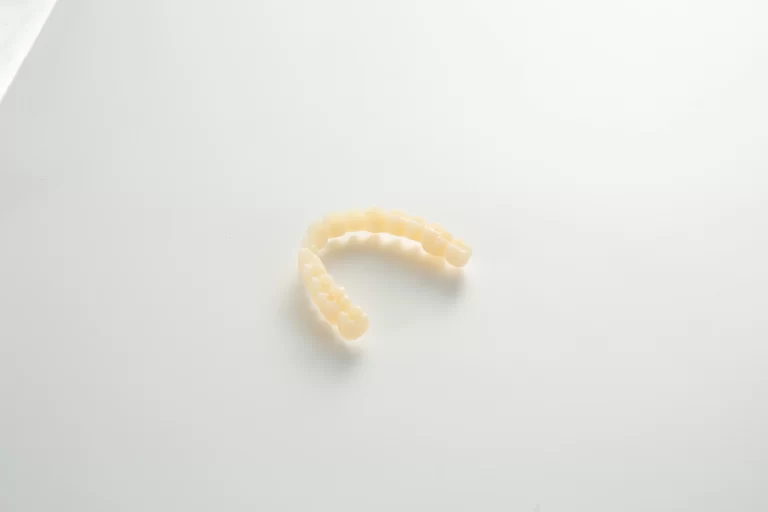
Permanent Crown Resin 55%
Settings label: Permanent Crowns 55%
Listed models: Sonic Mini 8K S, Sonic Mini 4K, Sonic Mini 8K, Lumii (2K DLP), Sonic XL 4K 2022, Sonic XL 4K Plus, Sonic Mighty 4K, Sonic Mighty 8K, Sonic Mighty 12K, Sonic Mighty Revo 14K
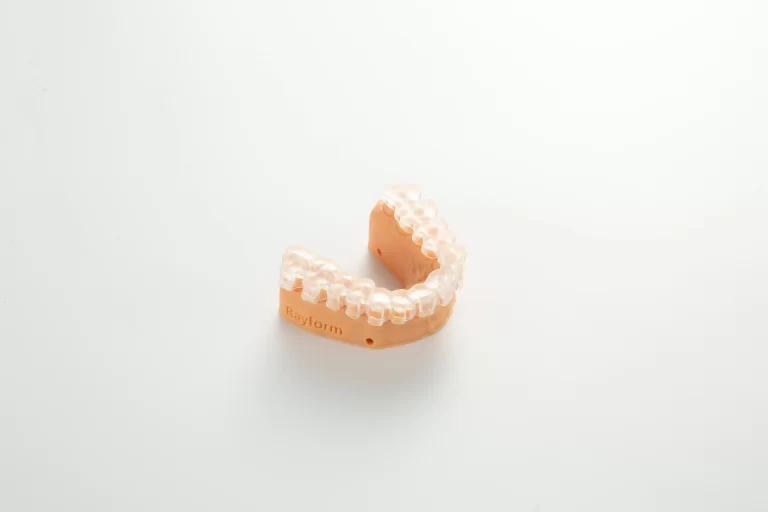
IBT Resin for Indirect Bonding Trays
Settings label: IBT Resin
Listed models: Sonic Mini 8K S, Sonic Mini 4K, Sonic Mini 8K, Lumii (2K DLP), Sonic XL 4K 2022, Sonic XL 4K Plus, Sonic Mighty 4K, Sonic Mighty 8K, Sonic Mighty 12K, Sonic Mighty Revo 14K
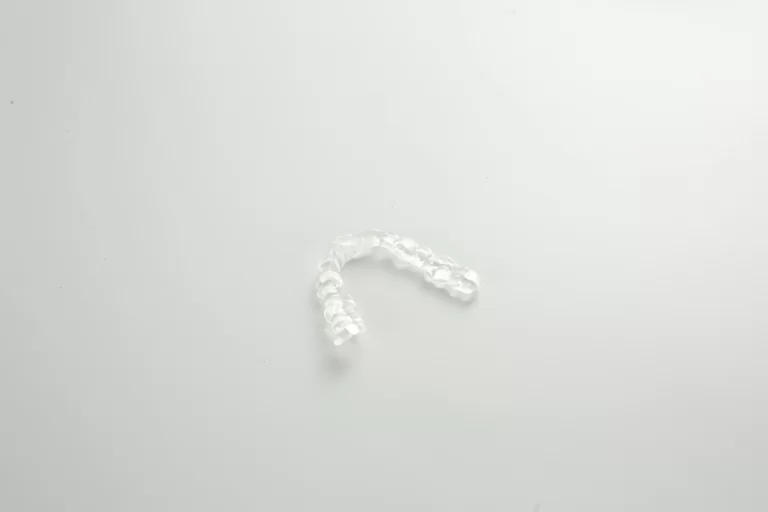
Hard Splint Resin
Settings label: Hard splint
Listed models: Sonic Mini 8K S, Sonic Mini 4K, Sonic Mini 8K, Lumii (2K DLP), Sonic XL 4K 2022, Sonic XL 4K Plus, Sonic Mighty 4K, Sonic Mighty 8K, Sonic Mighty 12K, Sonic Mighty Revo 14K
Soft Splint Resin
Settings label: Soft splint
Listed models: Sonic Mini 8K S, Sonic Mini 4K, Sonic Mini 8K, Lumii (2K DLP), Sonic XL 4K 2022, Sonic XL 4K Plus, Sonic Mighty 4K, Sonic Mighty 8K, Sonic Mighty 12K, Sonic Mighty Revo 14K
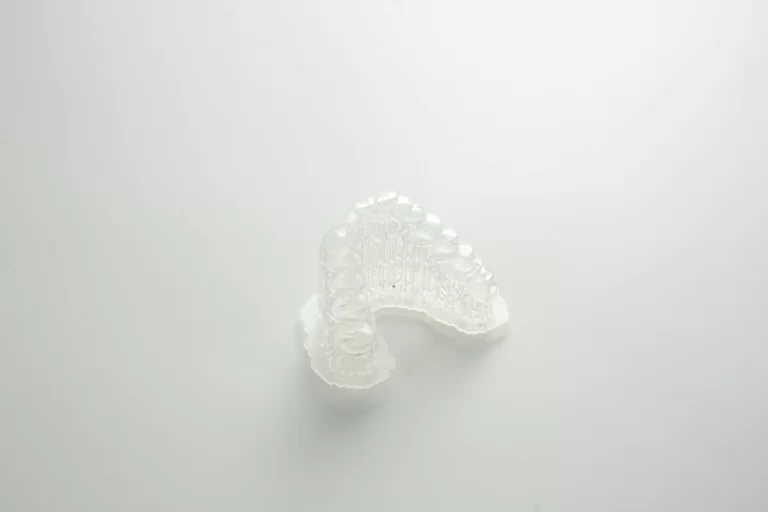
4D Direct Aligner Resin
Settings label: 4D Clear Aligner Resin
Listed models: Sonic Mini 8K S, Sonic Mini 4K, Sonic Mini 8K, Lumii (2K DLP), Sonic XL 4K 2022, Sonic XL 4K Plus, Sonic Mighty 4K, Sonic Mighty 8K, Sonic Mighty 12K, Sonic Mighty Revo 14K
If the name on your bottle differs from the settings label, ask RayForm to confirm the resin version before printing.
Quick guide
- Find your printer using its full model name. Choose the exact resin on its settings page.
- Open its full settings and match the layer height. Keep the profile’s paired values together.
- Run a test print and check the result against your requirements before production.
Settings are starting references for the listed combination. A dash or slash marks a setting with no value supplied.
Questions about RayForm resins for Phrozen printers
Which RayForm dental resins have print settings for Phrozen printers?
Across the listed Phrozen models, RayForm provides starting profiles for 16 resin products across these applications: models and gingiva, dentures, crowns and bridges, splints and orthodontics, and surgical guides and casting. Open the resin list for product details and the exact settings labels. The additional resin table names the models for those profiles.
Which Phrozen printers have RayForm dental resin settings?
The library lists 13 Phrozen printer groups, including Sonic Mini 8K S, Sonic Mighty 4K and Sonic Mega 8K V2. Choose the full model name in the printer list to open its settings.
Are these settings ready for production?
Use them as starting references for the specific printer, resin and layer height. Run a test print before production and check the result against your requirements.
Where can I buy RayForm dental resins?
Open the matching product in the RayForm Store using the material links on this page. For RF-ZJ-01, contact RayForm for product information.
What if my Phrozen model is not listed?
Send the full printer model and the exact resin name to RayForm technical support for a profile check.